No matches. Try a shorter search or choose a topic above.
Safety
 Safety
Game on, game off and game over
- Game masters start the game by calling “Game on”.
- Call “Game off” to stop the game.
- The game resumes with the “Game on” call.
- Inform game control of:
- Accidents or other situations that cause, or have caused, a temporary stoppage in any part of the game area.
- Members of the public who are not passing quickly through the area, including people on foot, horseback or bicycles, or people staying within the game area.
- Game masters end the game by calling “Game over”.
- Repeat all game-related calls.
Eye protection
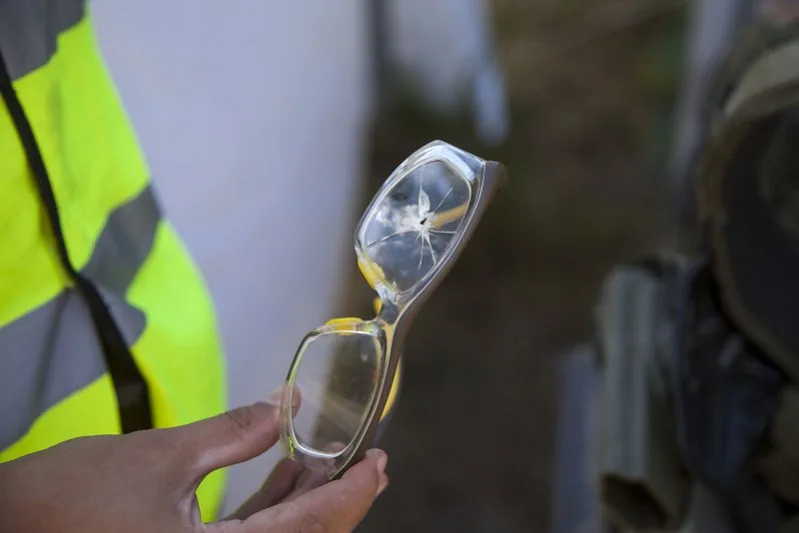
- Only approved military-grade or tested airsoft goggles and masks are allowed. “Rocket glasses” and poor-quality airsoft goggles are not accepted. Wear eye protection throughout game time.
- Ballistic glasses are allowed only for players over 18. A mouth guard is recommended.
Grenades and pyrotechnics
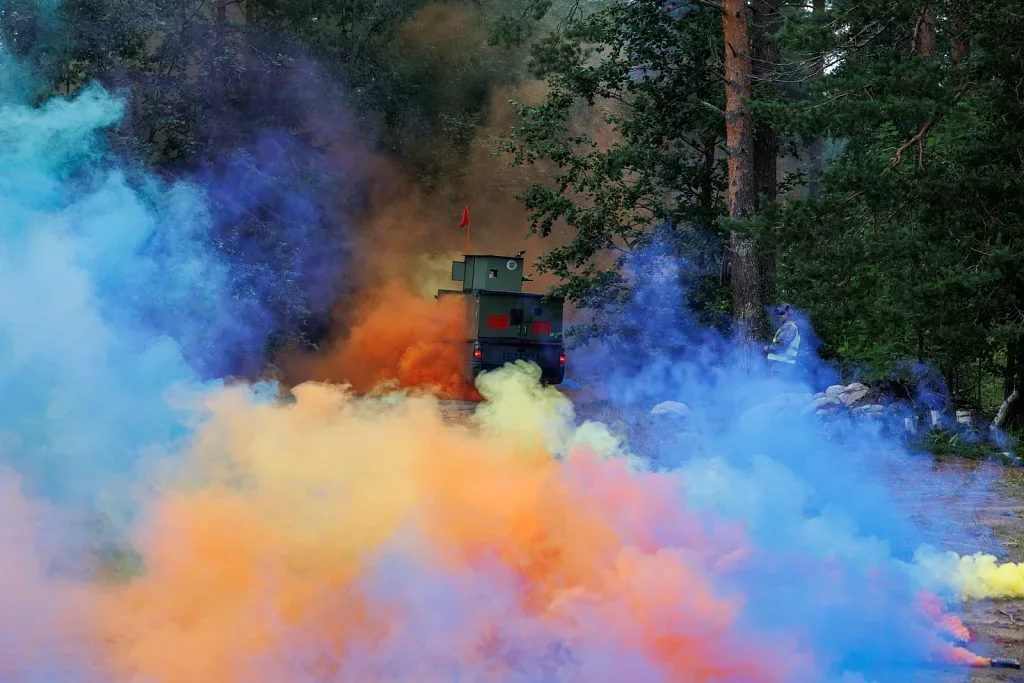
- Players are not allowed to bring their own smoke or BB grenades or pyrotechnics.
- Grenades create large amounts of waste, which affects access to future game areas.
Game area restrictions
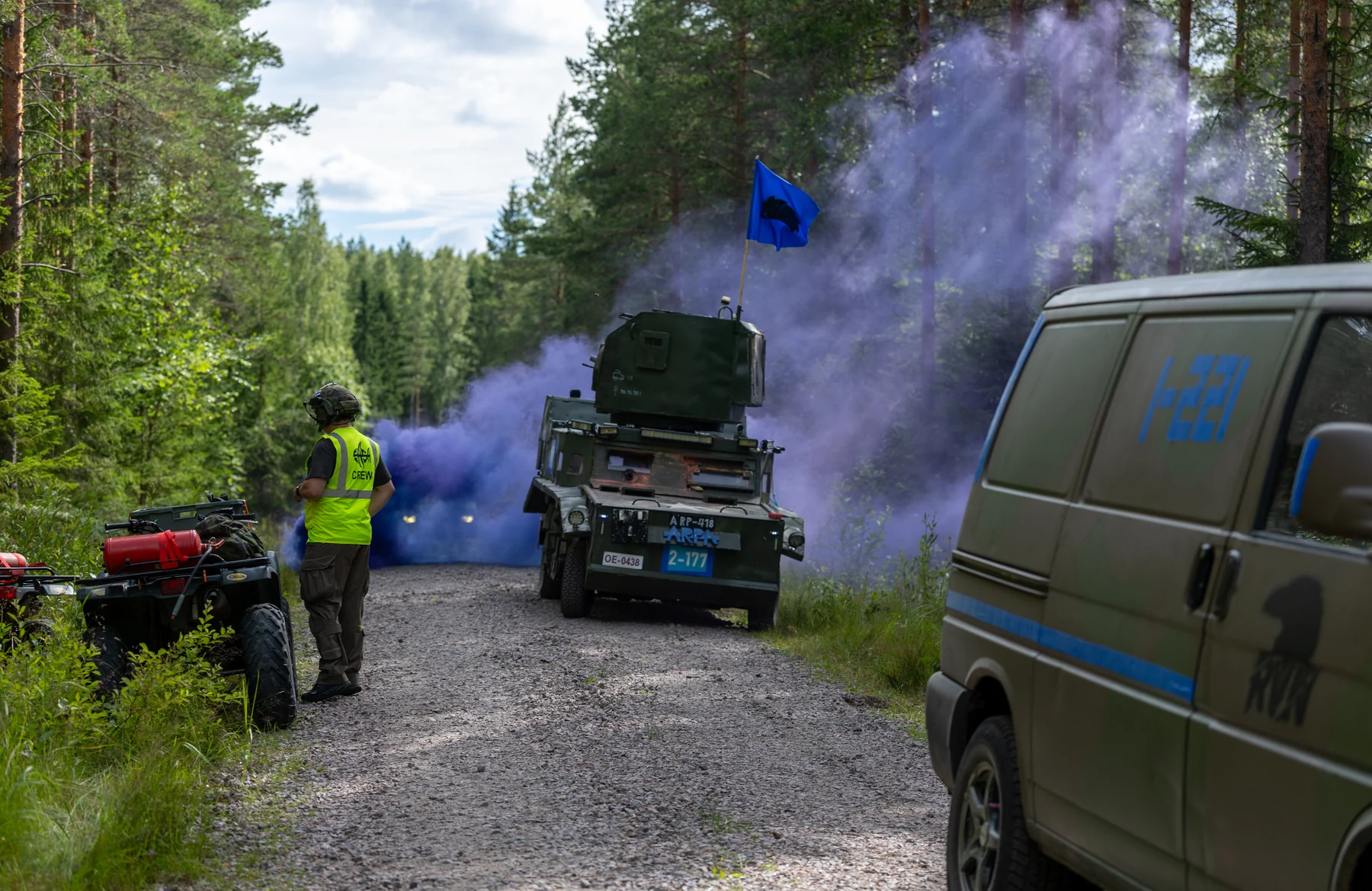
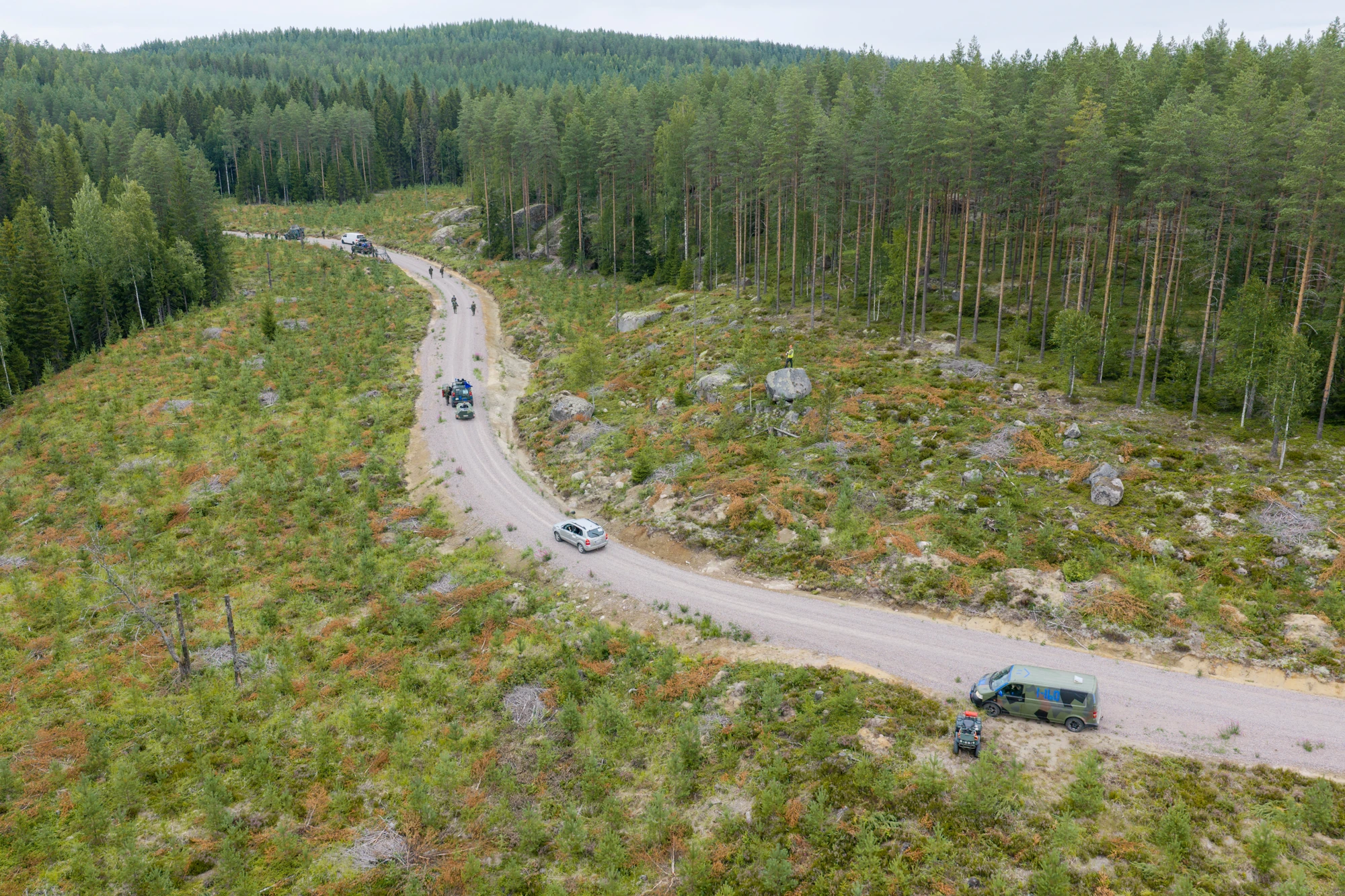
- Vehicles may use only roads and tracks marked on the map. Use a suitable vehicle so its weight does not damage the route.
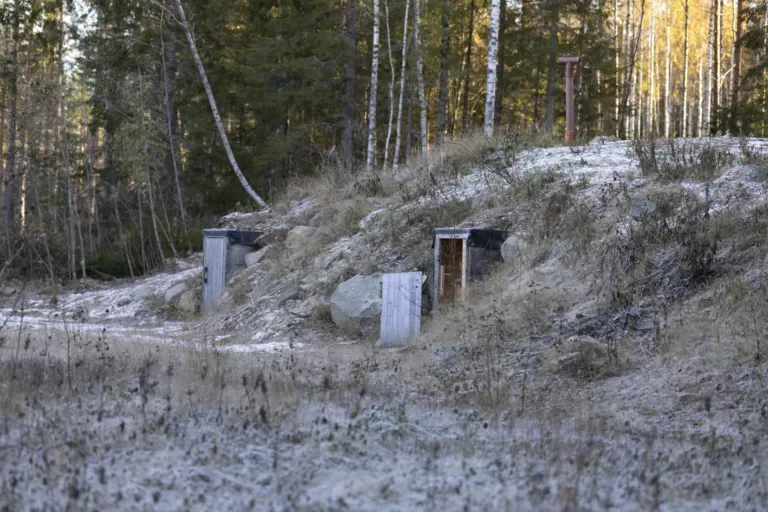
- Do not damage saplings, trees or terrain.
- Do not dig trenches. A small ditch around your own tent is allowed.
Other rules
- Do not shoot through openings smaller than your head, such as gaps between wall boards.
- Blind firing is forbidden. You must always see where your gun is pointing.
- You cannot attend an event while intoxicated.
- For safety reasons, camping stoves, disposable grills and similar heat generators on the ground are subject to forest fire warnings and fire regulations.
Equipment & roles
 Equipment & roles
Muzzle energy limits and special weapons

Semi-auto only · No Hi-Cap magazines

Maximum 25 rounds/s

Semi-auto only · No Hi-Cap magazines

For example, M82 Barrett
Semi-auto only · No Hi-Cap magazines

Bolt-action
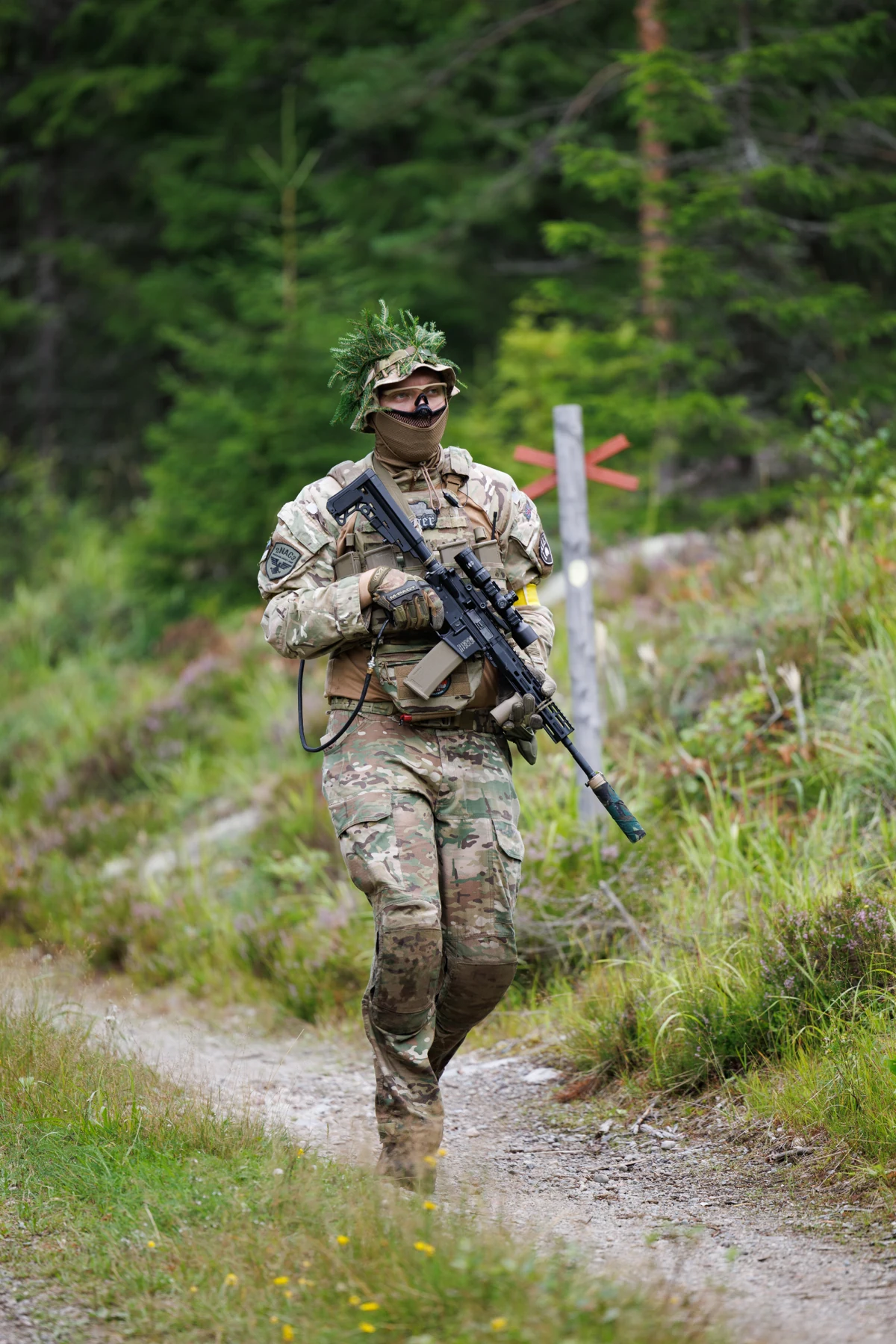
Regular weapons1.7 J
- Semi-automatic fire only. Binary and double triggers are not allowed.
- Full-auto and burst modes do not need to be mechanically disabled, but must not be used.
- Hi-Cap magazines are not allowed
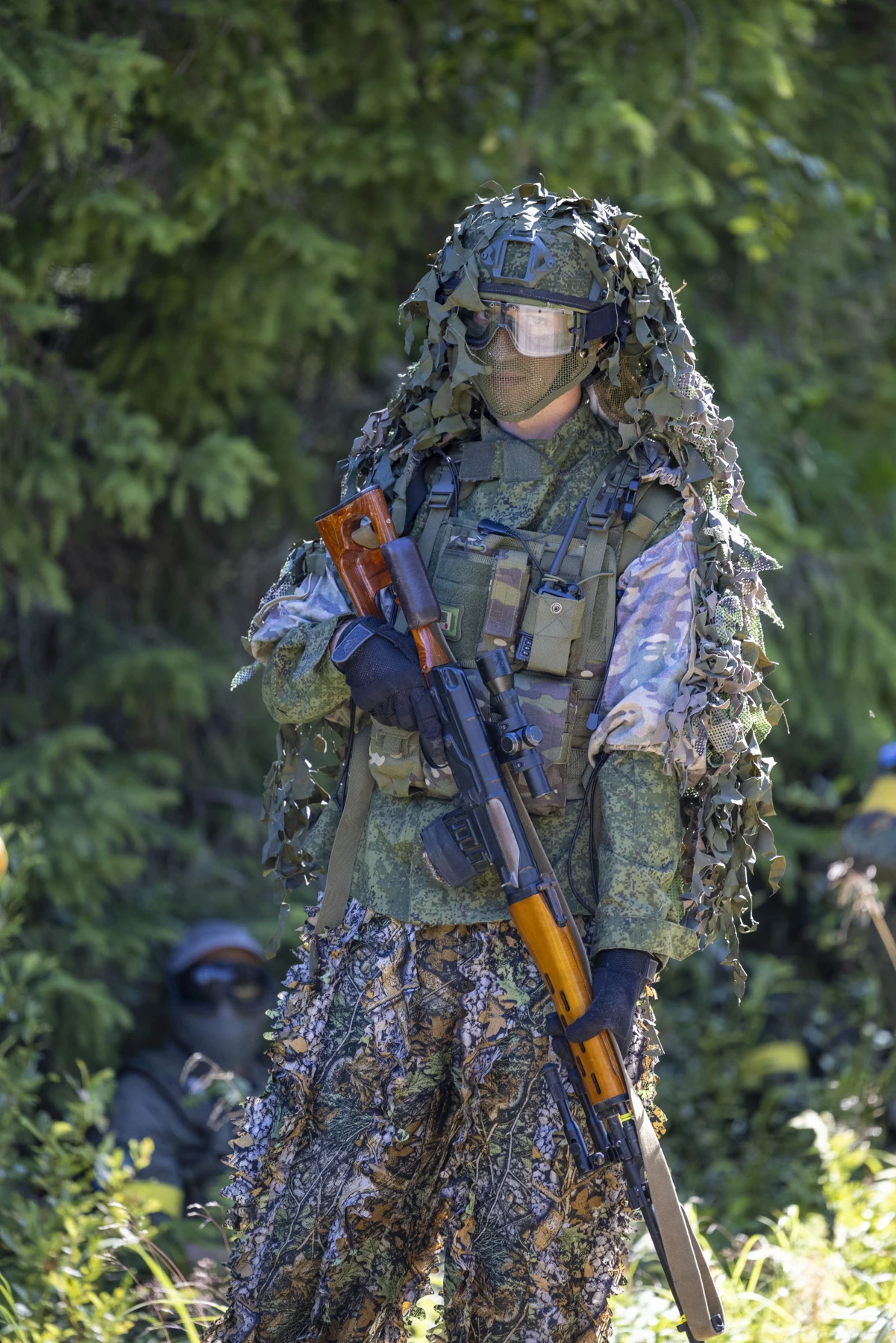
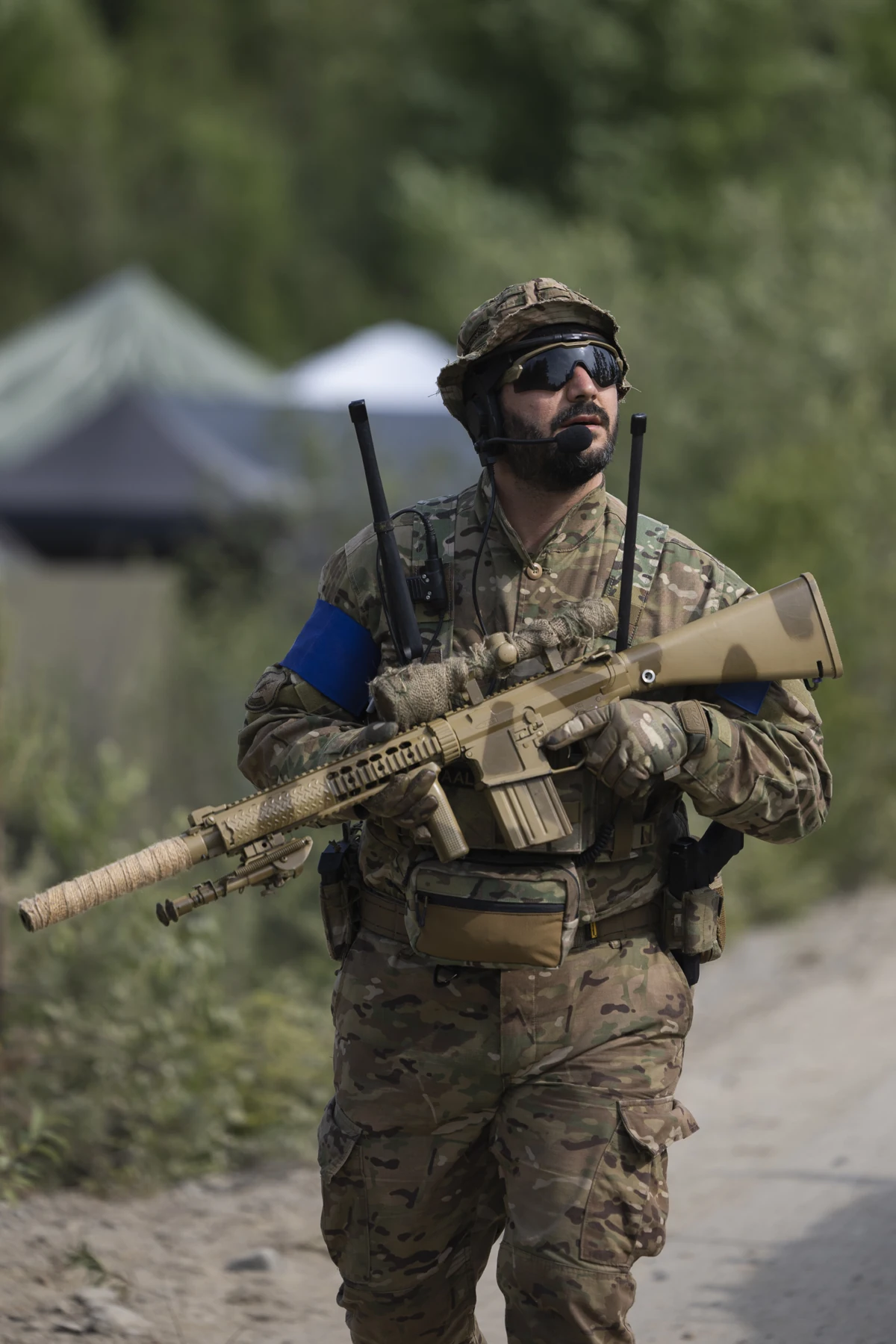
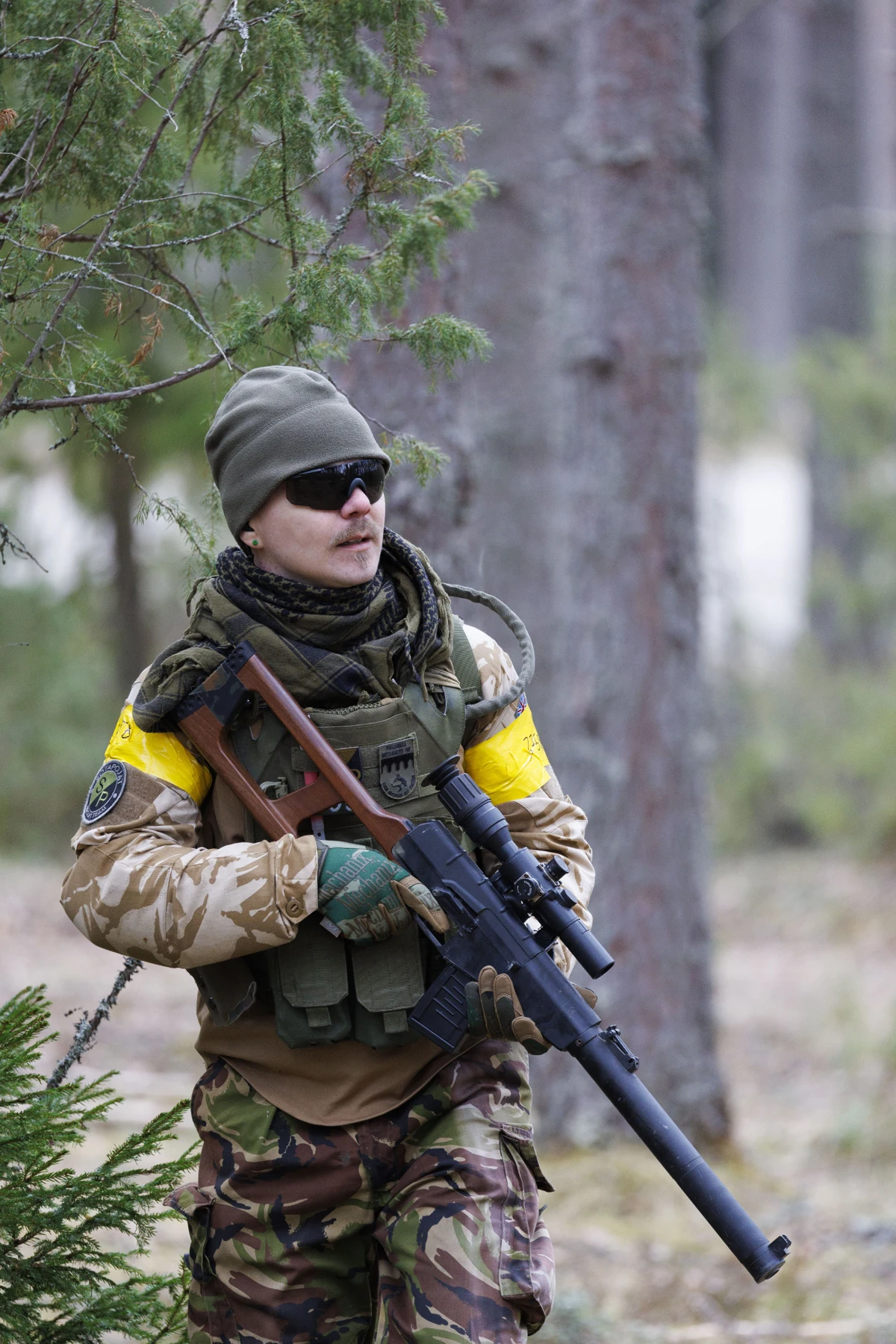
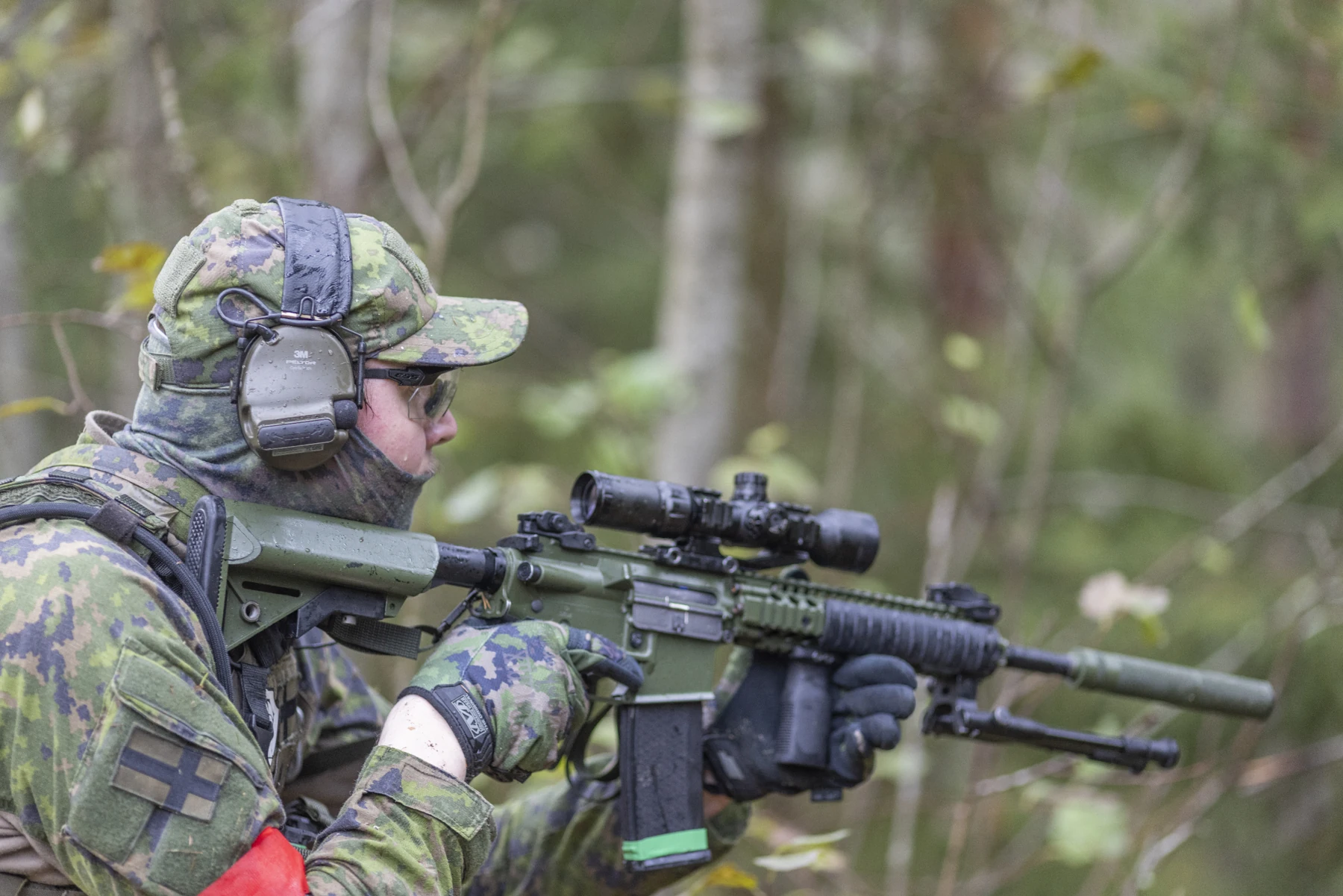
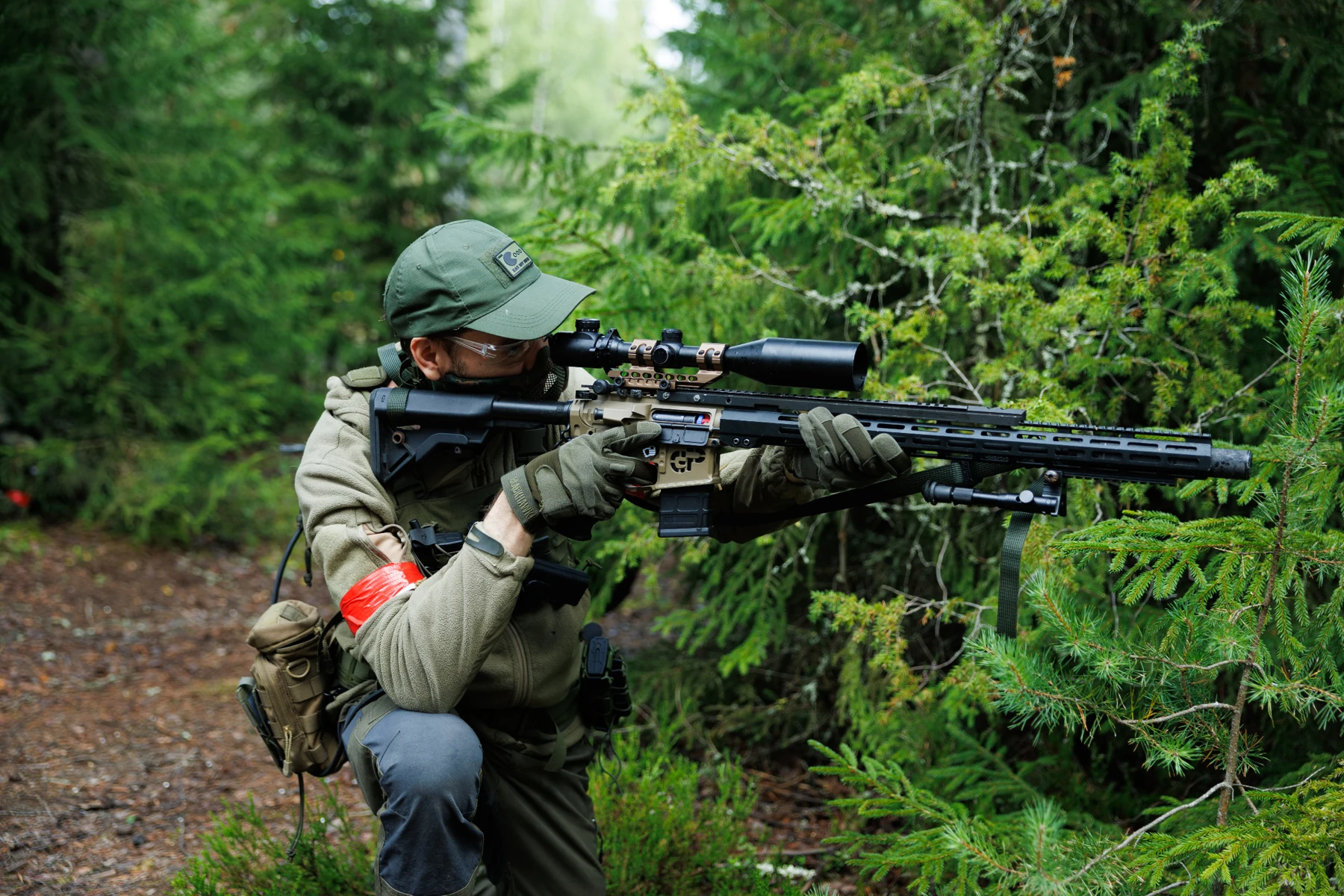
Semi-automatic sniper rifles (DMR)2.5 J
DMRs must represent a real rifle in this class, such as an SVD, M14 EBR or SR25, and carry the appropriate equipment, such as optics and a bipod.
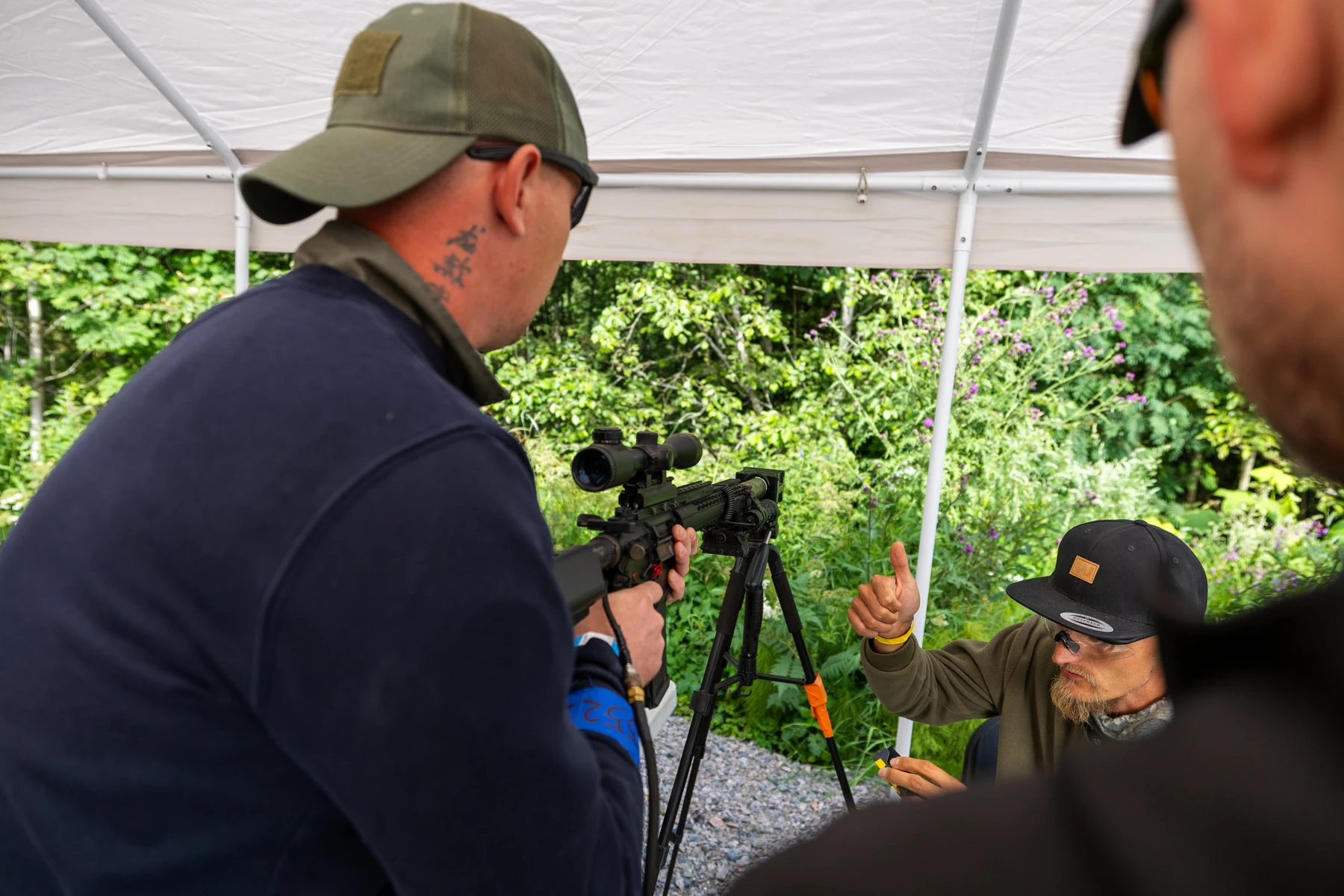
Bring all accessories to chronograph testing so staff can confirm that the gun qualifies as a DMR if its classification is unclear.
Designated marksman rifle specifications in order of priority:
- The gun must represent a real DMR model, such as an M14, SR25, SVD or SPR.
- The rifle must have magnifying optics, such as a scope, ACOG or shortdot.
- The barrel must be at least 16 inches long, for example on AR15-style guns. Extend a shorter barrel with a suppressor. A suppressor is also strongly recommended for other DMRs.
- A bipod is recommended, especially for guns that resemble assault rifles, such as an L85, M4, RK95 or AUG with a standard barrel and suppressor.
- If you are unsure whether your gun qualifies, send a photo to info@ehasa.org for guidance.
Limitations:
- Semi-automatic only. Binary/double triggers are not allowed.
- Full-auto and burst modes do not need to be mechanically disabled, but must not be used.
- Hi-Cap magazines are not allowed.
Support weapons2 J
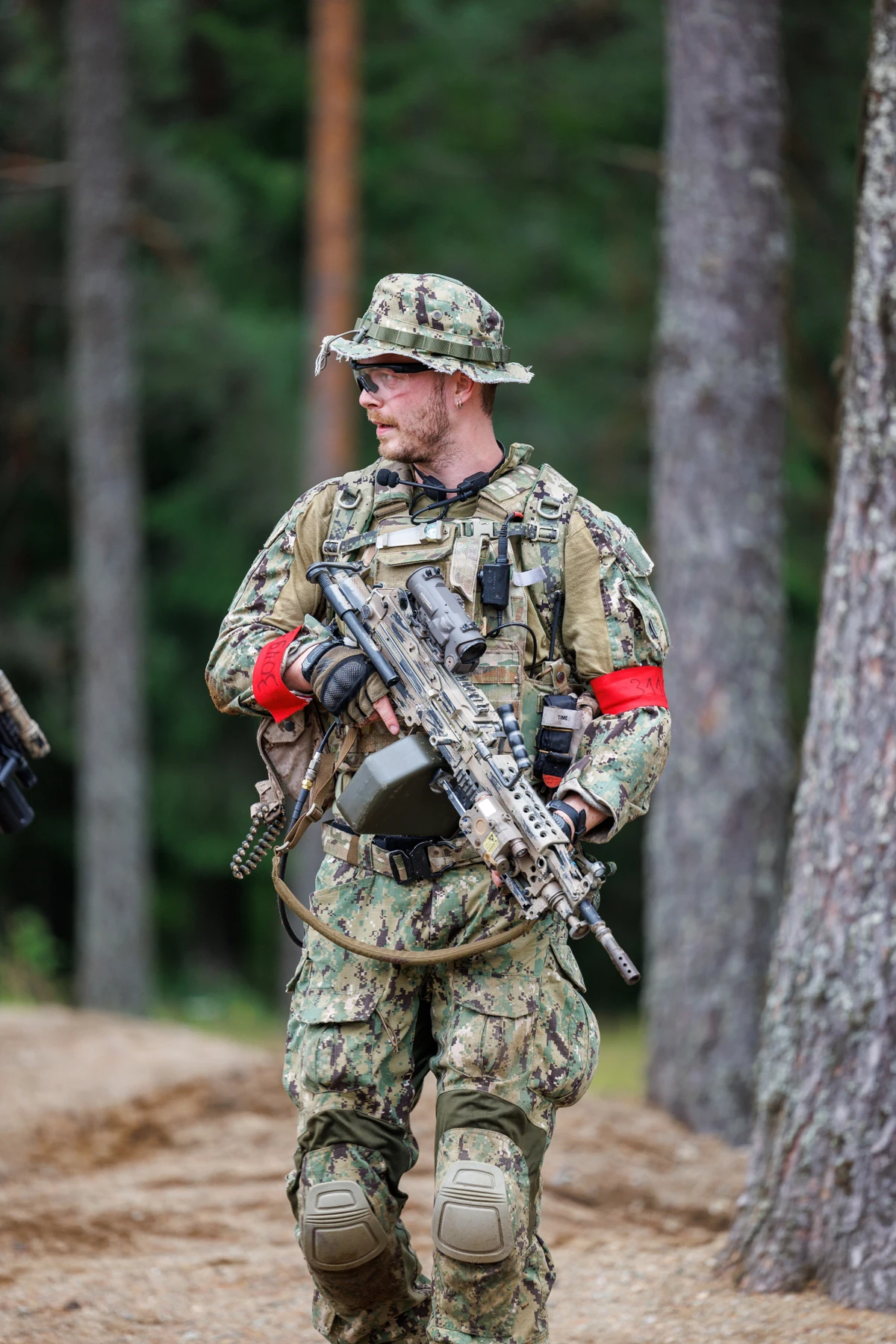
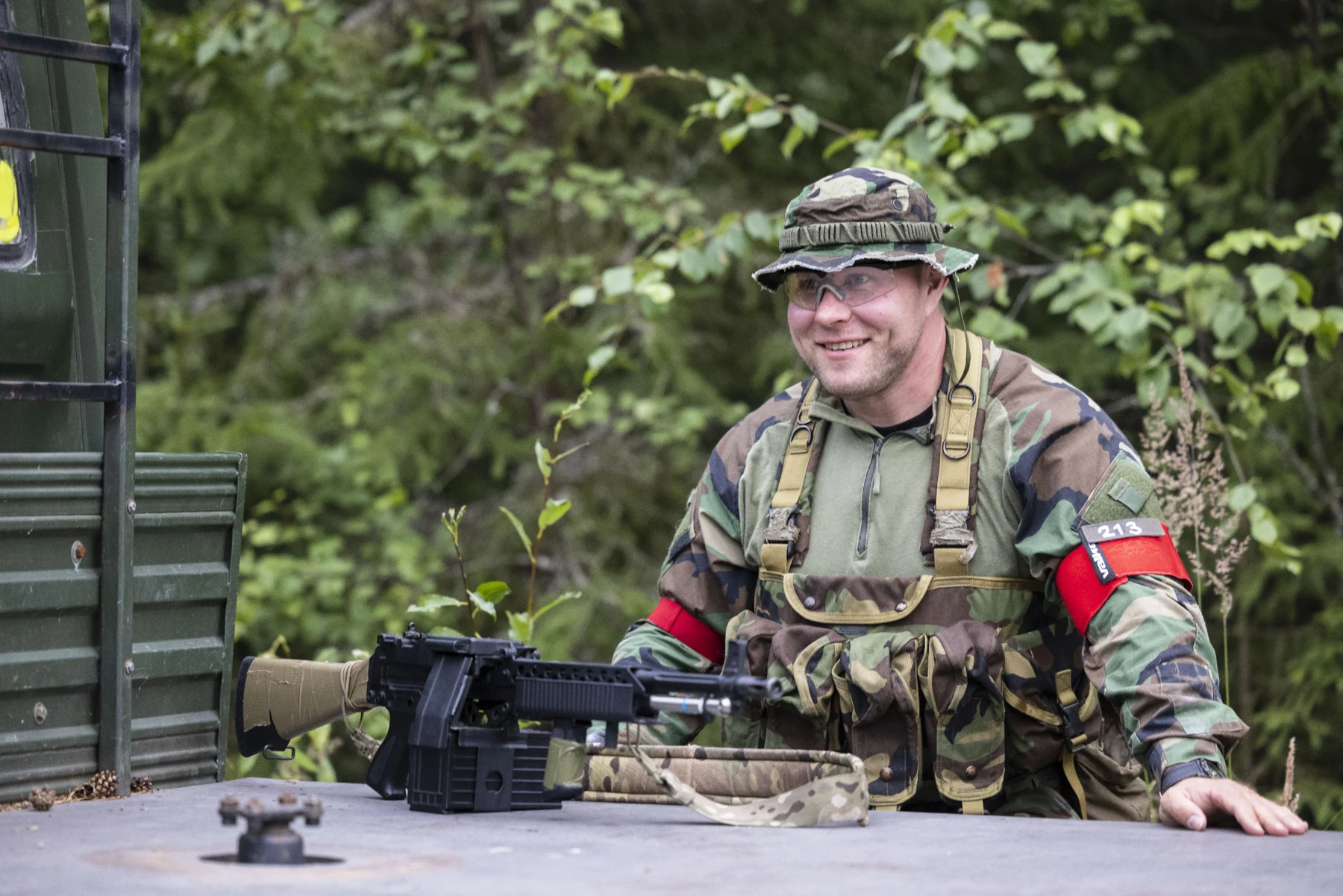
Support weapons must resemble a real light or heavy support weapon, such as an M249, RPK, M60, PKM, MG36, HK21, AUG HBAR, M27, Stoner or Trident LMG. Fit accessories appropriate to the model, such as a box magazine, bipod, suppressor or optics.
Limitations:
- Hi-Cap magazines are allowed.
- Fire rate: max 25 rounds per second.
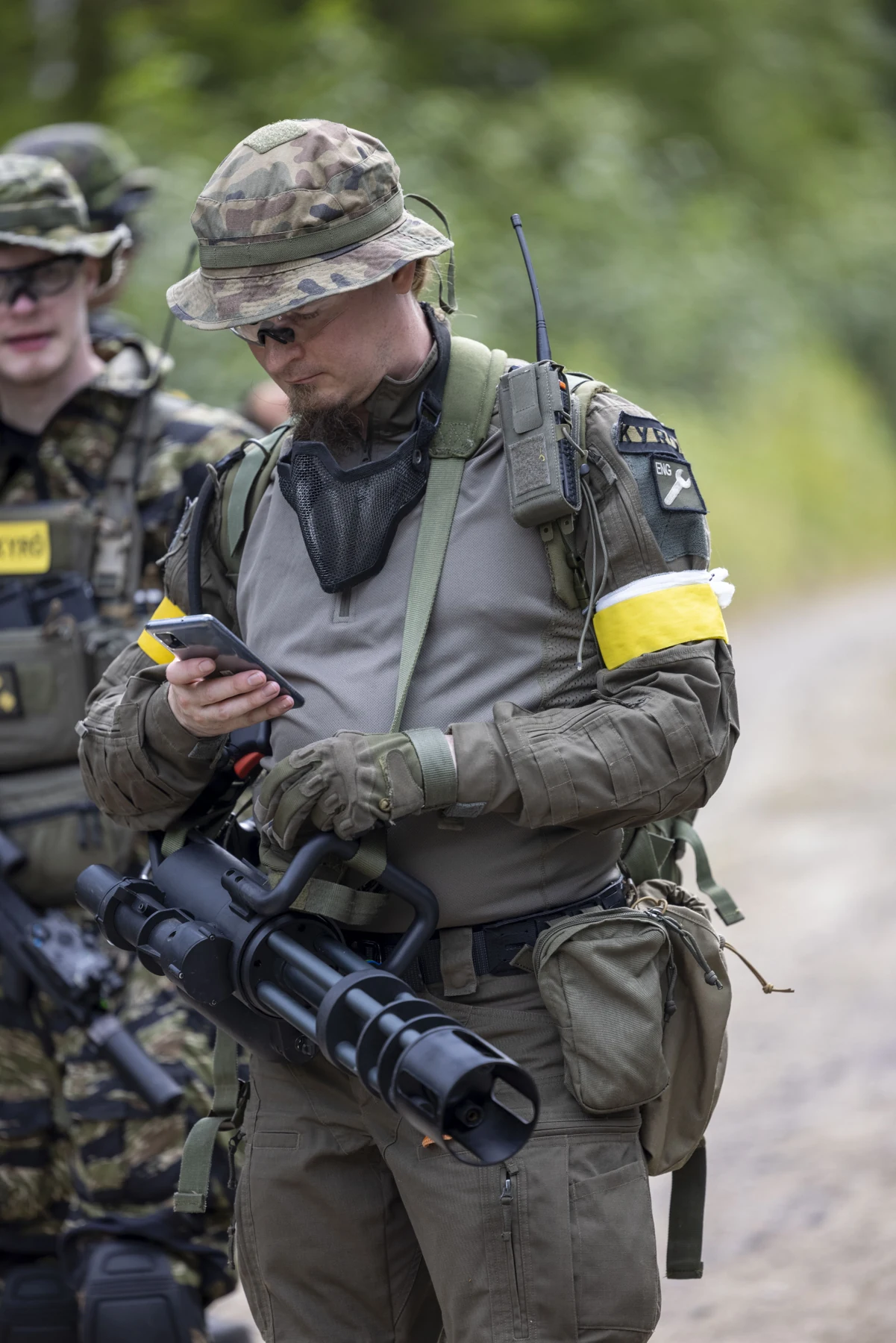
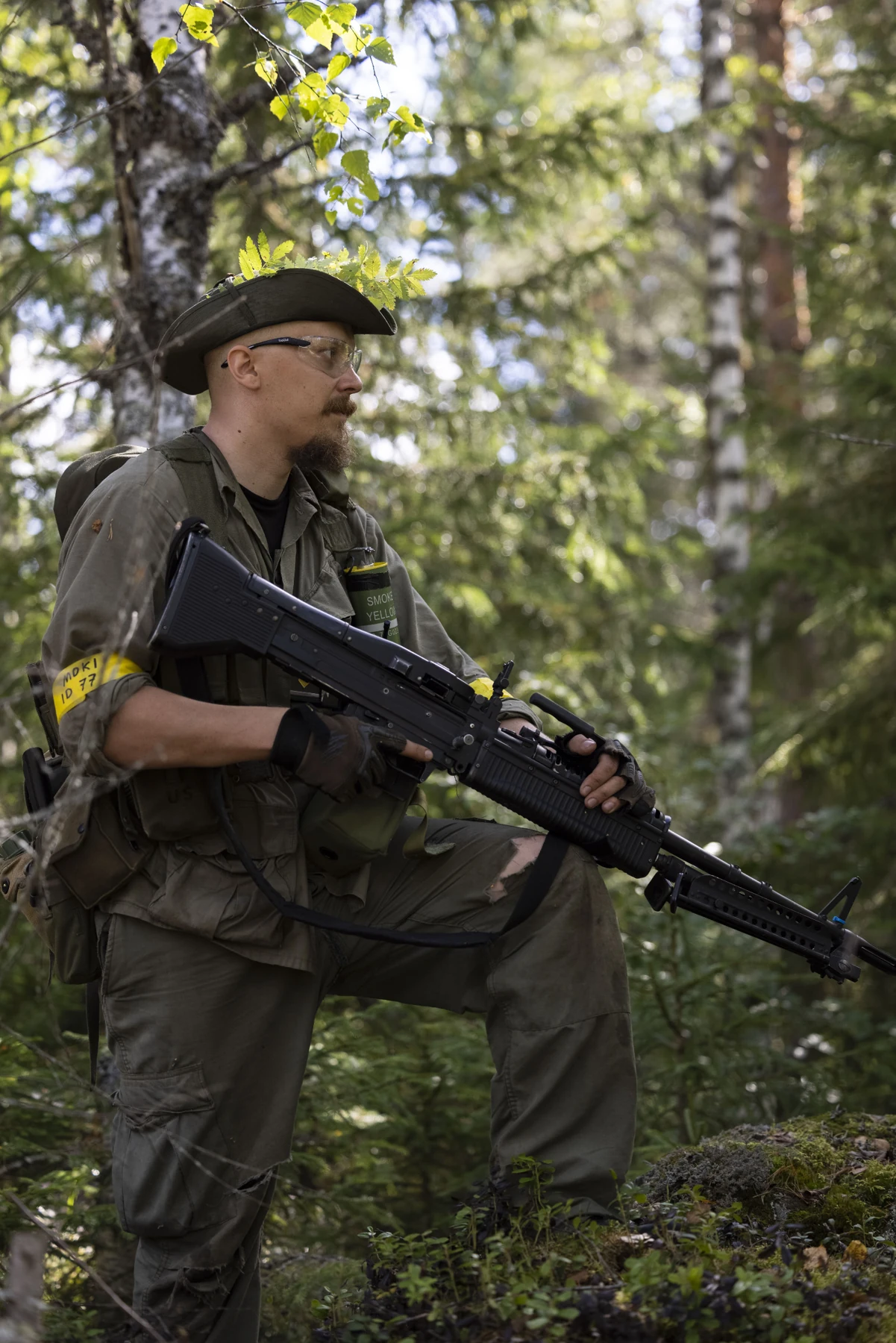
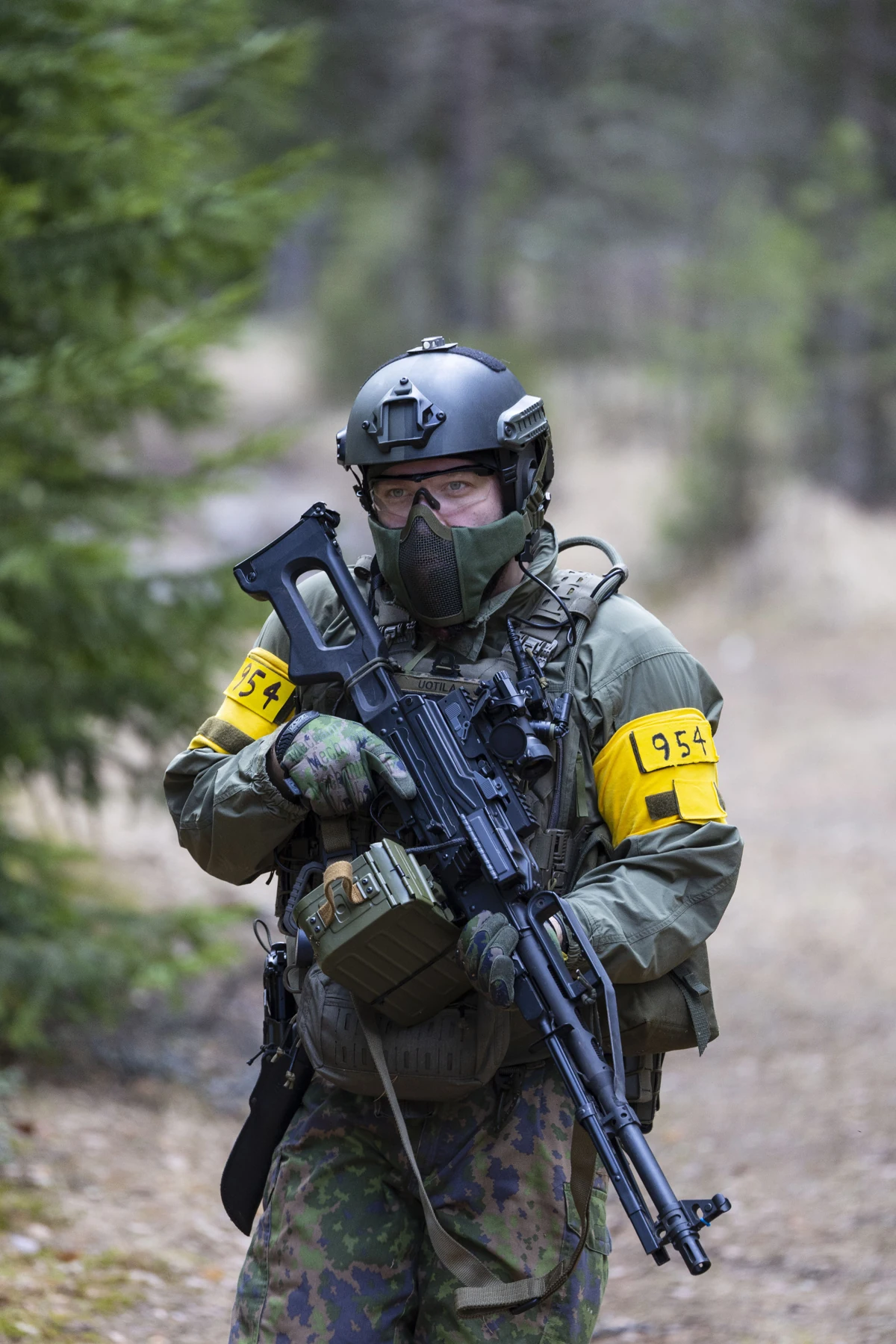
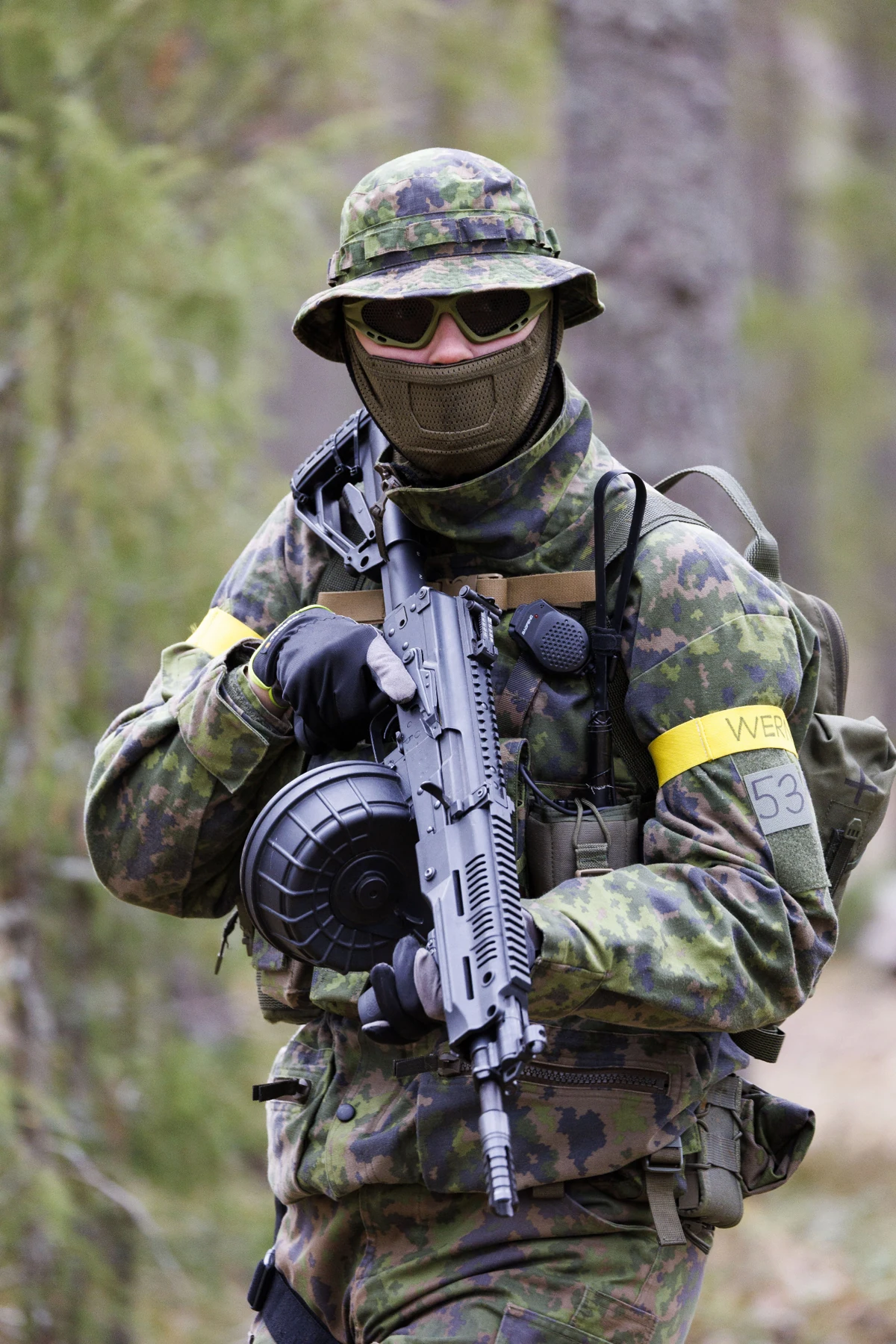
Chronograph testing and general weapon requirements
Armbands
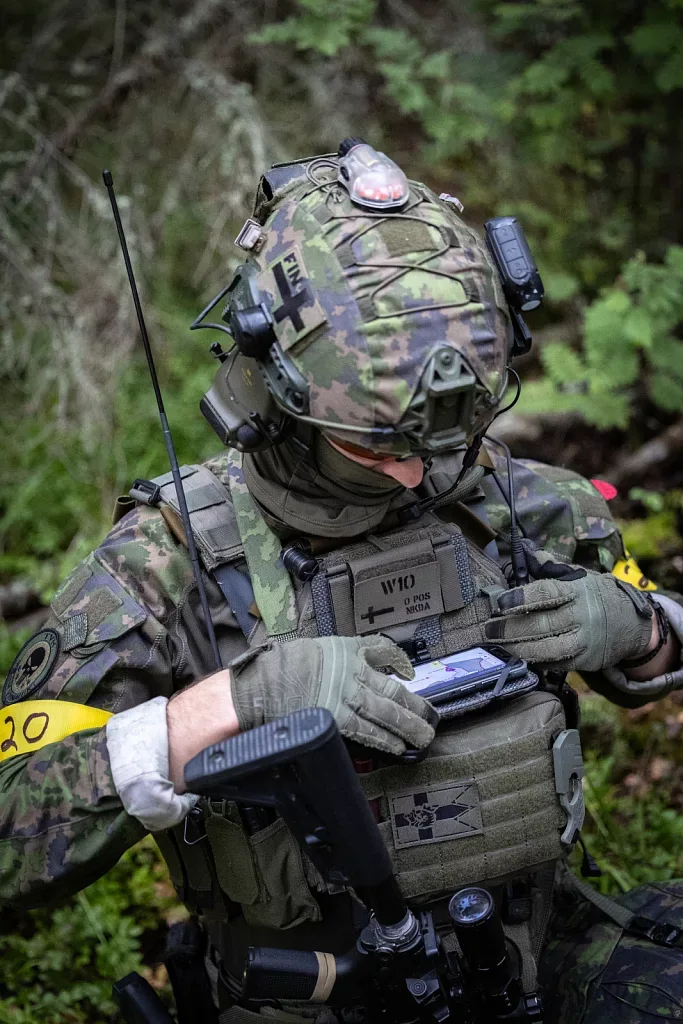
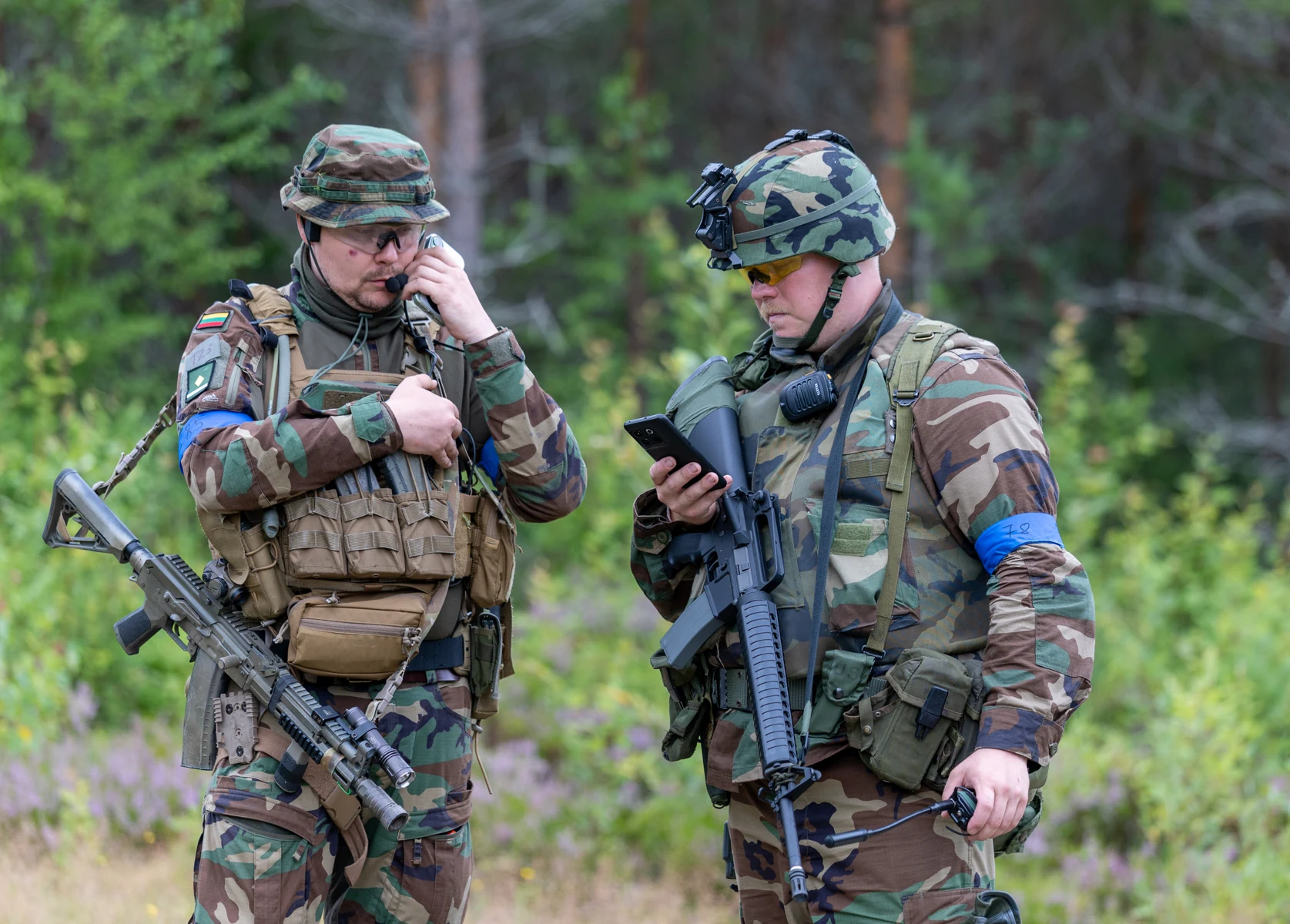
- Wear an armband on each arm with your Player ID on both. Find it at registration or on your Kuulaportti ticket; it is not the ticket ID.
- Armbands must be at least 3.5 cm wide; 11 cm is preferred for identification. They must wrap around the arm. A coloured patch alone is not enough.
- Keep armbands visible on both arms. Only reconnaissance players may wear them on both ankles, regardless of uniform.
- Platoon, company and battalion commanders receive a special patch from game control before the event. Additional patches can be purchased.
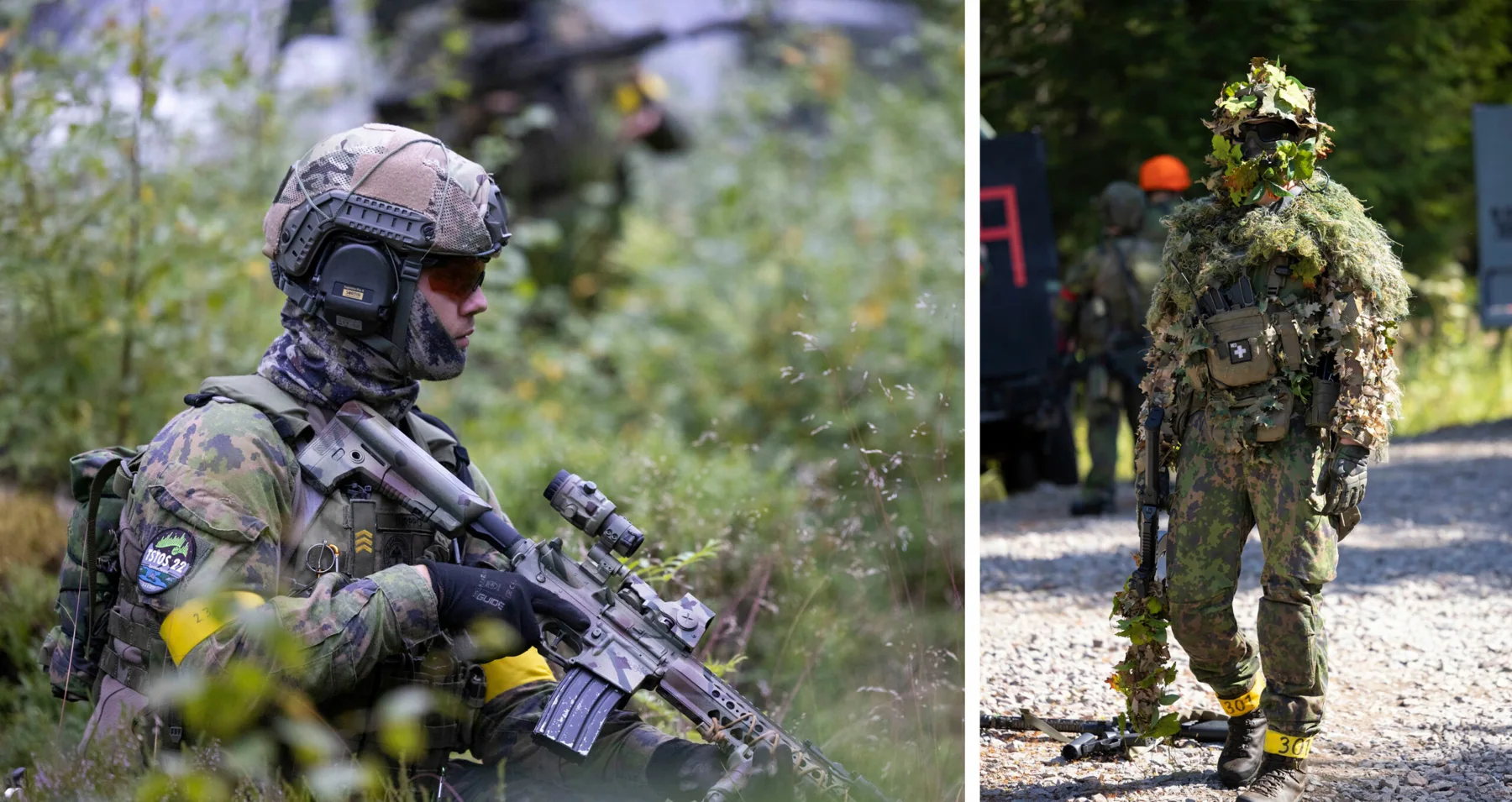
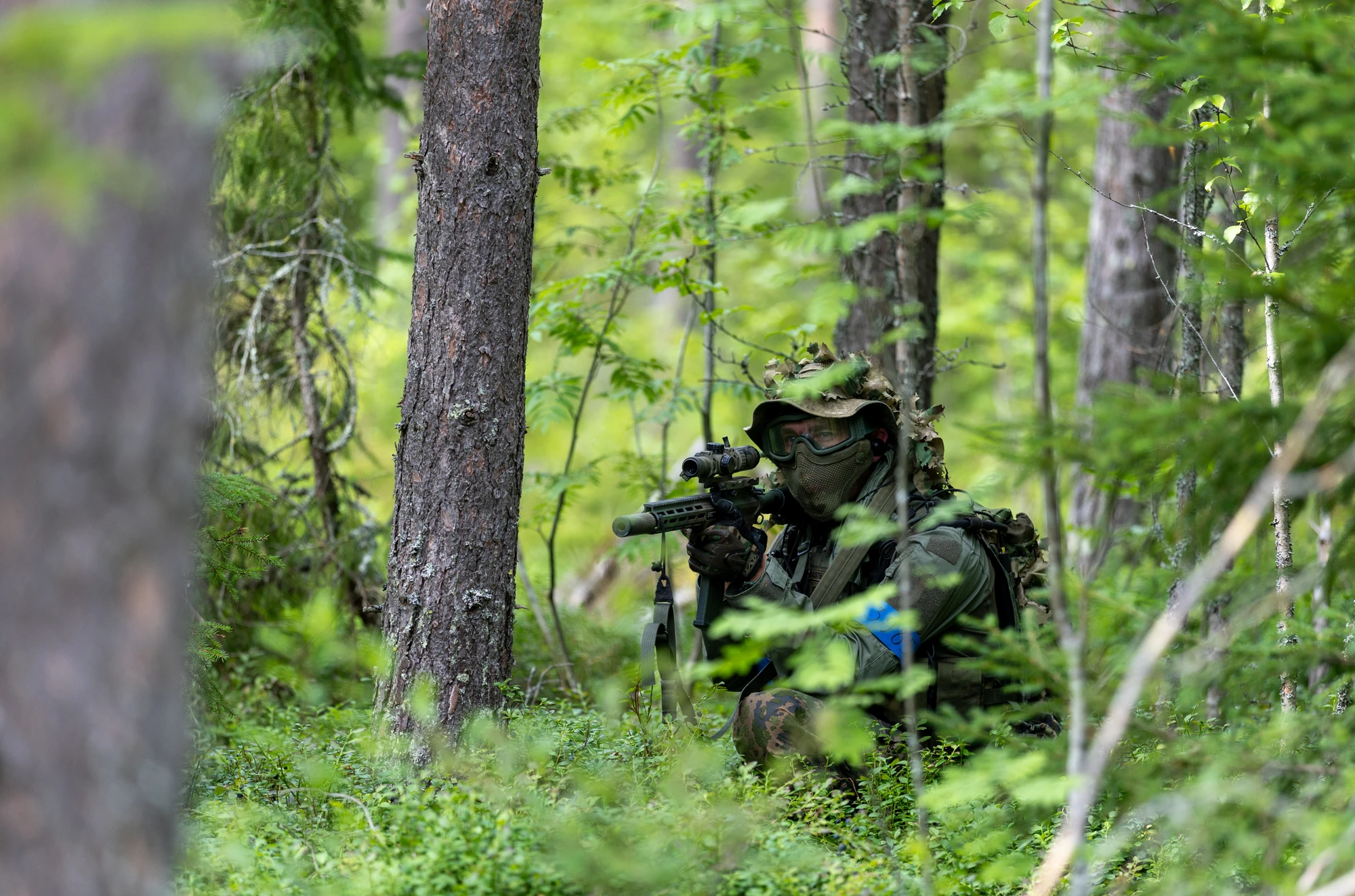
Armband colours

CNCoalition of Nordberg
No restrictions on camouflages. Military look.

NRGNorthern Royal Guard
No restrictions on camouflages. Military look.

NIRNorthern Iron Rule
Military or civilian clothing. No restrictions.

Civilian
Only civilian clothing.
Player roles and group size
- Ehasa events limit the number of specialist roles and support weapons.
- A squad may have one medic, one engineer and one anti-tank player. These roles cannot be combined.
- A squad may carry a total of two support weapons (machine guns) and DMRs, in one of these combinations:
- One DMR and one machine gun
- Two DMRs
- Two machine guns
- These specialist roles and restricted weapons require a squad of at least 6 players with its own squad leader.
- Smaller squads cannot use these roles or weapons. Larger squads do not receive additional slots.
- The separately selected Battlegroup reconnaissance platoon is an exception: its minimum squad size is 4. Two patrols of 4 that always play together under one squad leader count as one squad, not two.
- Players in reconnaissance squads are not permitted to use anti-tank or engineer roles.
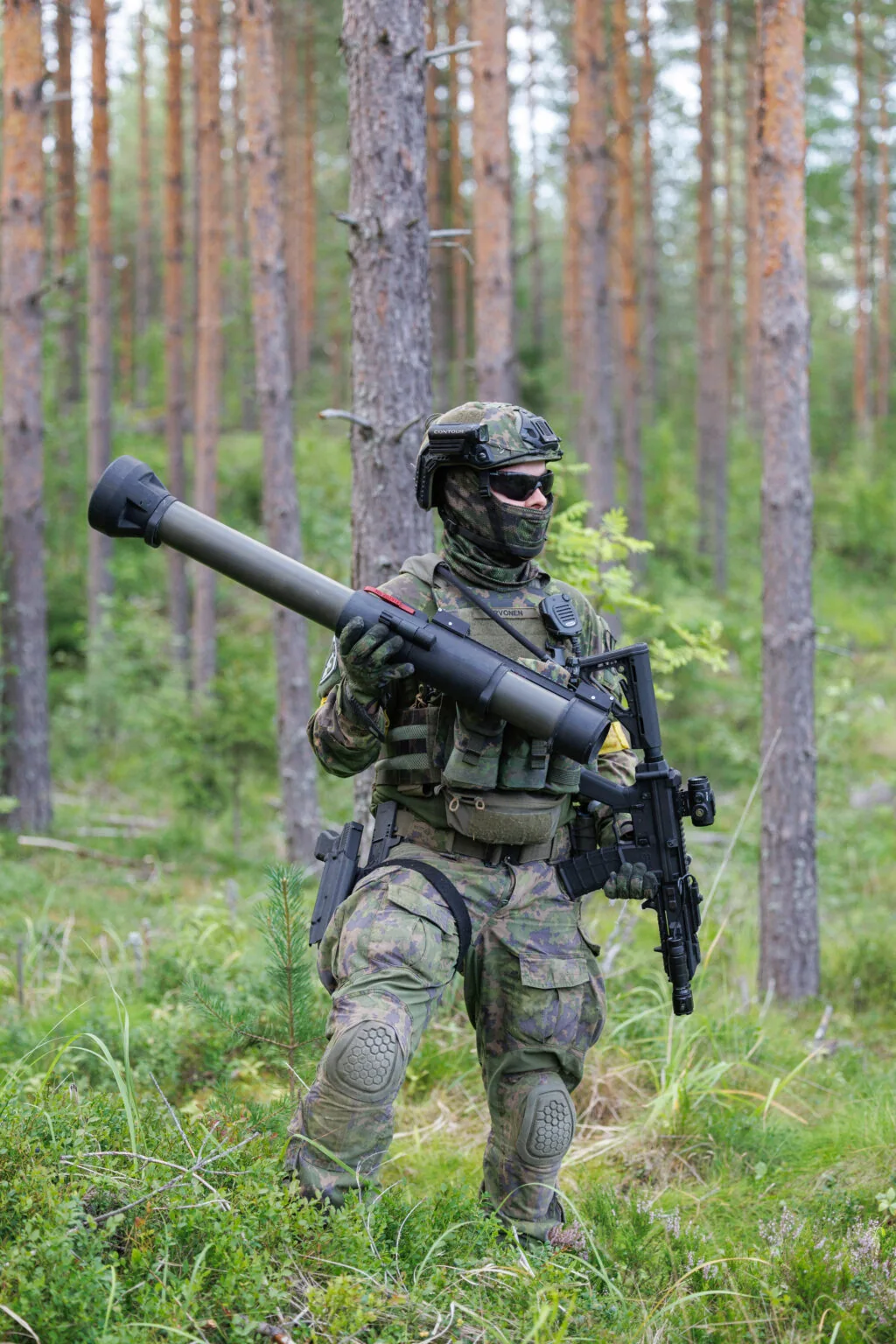
- Squad leader
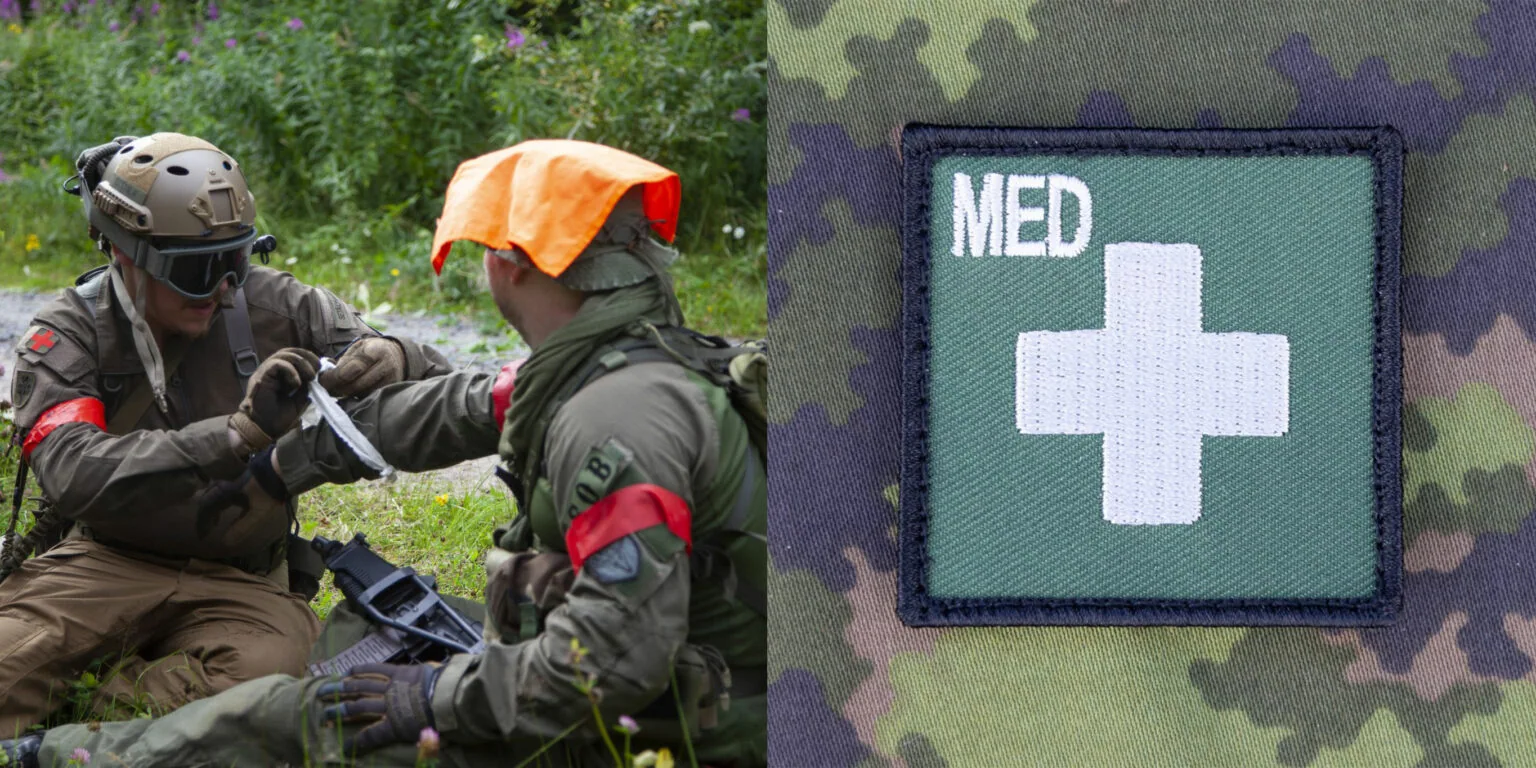
- Medic
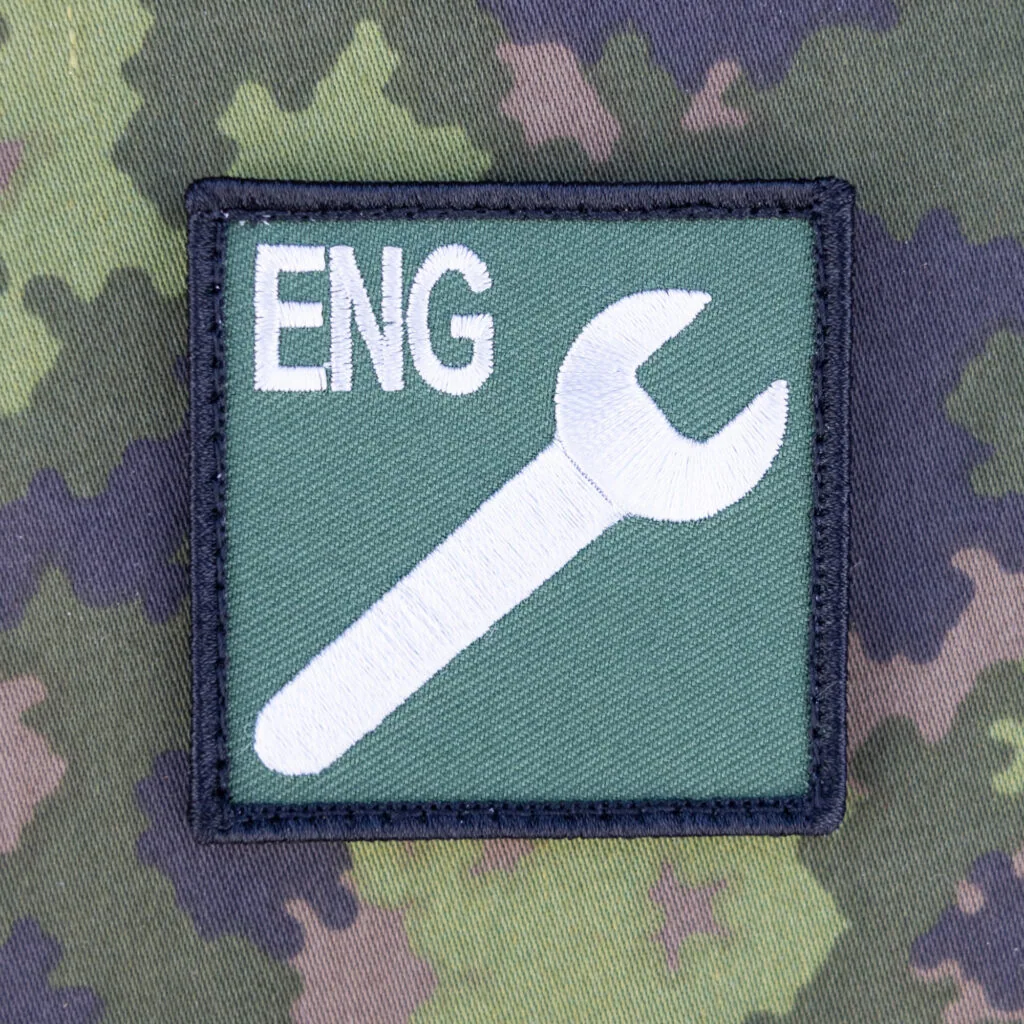
- Engineer
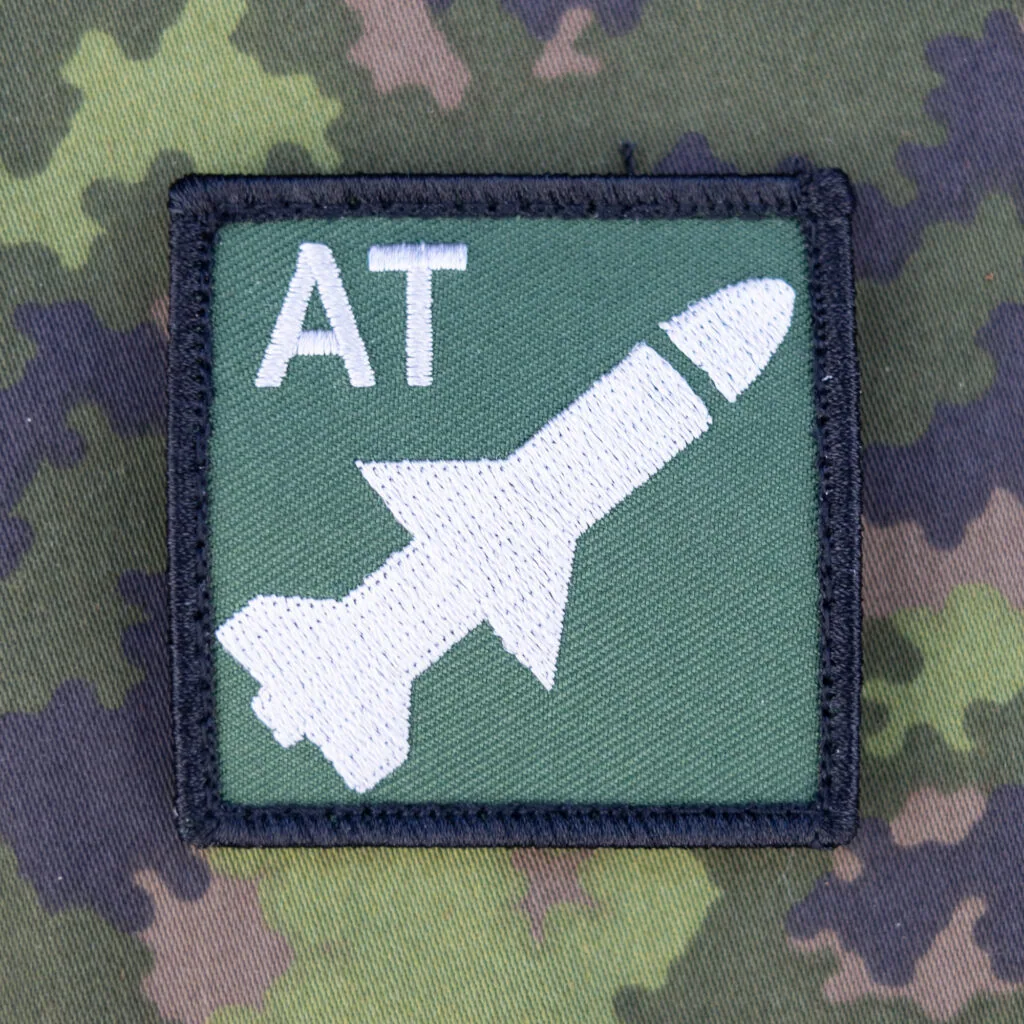
- Anti-tank
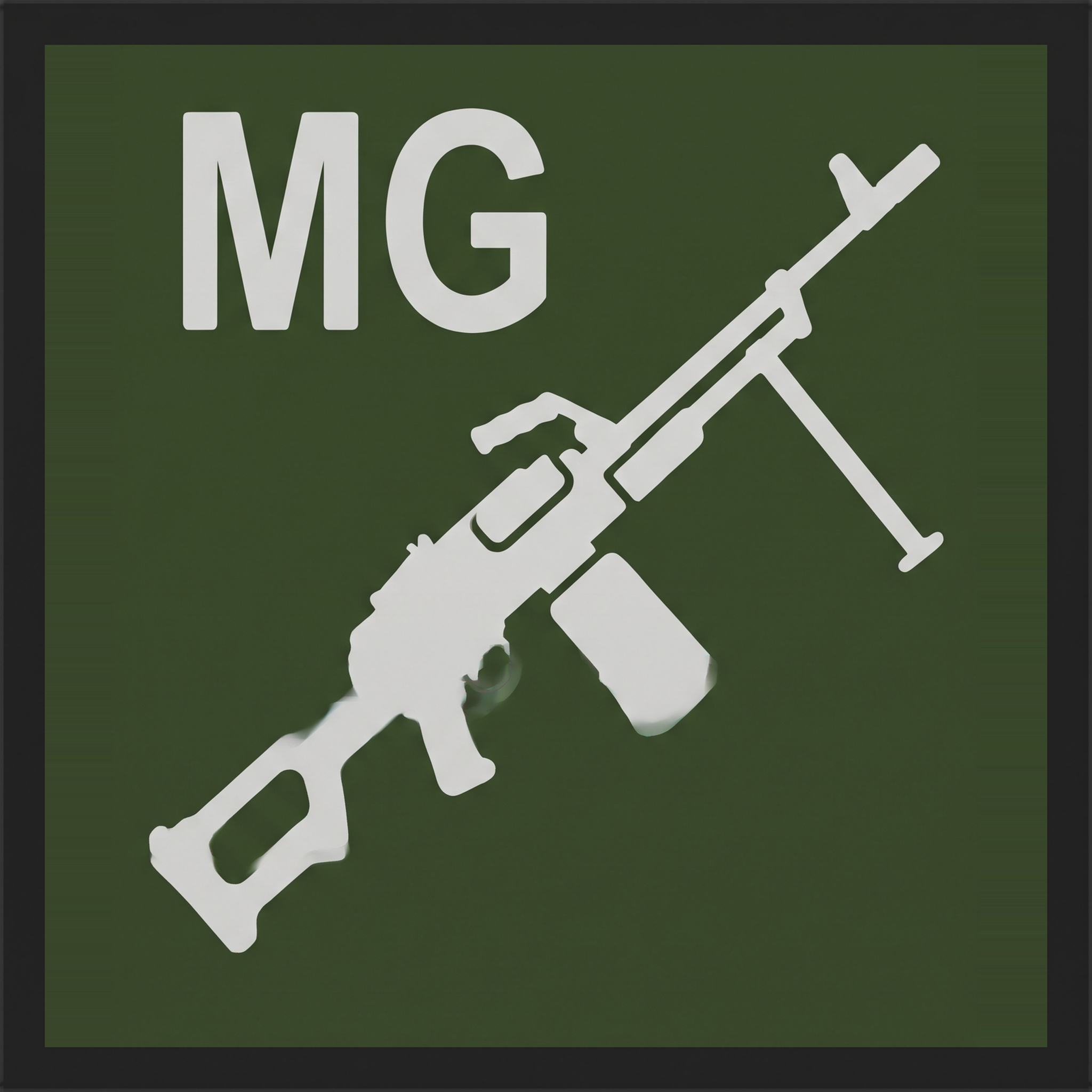
- Machine gunner
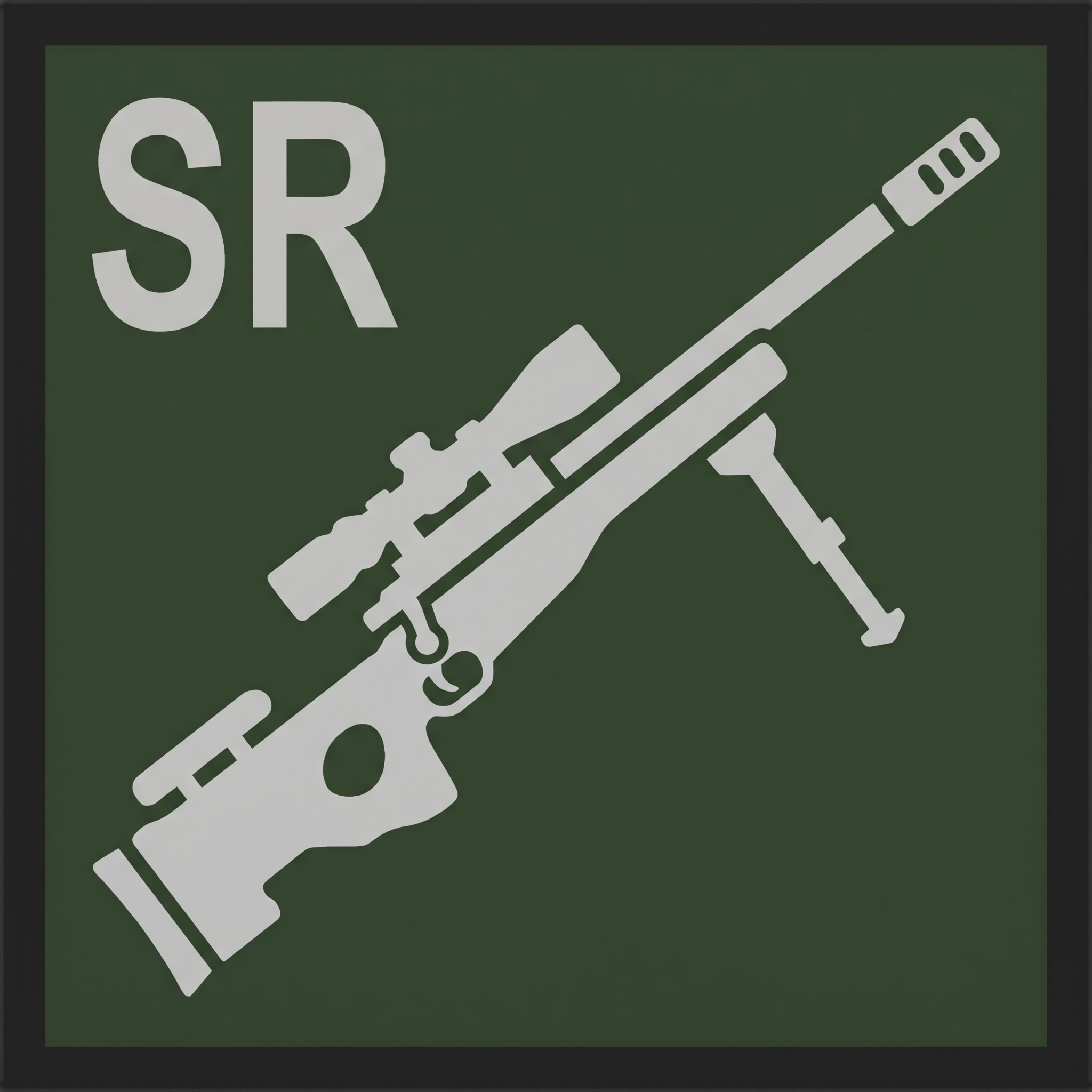
- DMR marksman


One squad leader, one player in each restricted role and two restricted weapons in total. The roles belong to different players. The reconnaissance exception is described above.

Communications
- Radio intelligence is not restricted but interference is prohibited.
- All communications must comply with Finnish laws and regulations.
- The PMR channel allocation will be announced separately for each faction before the event.
Drones and other radio-controlled aircraft
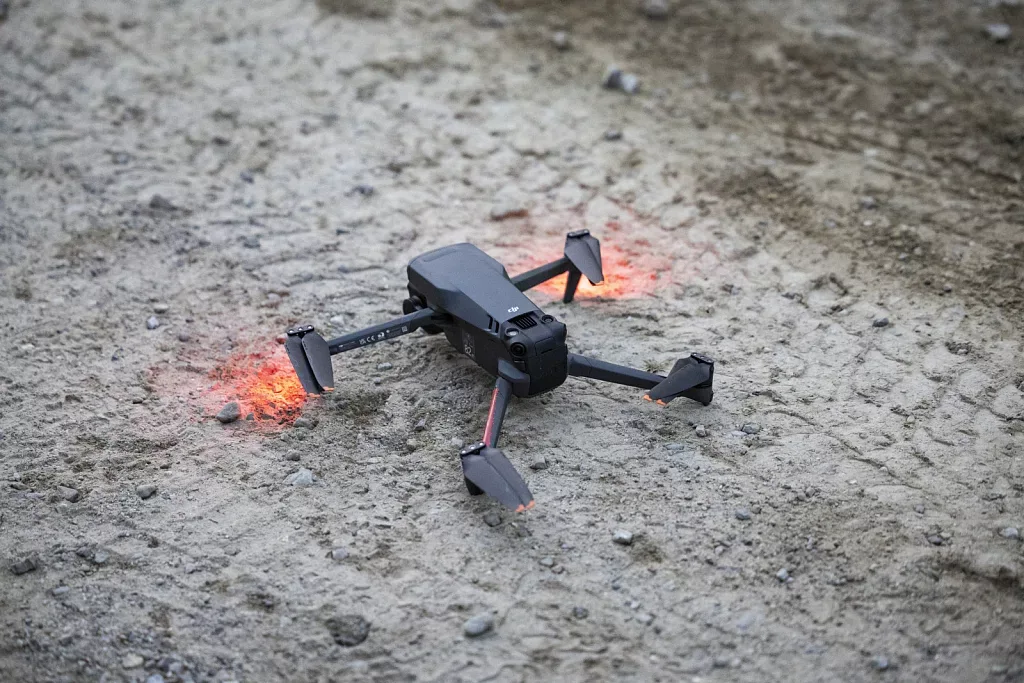
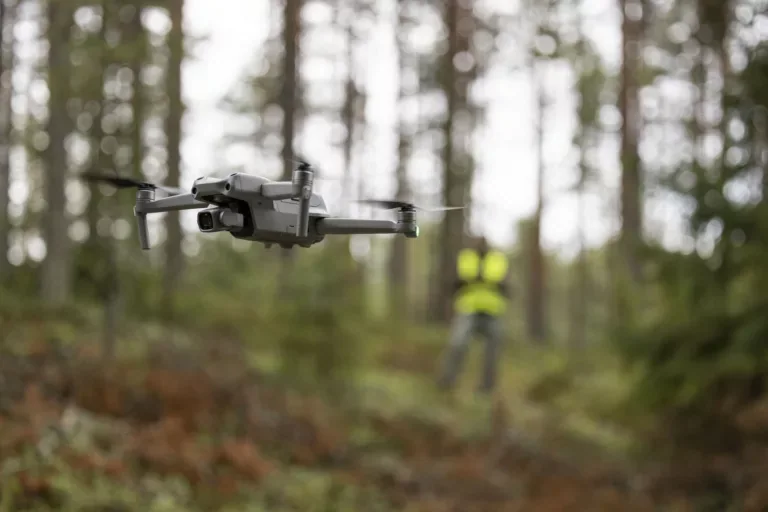
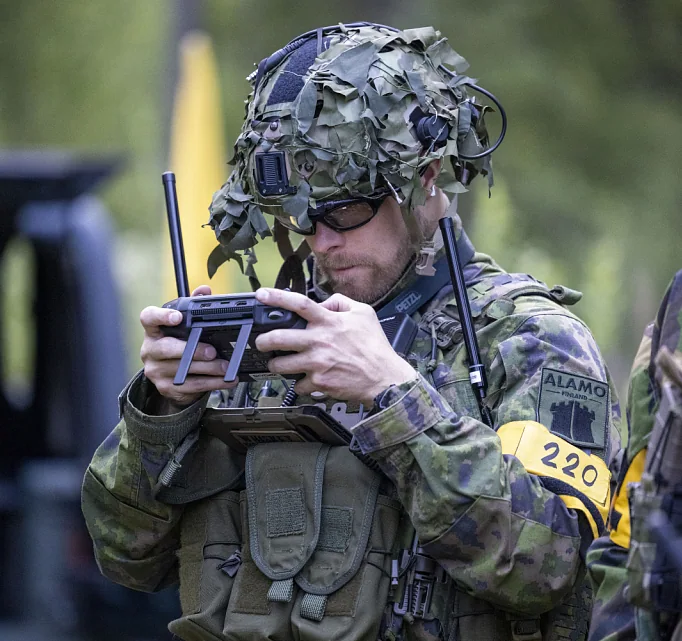
- Follow all official drone rules so drones can be used at future events too.
- Mark the underside of your drone with your faction colour and the pilot’s personal details.
- View flight restriction areas on aviamaps.
- Do not shoot at drones. Any attempt results in removal from the game.
- Drone pilots must follow Finnish law and Traficom’s instructions. See Traficom’s drone guidance.
- Contact game control at info@ehasa.org and your faction command before bringing a drone.
Hits & players
 Hits & players
Hits
- When hit, call “Hit” or “Osuma” loudly and display a large orange death rag where others can see it.
- Clear ricochets from objects do not count as hits.
- A hit on your gun disables it. Visit the main base or a respawn point to restore it.
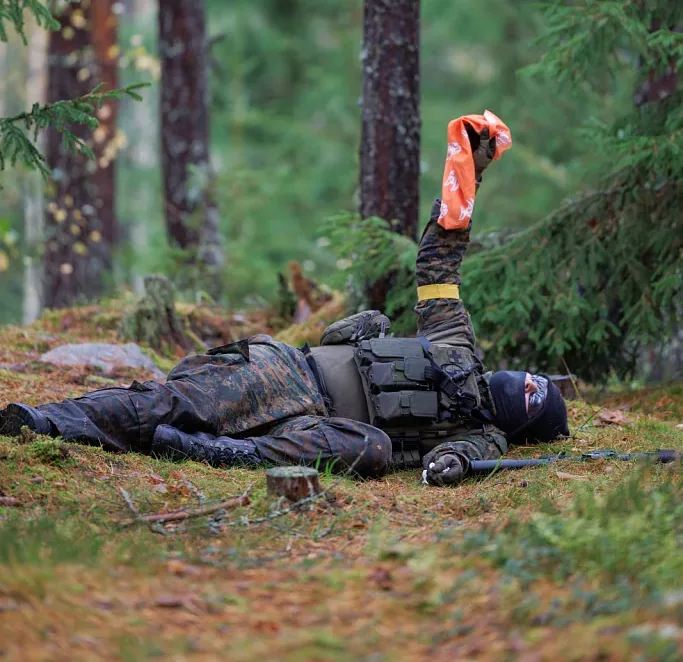
Wounding
- A wounded player has 10 minutes to receive treatment before bleeding out. Do not shorten this time to avoid being looted.
- A wounded player can be knife-killed with a hand touch. Deliberately shooting a wounded player is forbidden.
- Wounded players may call “Medic” or “Lääkintämies” by shouting or radio, but must not share information about events around them.
- Another player may move a wounded player. The wounded player must not help with the evacuation. Neither player may use a weapon or treat the casualty while moving.
- Once healed from your first hit, your next hit sends you to respawn.
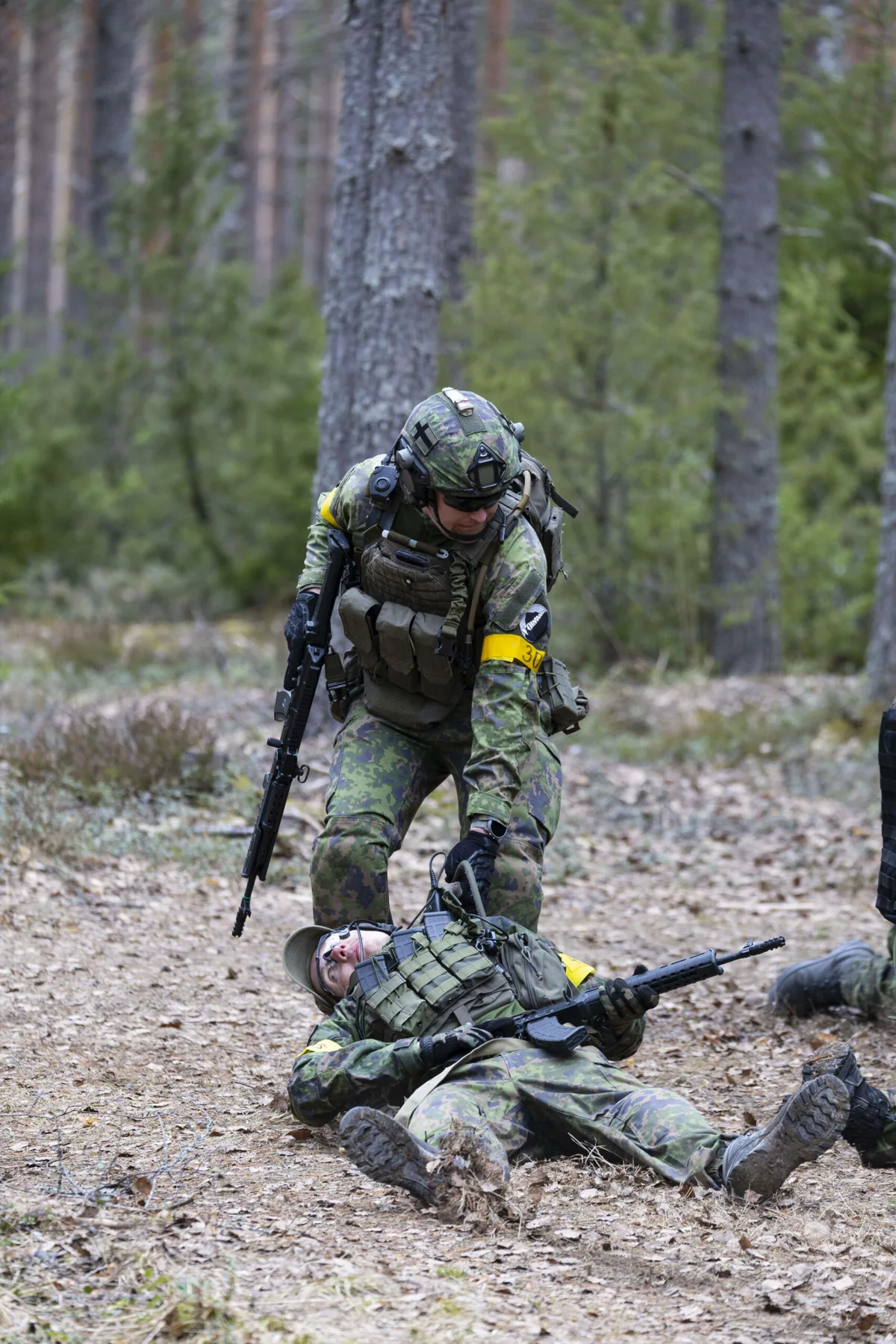
Healing and medics
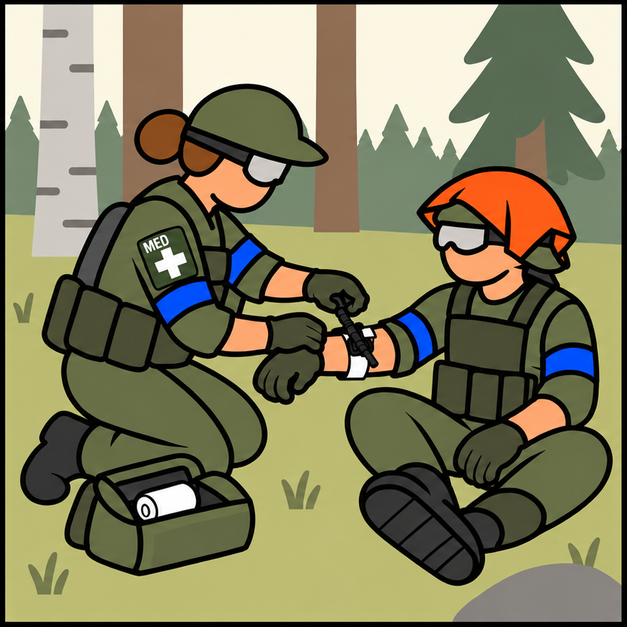 2 minTreat · 2 min
The medic bandages the player for two minutes. The medic cannot fire while applying the bandage.
Apply white gauze or a white tourniquet to the limb that was hit, or to the limb nearest the hit.
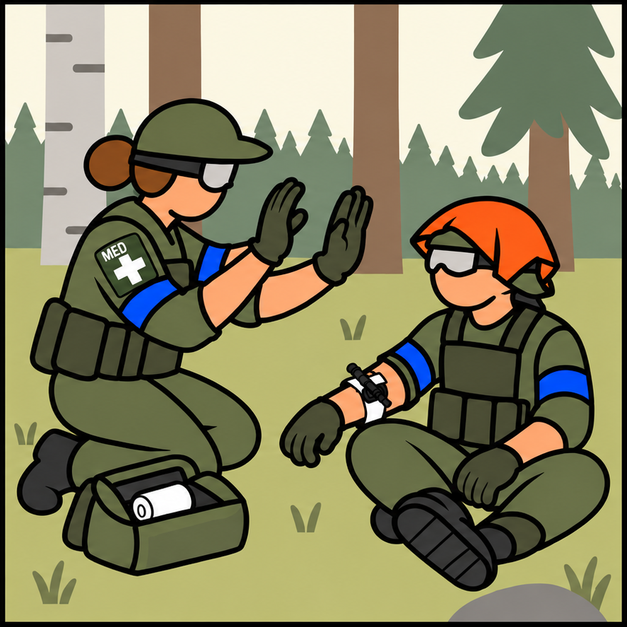 2 minRestart interrupted treatment
If treatment is interrupted, restart the full two-minute treatment.
The medic’s identifying patch or armband must remain visible. A treated player’s next hit sends them to respawn.
- Only a player designated as a medic may treat another player.
- Apply white gauze or a white tourniquet to the limb that was hit, or to the limb nearest the hit.
- Medics must display a medic patch or armband at all times. These are sold at check-in.
- The medic bandages the player for two minutes. The medic cannot fire while applying the bandage. If treatment is interrupted, it must restart from the beginning.
Less-lethal weapons
- Game masters provide less-lethal props that do not kill the character:
- Training OC spray containing water or soapy water
- Tasers represented by coloured water pistols
- Training batons made of plastic, foam or soft rubber
- A player hit by spray, a taser or a baton is unconscious for 5 minutes.
- A sprayed player may be taken prisoner, changing their status from unconscious to captive.
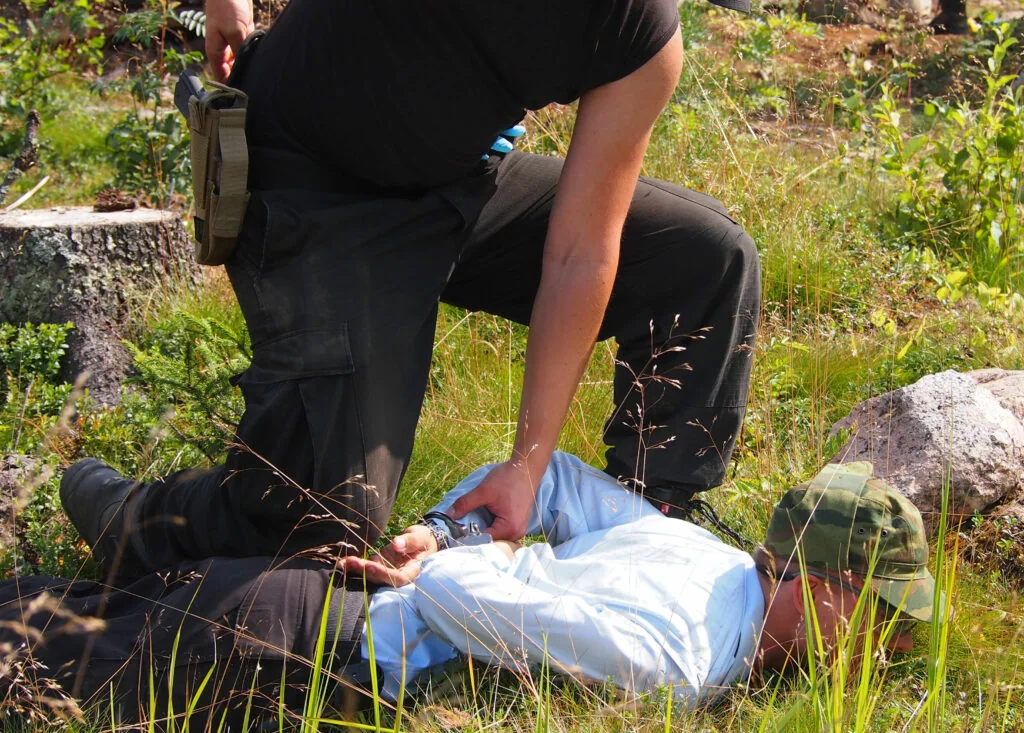
Searching a player
- Store in-game material only in equipment and outerwear that can be searched. Tell the player before starting a search.
- Players who decline a search must say so aloud and hand over all in-game material they carry.
Prisoners
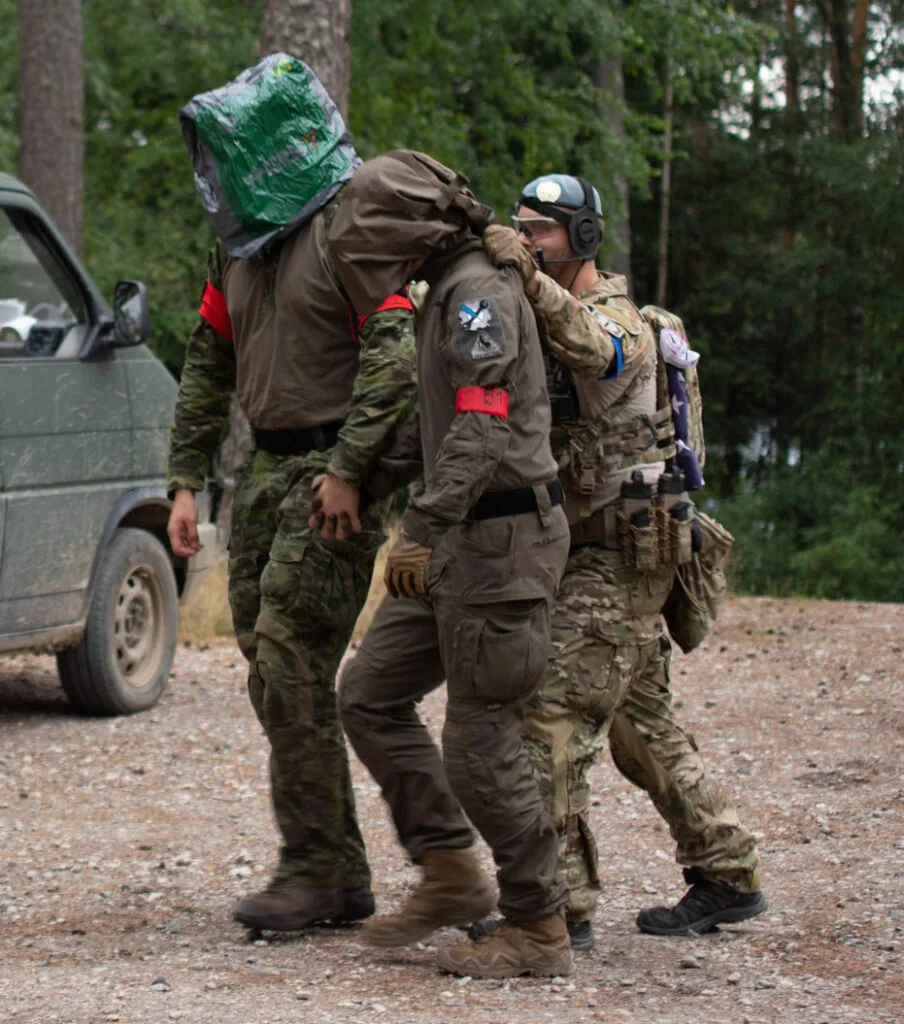
- You are allowed to take prisoners.
- Prisoners must consent. If they refuse or withdraw consent, they must hand over all in-game material and go to respawn.
- A prisoner’s gun may be confiscated with their consent. If they recover it, they may use it. Alternatively, wrap coloured tape, such as red tape, around the barrel to mark it as confiscated.
- An escaped or released prisoner may use a taped gun after 5 minutes.
Respawn & objectives
 Respawn & objectives
Respawn
All factions
- Respawn at a friendly capture point, rallypoint cache or main base at half-hour intervals: xx:00 and xx:30, for example 13:00 or 14:30.
- Company and battalion commanders wait twice as long: they may respawn at the second available interval.
Civilian special rules
- Civilians wait twice as long and must skip one respawn interval before returning to play.
- The character remains the same after respawning. If game control declares the character dead, the player receives a new identity.
Mobile Field Hospital Vehicle
Operating times
- After deploying or destroying the Mobile Field Hospital, there is a 1-hour cooldown before it can be used again.
Abilities
- A medic must be assigned to the vehicle to treat wounded players.
- The hospital may treat up to 5 players at once by removing their bandages.
- Removing each player’s bandage takes 10 minutes. Players cannot use weapons while being treated. If treatment is interrupted, restart the timer.
Other rules
- Enemy forces can destroy the vehicle. Normal vehicle rules, including respawn times, apply.
- Only unarmed Class 1 vehicles can act as mobile field hospitals, with a maximum of two per faction. Display Ehasa’s “MOBILE FIELD HOSPITAL” markings on both sides.
Rallypoint cache
- Rallypoints are respawn points which can be set up anywhere in the game area.
- A rallypoint has a tarp, a faction-coloured backpack and coloured tape around its respawn area. Its GPS position appears on your faction’s Status Ehasa map.
- Carry the rallypoint in Ehasa’s Mil-Tec backpack in your faction colour (blue, red or yellow), and keep the backpack with it.
- Rallypoint resources are used up as players respawn. Record every respawn on the board inside the tent. Respawns occur at xx:00 and xx:30, for example 13:00 or 14:30.
- Factions can gain more resource boards by completing missions or stealing them.
- You can disable an enemy rallypoint by stealing the resource boards. The enemy’s rallypoint cache nevertheless remains part of the game. Stolen boards can be used to operate your own cache.
Capture and resource points
Capture points
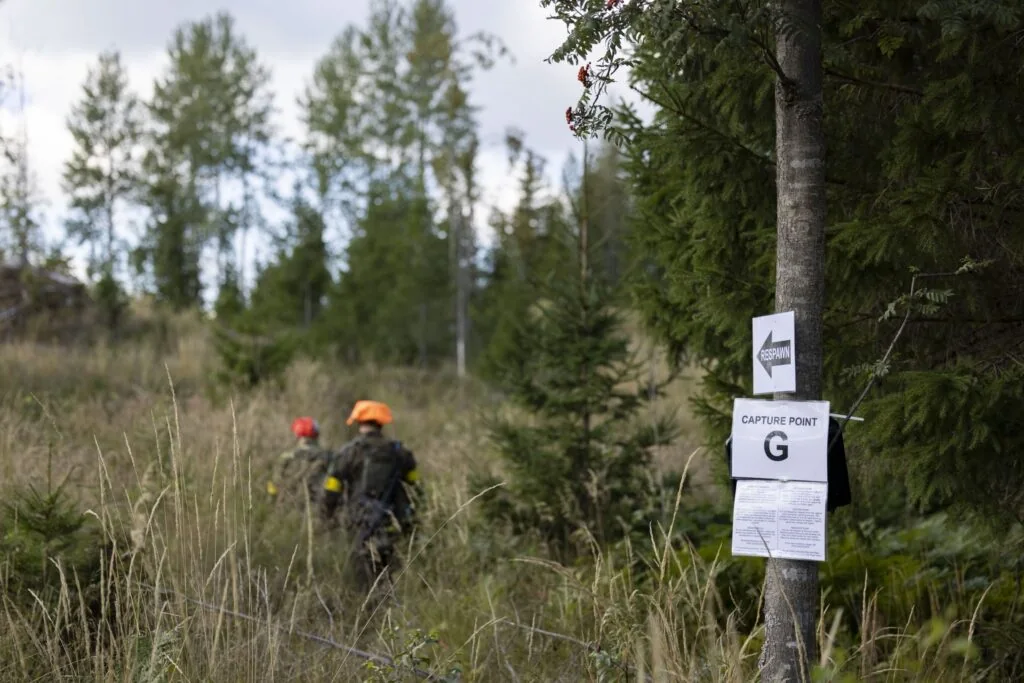
Capture points are labelled with letters in Status. Nearby respawn areas can be used when the point belongs to your faction.
You can respawn from your faction capture point!
Resource points
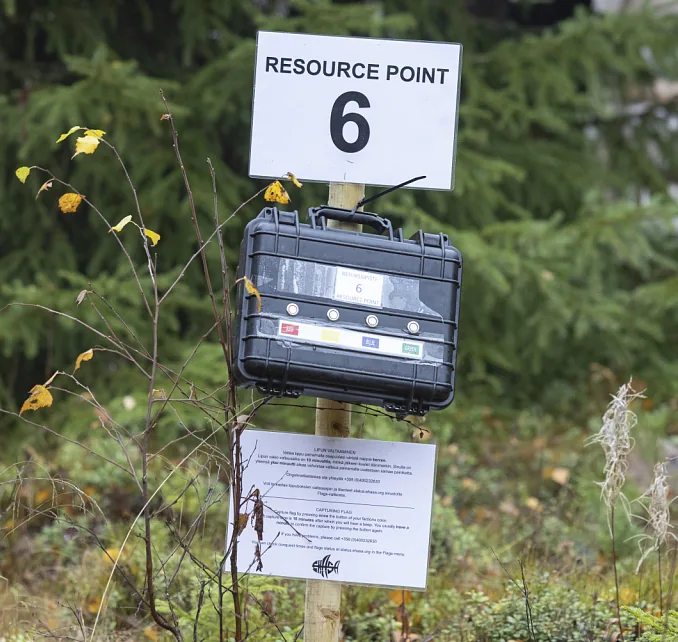
Resource points are labelled with numbers in Status. They provide resources or access to specific in-game items.
You can’t respawn from resource points!
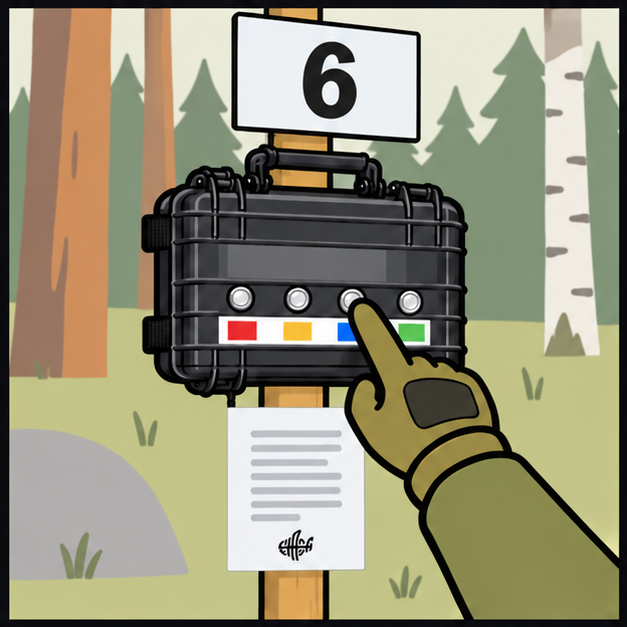 Press once
Press the button in your faction’s colour.
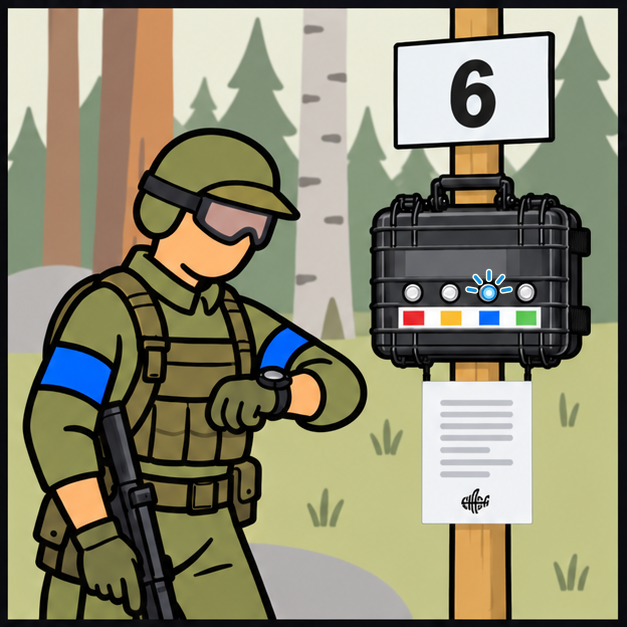 30 minWait · 30 min
The default capture time is 30 minutes. The blue indicator blinks during capture.
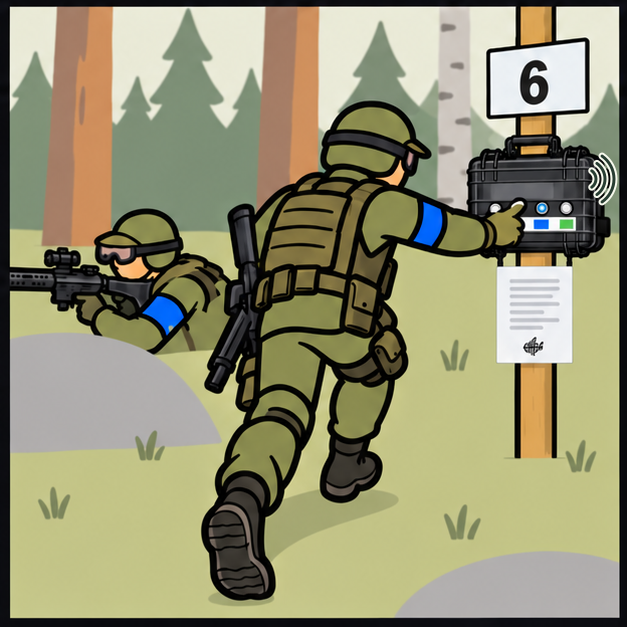 Listen for the signal
When the capture time ends, a continuous buzzer sounds and the blue indicator blinks rapidly.
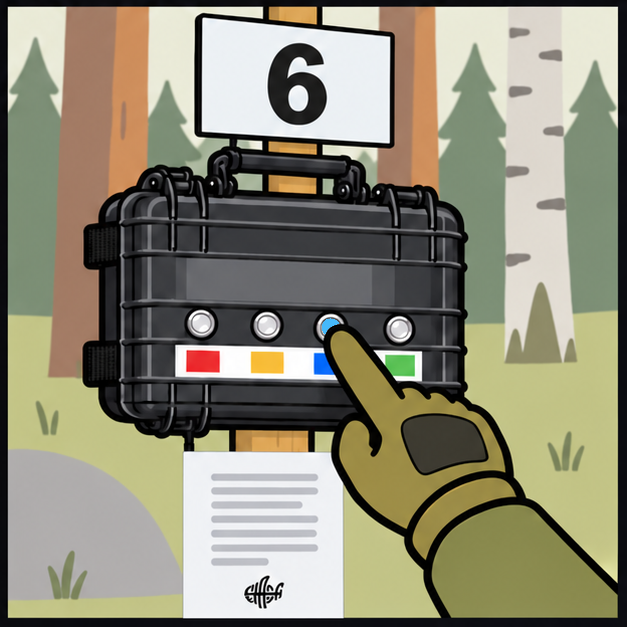 1 minConfirm · 1 min
Press the same button again. You normally have one minute.
Check the point’s capture and confirmation times in Status Ehasa.
In-game money
- Players have in-game money in electronic bank accounts. Some also receive cash.
- In-game bankers and traders can help players pay electronically or withdraw in-game cash.
- Use in-game money to buy real goods, in-game props or information from civilian players.
- Contact bankers or traders by phone if you need an in-game transfer outside the civilian village.
The electronic game bank is available in Players Ehasa. Log in with your Kuulaportti account. The bank opens once your arrival has been checked in at the event.
Artillery
- The factions may have the ability to use a limited amount of artillery.
- Request artillery through the chain of command. Game masters simulate it using pyrotechnics for HE shells, smoke for smoke shells and other effects. They will announce any need for hearing protection beforehand.
- Game masters identify players wounded by artillery and announce when the strike starts and ends. An artillery hit on a vehicle counts as one projectile hit. Each strike affects an area of approximately 50 m × 50 m.
Vehicles & anti-tank
 Vehicles & anti-tank
Common vehicle rules
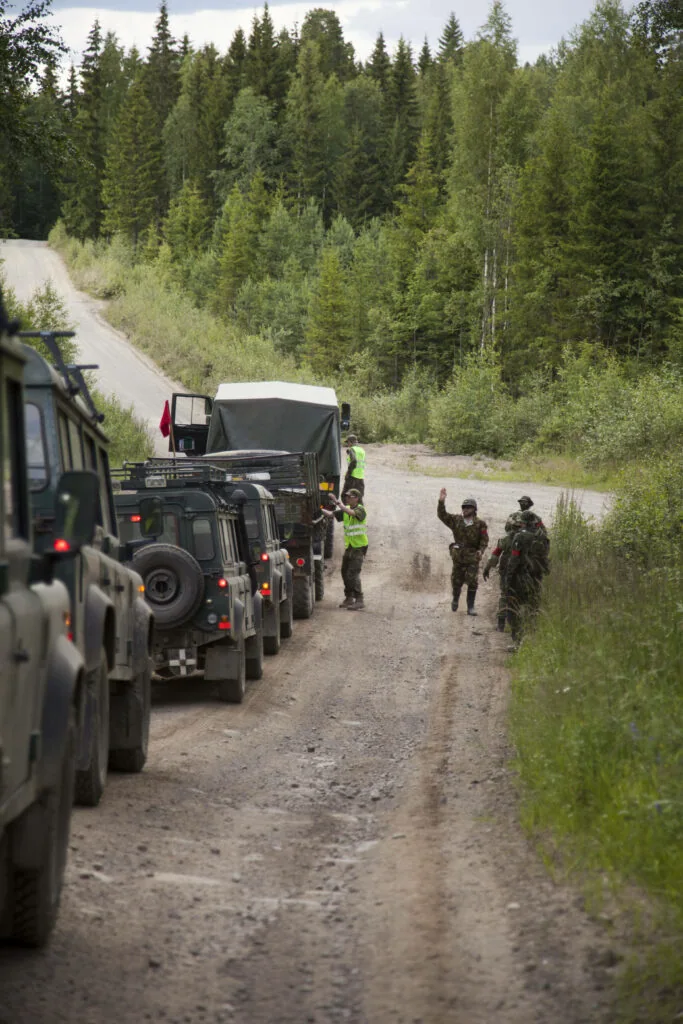
- Both in-game and offgame vehicles use the area. Take particular care around them.
- Vehicle owners must accept possible damage from BBs and other projectiles and arrange the required motor insurance.
- The speed limit is 20 km/h for players and 60 km/h for game masters. Drive carefully at all times.
- Some in-game vehicles have limited visibility and may move suddenly. Do not approach a vehicle while its engine is running unless its crew tells you to.
- Enemy vehicle doors cannot be opened.
- Do not fire through vehicle openings smaller than your head, such as gaps between boards. Owners must cover these openings.
- To fire through a window, open it fully and tape it in place before leaving the main base. Do not make this change in the field. Windows may be slightly open for safety, but nobody may fire through the gap. Passengers may then ignore BBs entering through it.
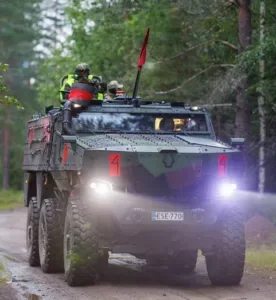
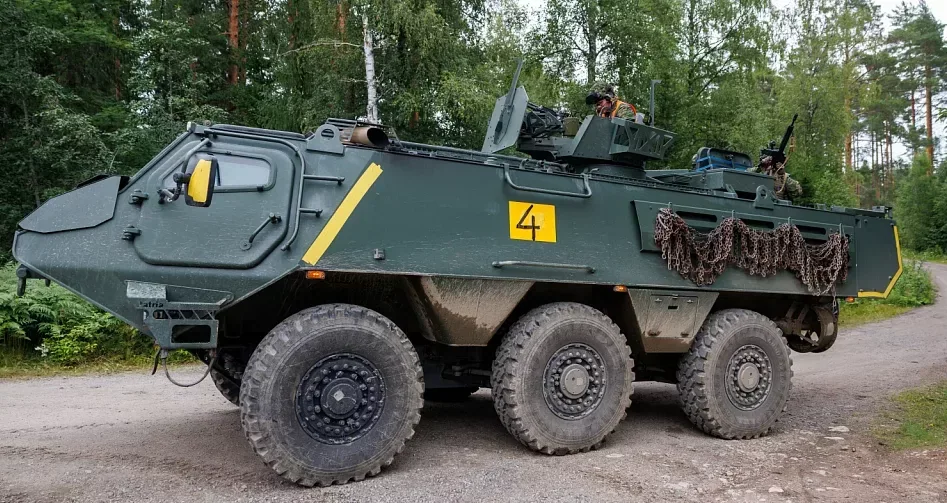
- Hits on a vehicle’s gun turret do not destroy the gun. Normal hit rules apply to the gunner and crew. Class 4 vehicles are an exception: gunners wearing yellow high-visibility vests act as the armoured vehicle’s turret and cannot be hit.
- Keep parking lights or dipped headlights on whenever the engine is running.
- The transportation of personnel on trailers is prohibited.
- Do not leave a vehicle on the roadside without a driver unless at least 3 metres remain clear for other vehicles to pass. Park unattended vehicles as far out of the way as possible.
- Vehicles may carry eliminated players, but this must not make it unclear whether the vehicle itself is in-game.
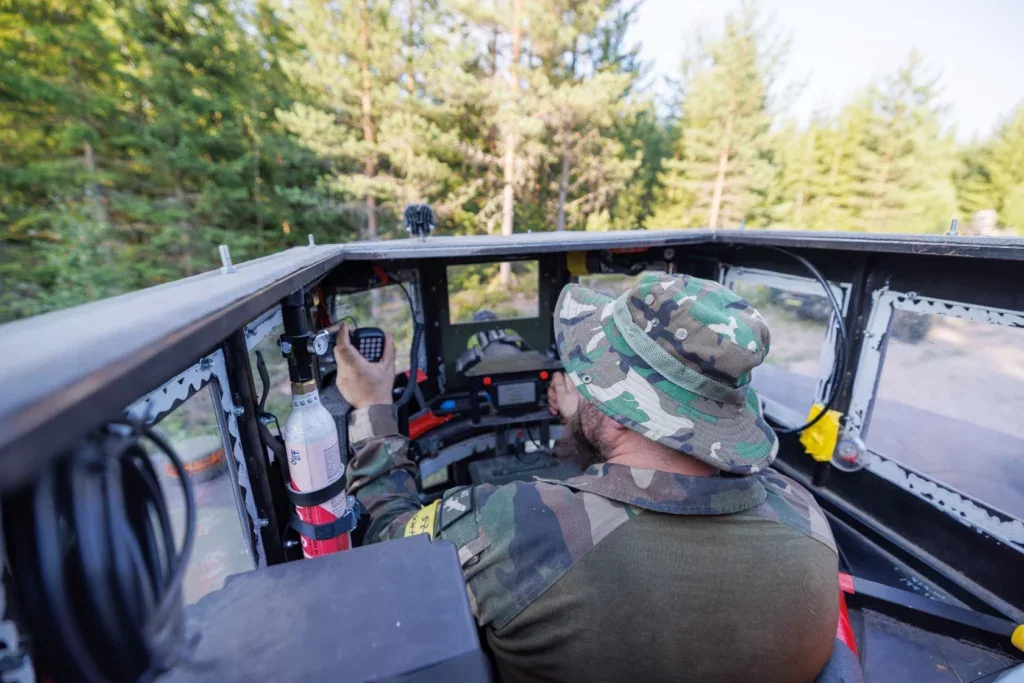
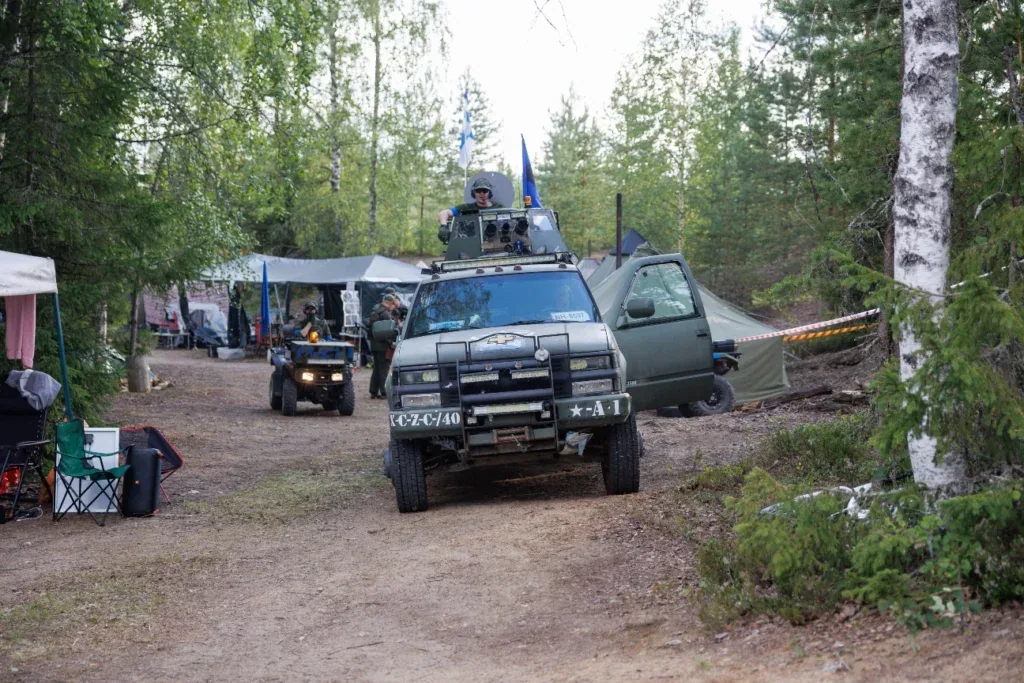
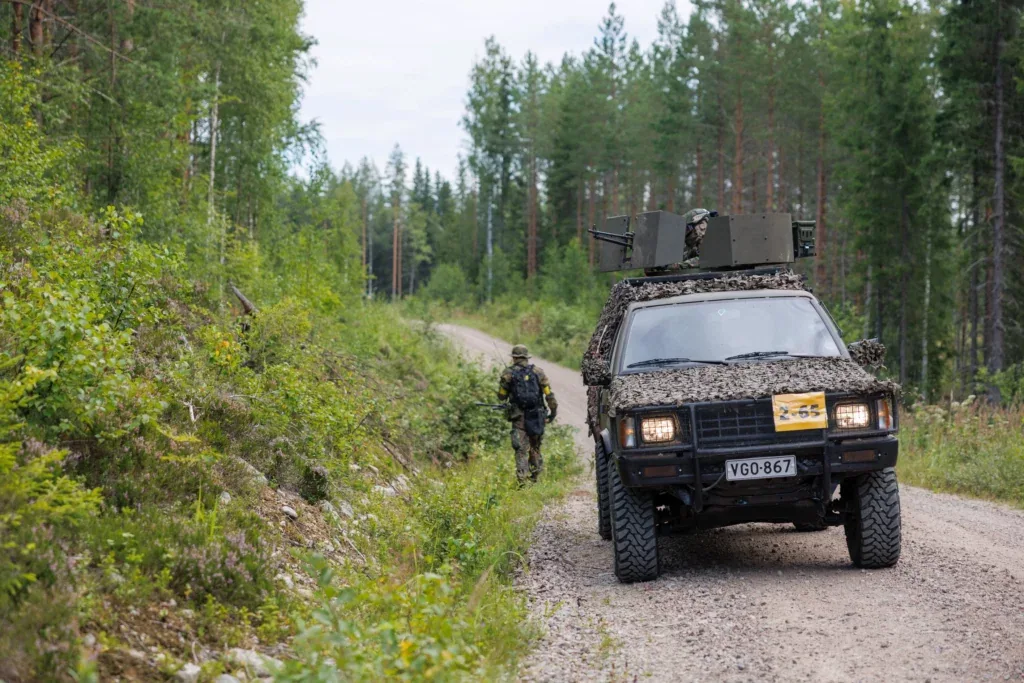
Vehicle classes
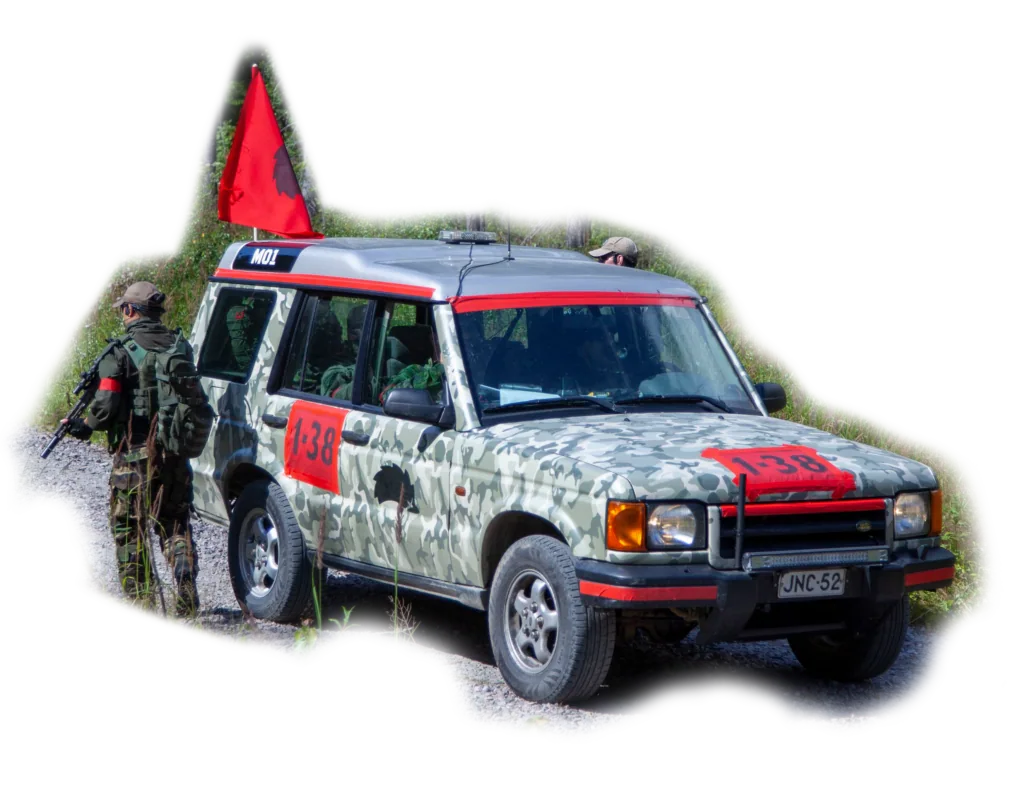
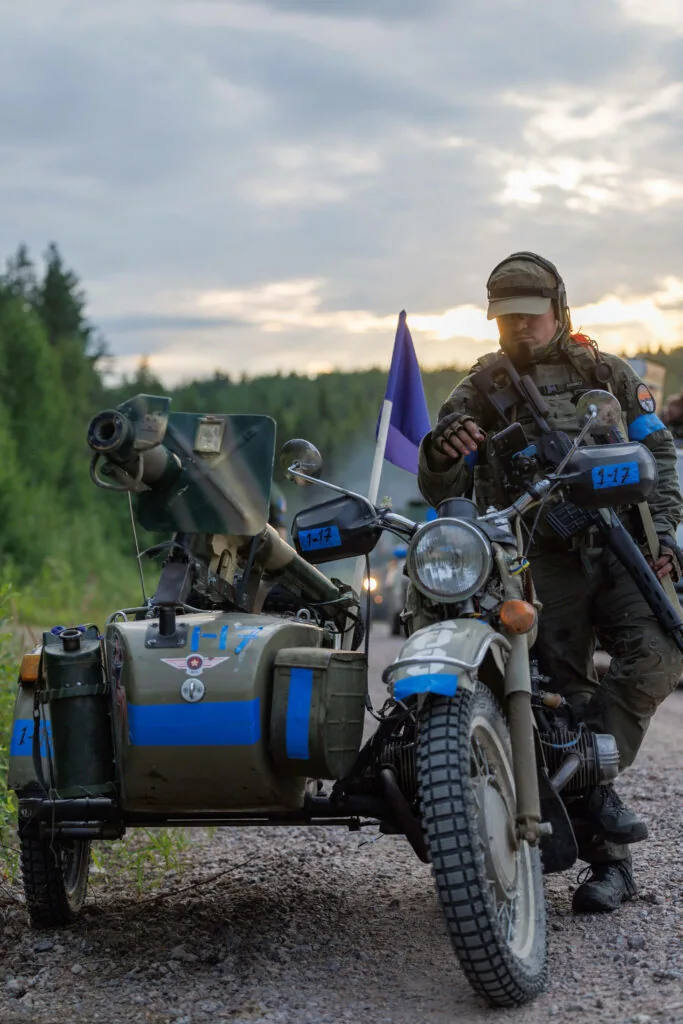
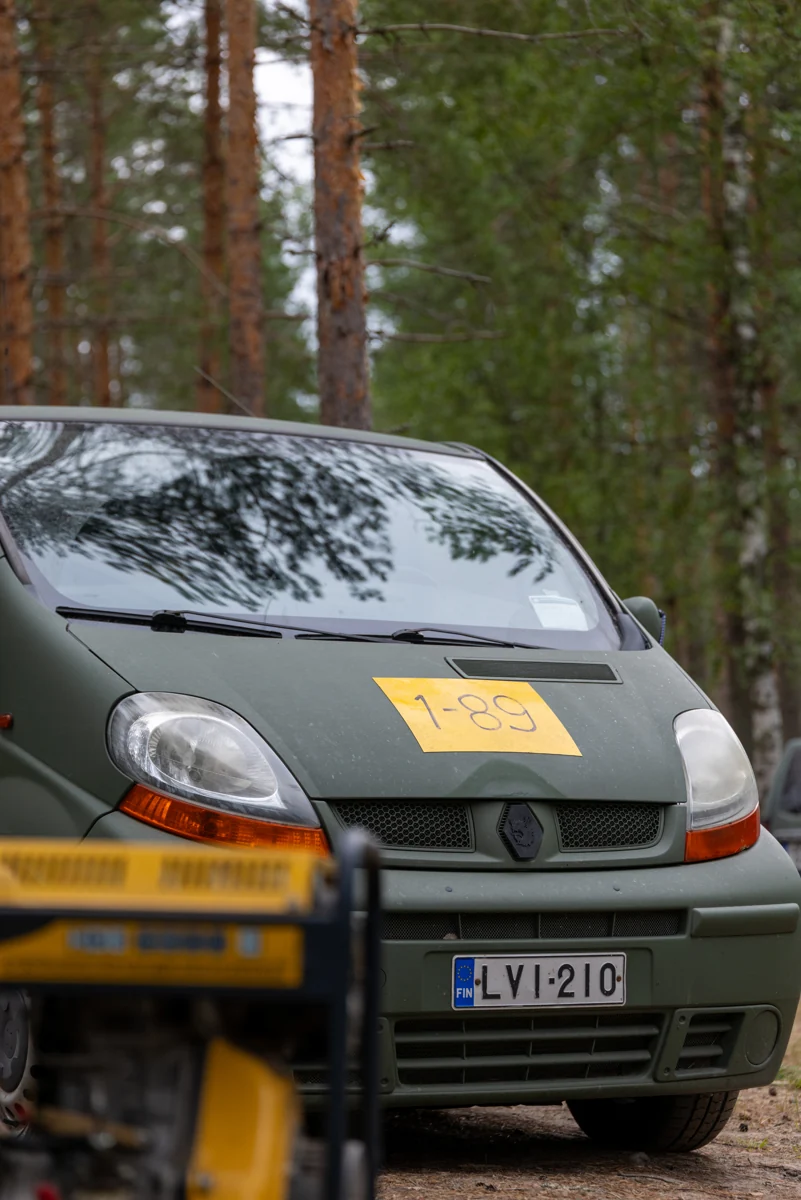
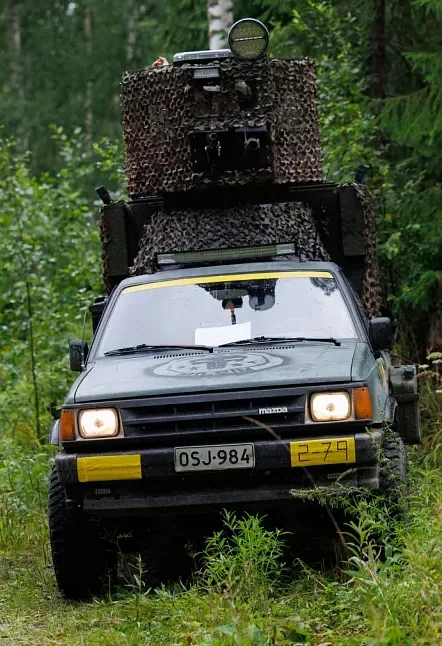
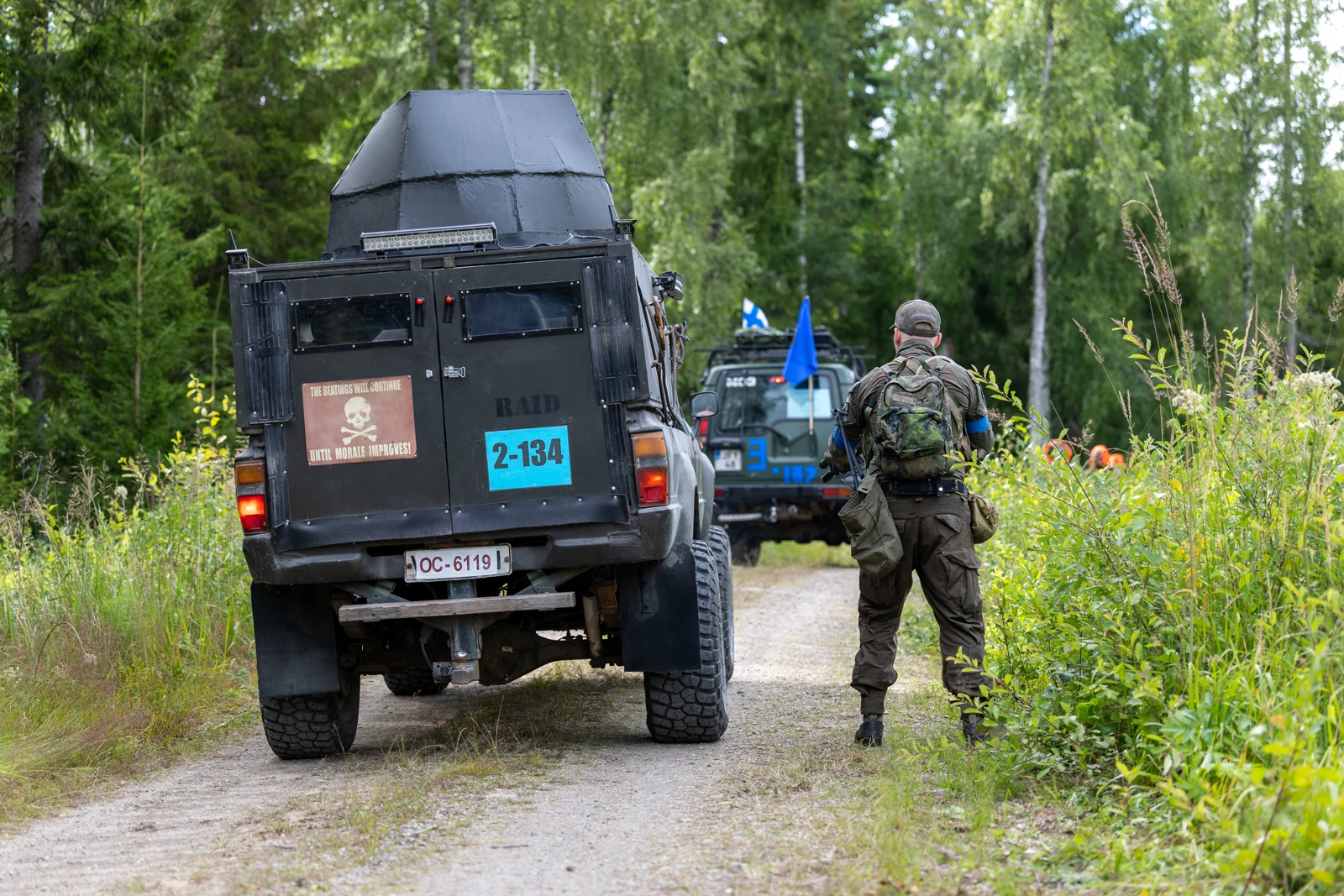
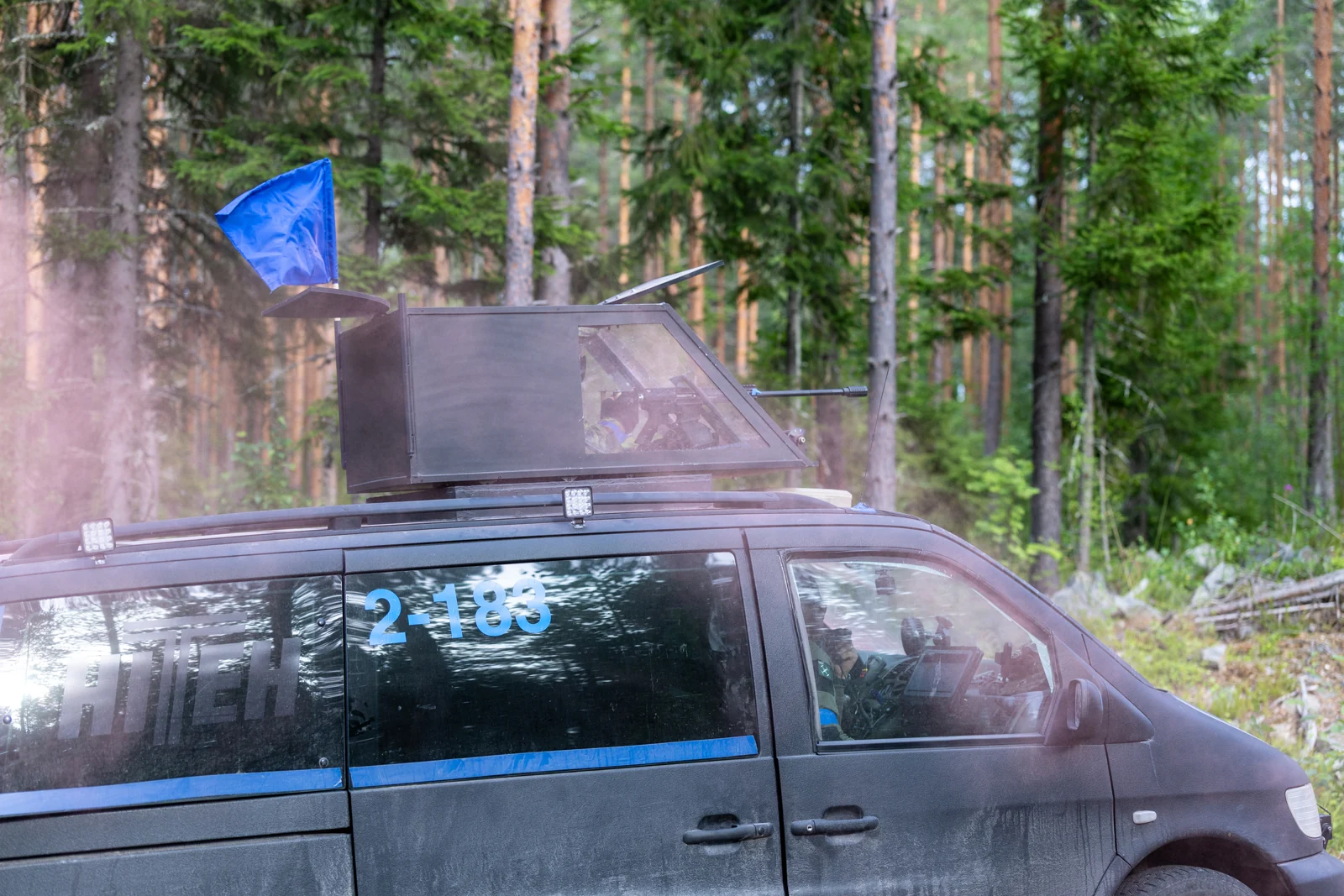
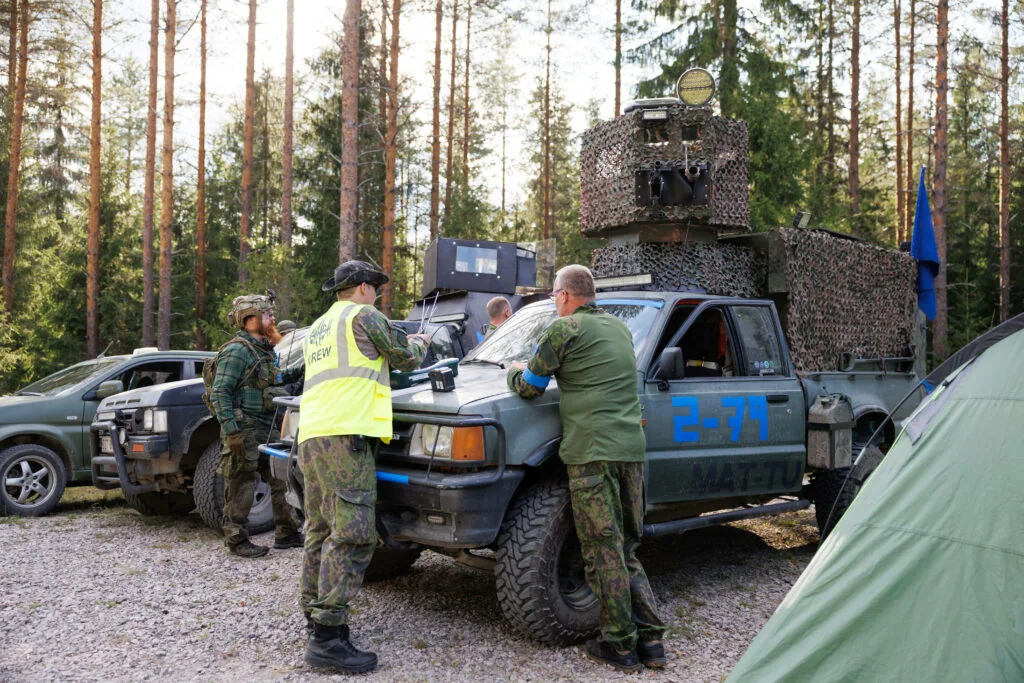
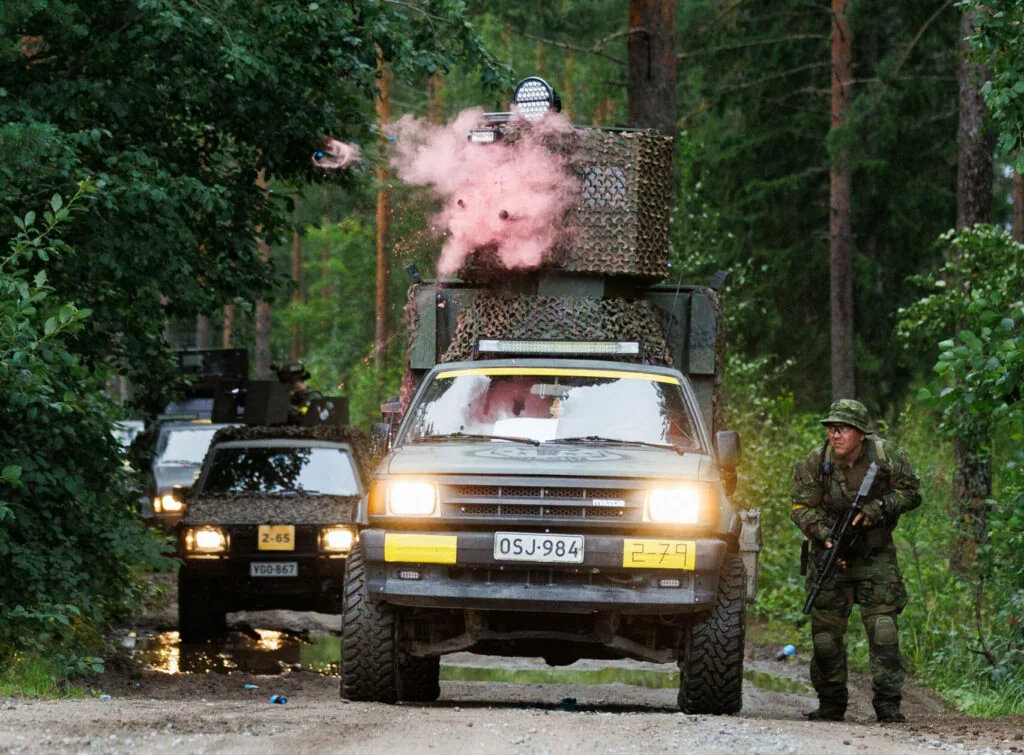
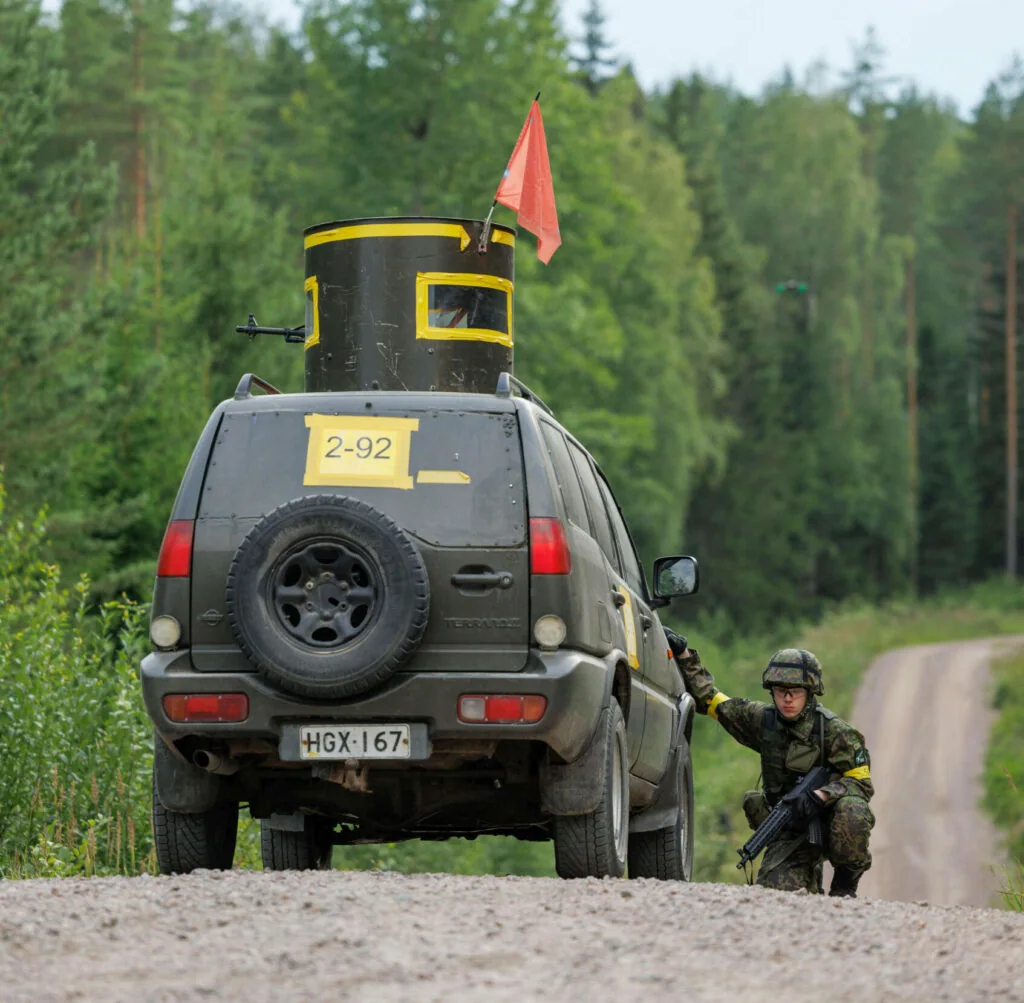
- Mark both sides of the vehicle with its faction colour. Use an A4 paper or flag with black or white characters at least 10 cm high, or coloured tape markings at least 21 cm high. Show the vehicle class and ID separated by a dash, for example 2-1, 1-10 or 2-100. Additional faction-colour markings are allowed and recommended. Recommended marking font.
- Civilian in-game vehicles must be clearly marked so they cannot be mistaken for members of the public.
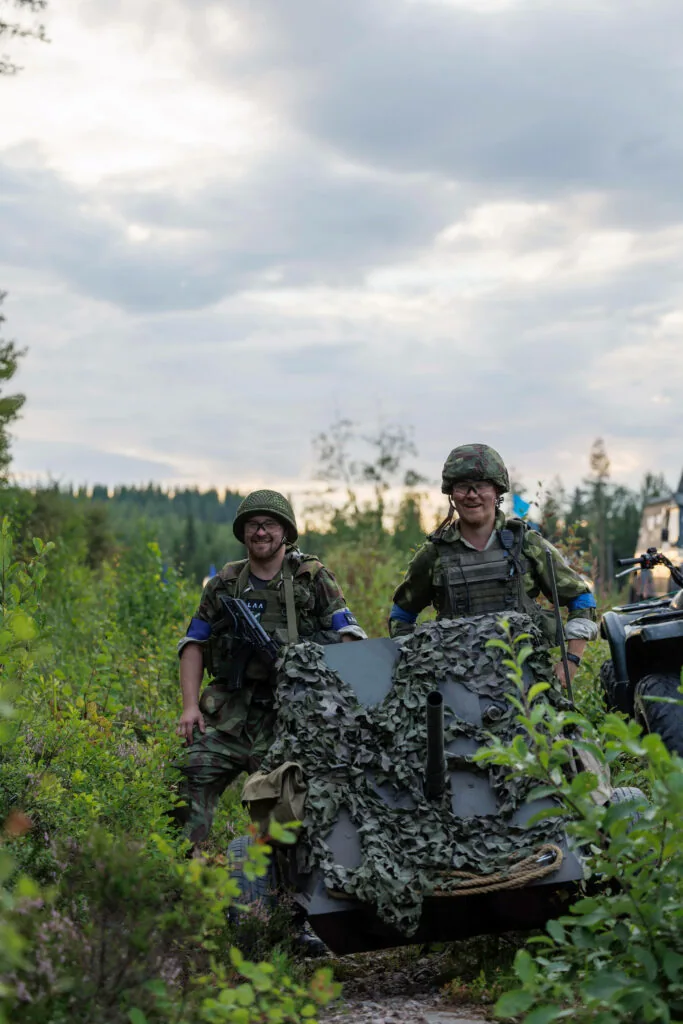
- Small ATVs, mopeds and towed anti-tank guns may use alternative markings if the standard format is impractical. Mark them as clearly as possible, with the vehicle ID readable from 10 metres in front or to the side.
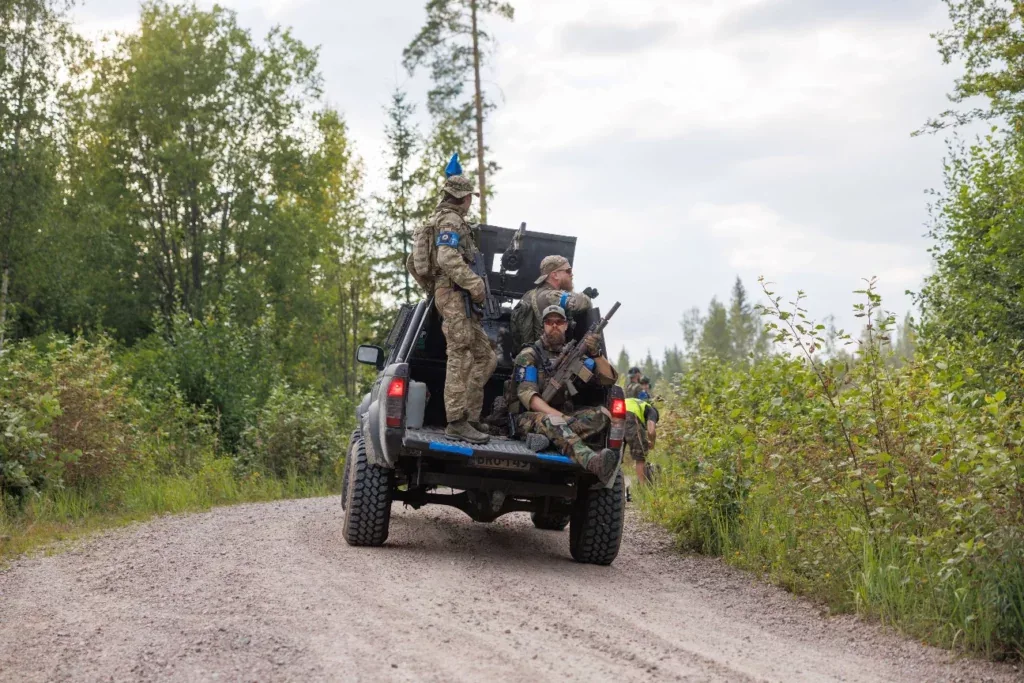
Class 1


The default class for all vehicles.
Class 2
Vehicles approved by game control. The basic requirement is a rotating turret providing 360° protection, or a towed anti-tank gun with a front shield.
Class 3
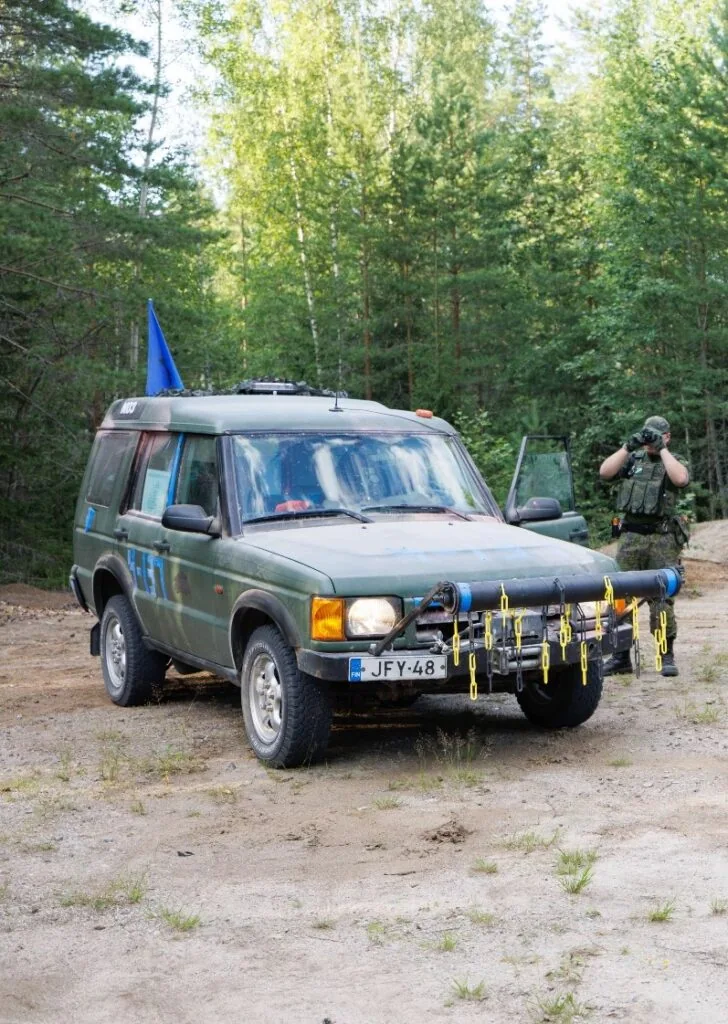
Mine-clearing vehicles only. See their separate rules.
Class 4
Real armoured vehicles.
Game-vehicle requirements
General requirements
- Military-faction vehicles must be painted matt green, black, grey, khaki or another common camouflage pattern, and look suitable for military use.
- Civilian-faction vehicles have no restrictions on model, type or colour.
- Vehicles may carry machine guns and/or one grenade launcher. These do not count towards the usual machine-gun or anti-tank role limits.
- Do not use tarps, sandbags, backpacks or other soft items as vehicle armour. If a vehicle has a fixed tarp that cannot be removed, such as a UAZ or ZIL, and a solid cover cannot be built in front of it, the crew must count all tarp hits even if the powder projectile does not break.
Required equipment
- Fire extinguisher.
- First aid kit.
- Oil-absorption materials: suitable powder, a container, tarp or fabric.
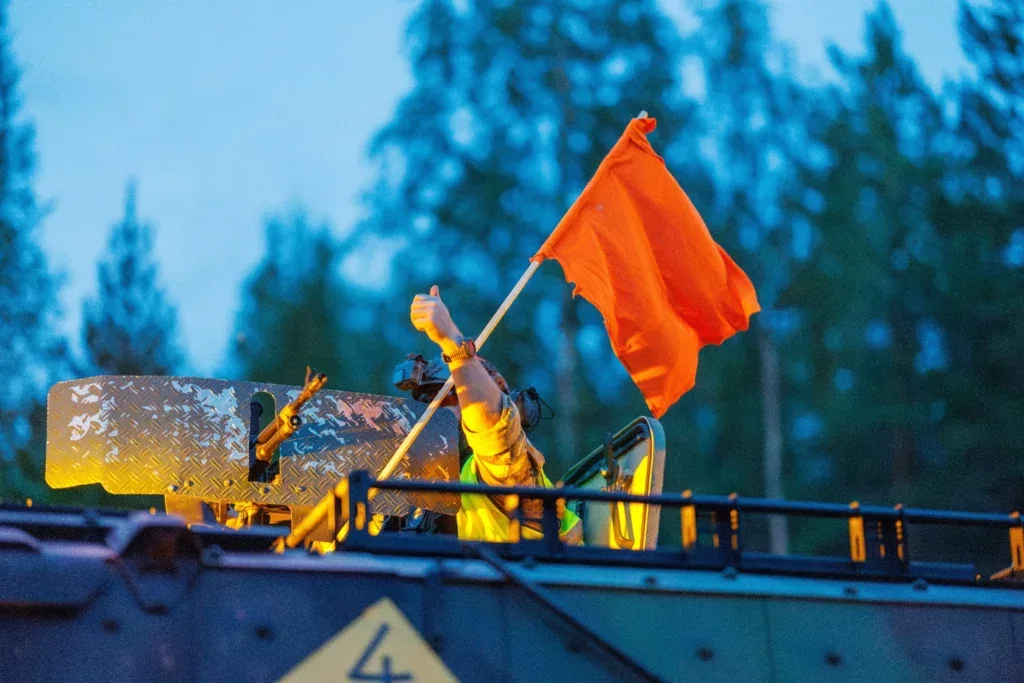
- A large orange death rag or flag.
- Valid insurance.
- Working hazard warning lights.
- A light beacon on the bonnet, accessible to other players.
- The driver must have an Android phone with the Status app or rent an Ehasa Oy GPS tracker for €15. Keep GPS tracking on whenever the vehicle is in use.
Registering a vehicle or drone in Kuulaportti
- Register your vehicle in Kuulaportti before the event. Create separate accounts for yourself and the vehicle, then buy your own event ticket. Return to My ticket on the event page and use the Vehicle ticket tab to register the vehicle. It receives an ID of up to three digits.
- Vehicle class depends on its equipment. The final marking is in the format 2-1, 1-10 or 2-100.
- The vehicle keeps the same ID at all Ehasa events to help track its use.
- Game masters make the final decision on vehicle class at the on-site vehicle inspection.
Destroying, repairing and respawning vehicles
When an ingame vehicle gets hit
- Each hit stops the vehicle for 20 seconds. Its weapons may still be used. Stop safely as soon as the hit is received or reported.
- The projectile must break and leave a visible powder mark. A bounce does not count, except on vehicles with a fixed tarp.
- A vehicle is destroyed when it has taken its allowed number of hits.
Vehicle hits and destruction
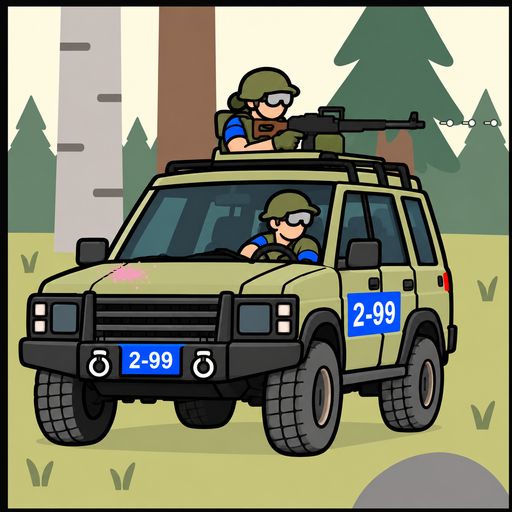 20 sFirst hit 20 s
A class 2 vehicle stops for 20 seconds after its first hit. One hit point remains. Its weapons may still be used: the machine gunner keeps firing.
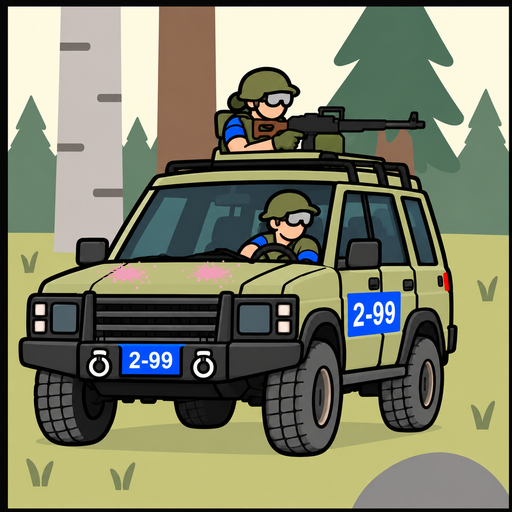 Final hit
The projectile breaks and leaves a visible powder mark. The vehicle is destroyed when it loses its last hit point.
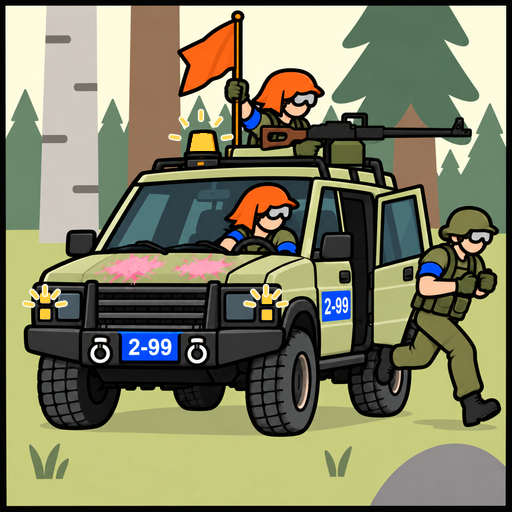 20 sSignal destruction 20 s
Sound a long horn blast. Turn headlights and spotlights off; turn hazards and the orange beacon on and raise the orange flag. Driver and gunner are eliminated; other crew must leave within 20 seconds or are also eliminated.
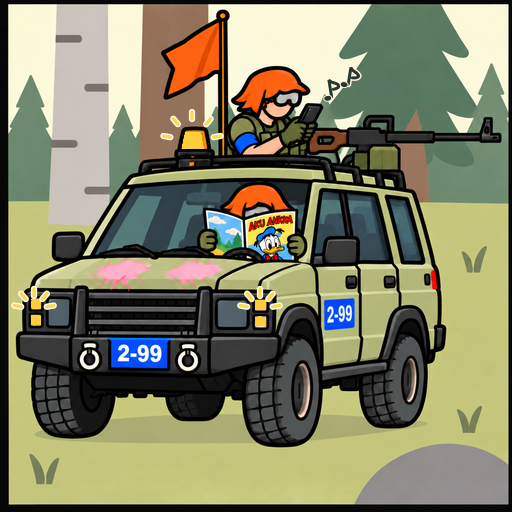 5 minWait in place 5 min
The vehicle stays in place on the road for five minutes. The driver remains at the wheel and moves it if necessary to let off-game traffic pass.
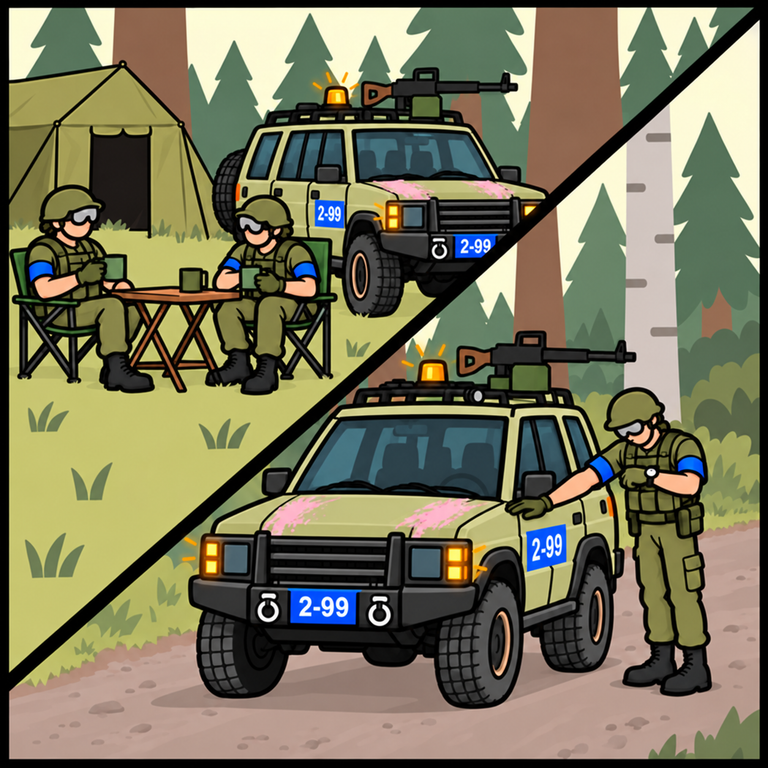 60 min15 minBase respawn or engineer repair
The default base respawn is 60 minutes after arrival. In the field, an engineer can repair the vehicle by touching its hood or front for 15 minutes. The next destruction after that repair requires respawning.
Every hit stops a vehicle for 20 seconds. The illustrated class 2 vehicle 2-99 has two hit points: it can still fight after the first hit, and the second destroys it.
- Sound one long horn blast, switch off headlights and spotlights, turn on the hazard lights and orange roof beacon, and raise the orange flag. The driver and gunner are eliminated. Other crew have 20 seconds to leave the “burning” vehicle or are eliminated too.
- A destroyed vehicle stays on the road for 5 minutes before returning to the main base to respawn. The driver must remain in the driver’s seat so it can be moved if it blocks an offgame vehicle.
- To simulate towing, place a “rope” made from at least 5 metres of barricade tape between the vehicles. The drivers agree how to move. Travel only at walking speed, with nobody near the vehicles. A vehicle may tow only one other vehicle at a time.
- An engineer can repair a destroyed vehicle by touching its bonnet or front for 15 minutes. It then returns to play with full hit capacity. Its next destruction is final until it respawns.
Destroying an empty vehicle
- An empty vehicle can be destroyed by switching its marker light on to indicate destruction.
- The beacon method cannot be used when anyone is in or beside the vehicle. Do not run between vehicles destroying them this way. Use it only on clearly parked, abandoned vehicles.
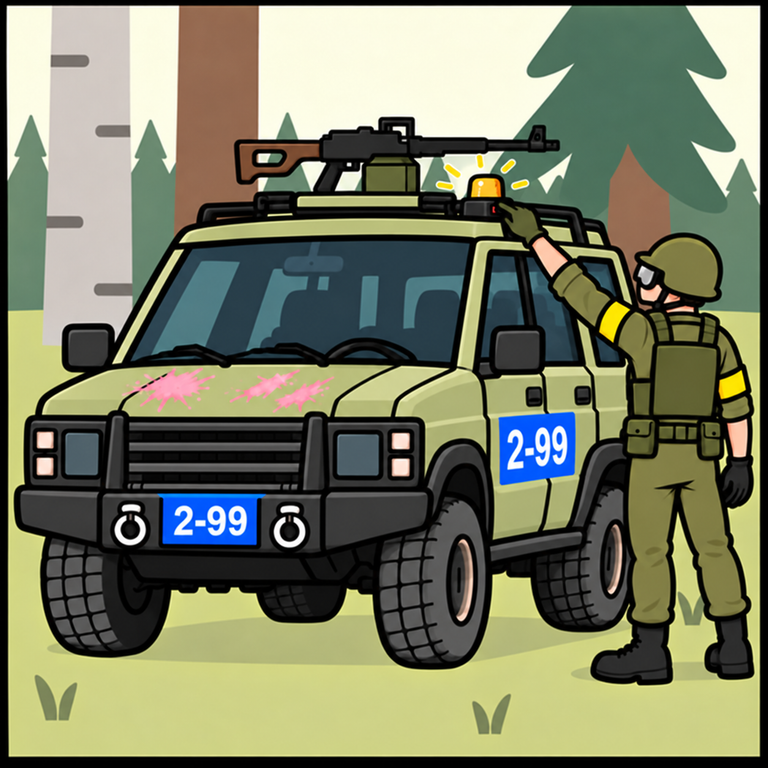
Respawning an ingame vehicle
- Vehicles respawn at the faction’s main base or another permanent faction spawn area that cannot be captured by the enemy.
- The default vehicle respawn time is 1 hour after arriving at the respawn area.
- Some civilian engineers may have the ability to repair and respawn vehicles in the field.
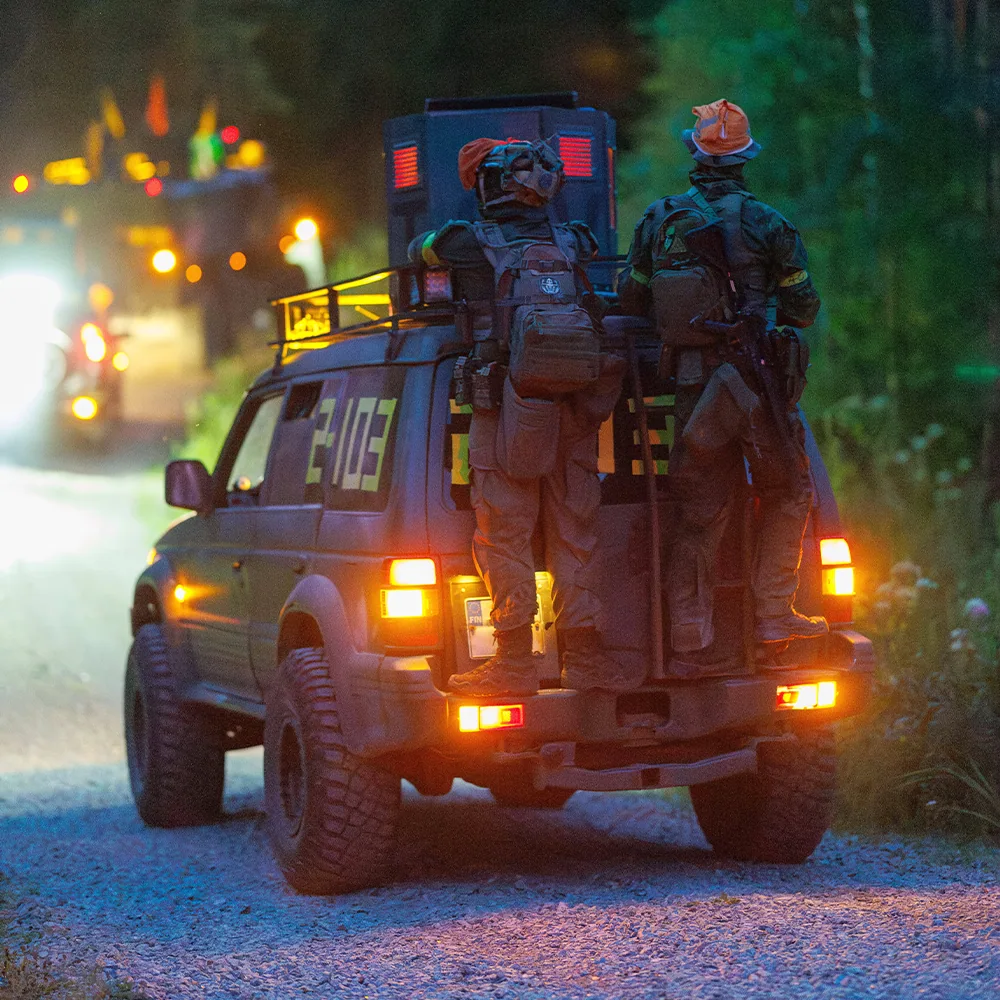
Anti-tank soldier
- Only anti-tank players may use 40 mm TAG Paladin, FinTap or powder grenades sold by Ehasa to destroy vehicles. Buy your own or arrange rental from game control in advance.
- The projectile must break and leave a visible powder mark. A bounce does not count, except on vehicles with a fixed tarp.
- Anti-tank players must display an anti-tank patch at all times; patches are sold at check-in. The civilian game master may grant anti-tank capability to a very limited number of civilian players.
- Only TAG Paladin, FinTap and powder grenades sold by Ehasa are allowed. Other types, including homemade 3D-printed grenades and other TAG models, are forbidden and result in removal from the game.
- The Pecker training grenade can only be used at the base for safe training.
- Projectile impact energy must not exceed 40 J. TAG-manufactured shells are always permitted.
- Do not fire a projectile from a vehicle unless the launcher is fixed to its structure or gun. A dismounting anti-tank player must have both feet on the ground and be firmly clear of the vehicle before firing.
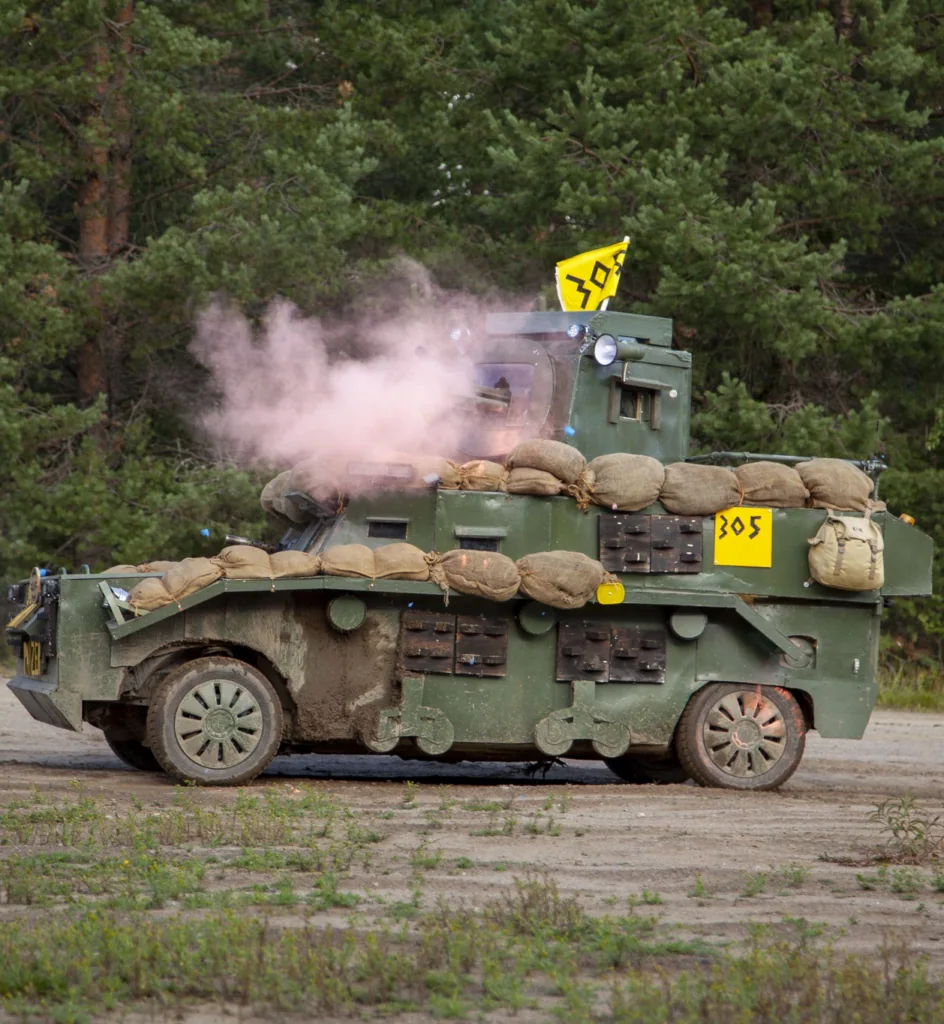
Anti-tank mines
- Anti-tank mines are faction-coloured props: red, blue or yellow. Your commander distributes them, and numbers are limited.
- Only engineers may place or disable anti-tank mines.
- Anti-tank mines only prevent vehicles from using roads.
- Mines placed by your own faction do not affect your faction’s vehicles.
- If a normal vehicle drives over an AT-mine, it is destroyed along with everyone inside. The vehicle cannot be repaired or any of the passengers be healed. The vehicle is destroyed even if the AT-mine is between the tyres.
- To block a road, place mines so vehicles cannot bypass them. In-game vehicles may pass a mine only if it does not go under any part of the vehicle. Offgame vehicles may drive past mines.
- Placing or clearing one mine takes 3 minutes and requires an engineer. Do not steal, hide, break or move enemy mines further than the roadside, for example into a ditch.
- Do not camouflage or conceal anti-tank mines.
- Bring any unused anti-tank mines found in the area to game control so they are not left behind.
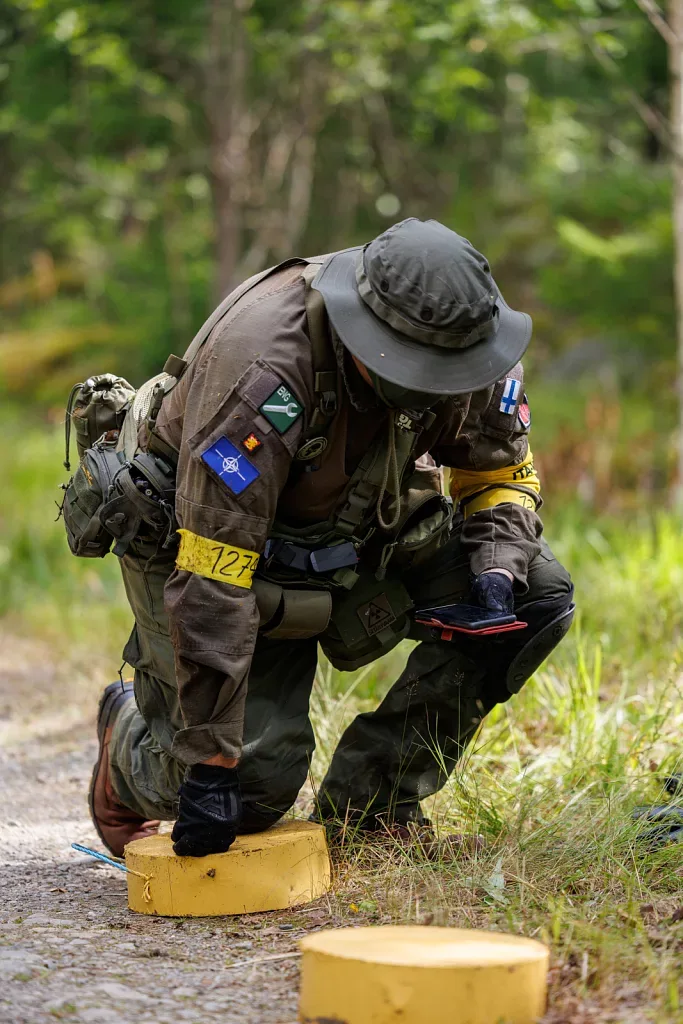
Engineers
- Only engineers may place or clear anti-tank mines and repair destroyed in-game vehicles. See those sections for details.
- Engineers must display an engineer patch or armband at all times. These are sold at check-in.
- Civilian players can also be engineers.
Mine Clearing Vehicle (MCV)
Mine clearing
- MCVs can clear enemy anti-tank mines on roads.
- Drive the clearing device over the mines first, very slowly: below 5 km/h.
- After the vehicle has completely passed over the mines, crew wearing yellow high-visibility vests move them to the roadside.
MCV requirements and other rules
- Only unarmed vehicles may act as MCVs, with one per faction.
- An MCV must have a purpose-built plate, chains or similar clearing device at its front or rear.
- Contact Ehasa at info@ehasa.org before building an MCV for your faction.
- Ehasa provides “Mine Clearing Vehicle” signs. Display them on both sides of the vehicle.
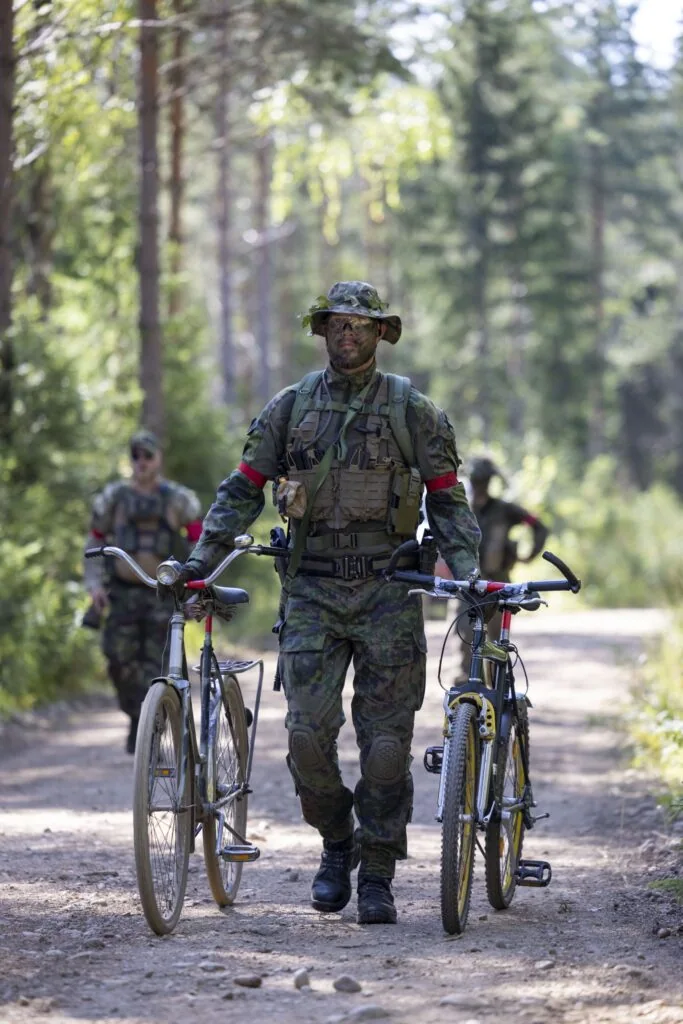
Bicycles
- You may use your own bicycle. It must have a military appearance or a plain colour, not bright colours.
- Enemy bicycles cannot be destroyed, and you must not use another player’s bicycle.
- Hiding an enemy bicycle, deflating its tyres or similar interference will result in removal from the game.
- Eliminated players may use bicycles to reach a respawn point.
- Players are responsible for their own bicycles and transporting them to the event.
Helicopter transport and airborne troops
- Factions have a limited number of “helicopter rides” to transport troops to almost anywhere in the game area.
- Players are transported by vehicles with offgame markings to the drop zone.
- Players return to the game when they leave the vehicle.