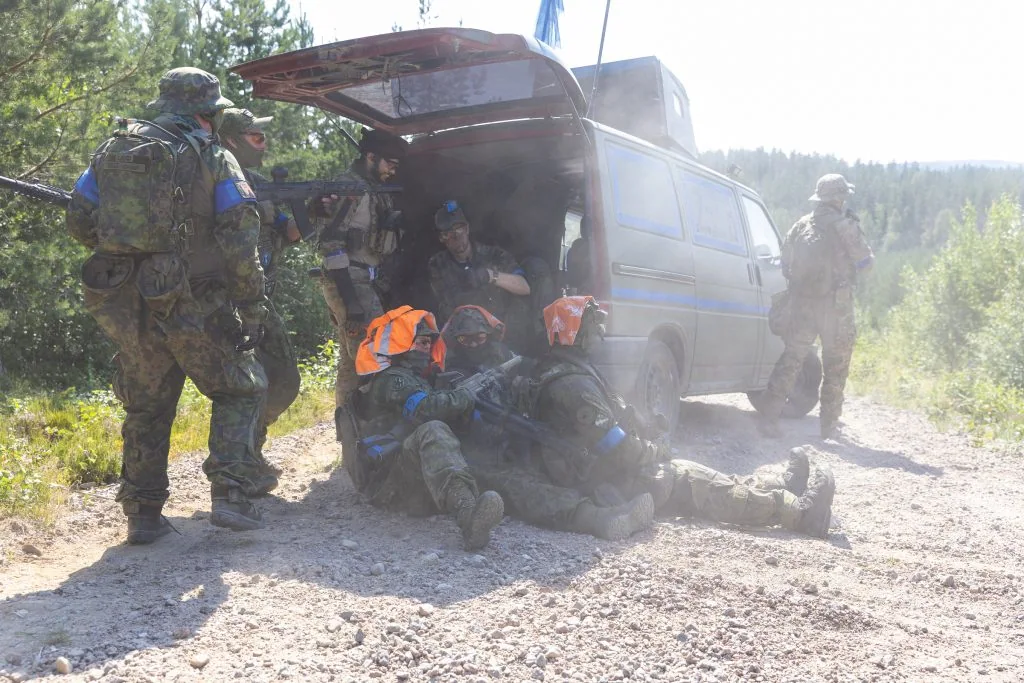
You need your own Kuulaportti account, a paid ticket and membership of Ehasa’s Discord server.
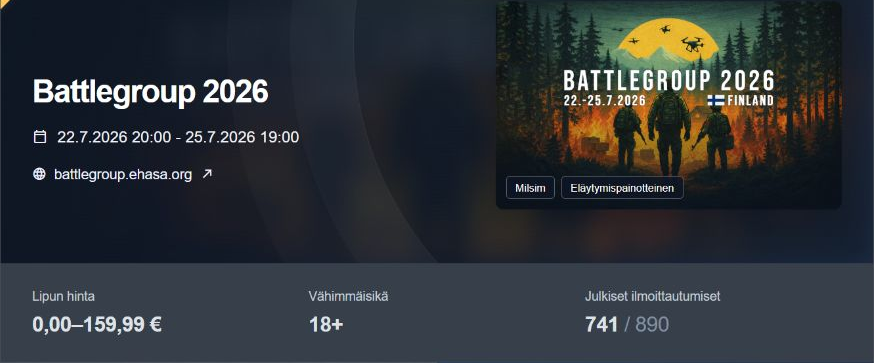
1. Open the event details
Sign in to Kuulaportti with the account you registered with. Open the Battlegroup event details and your own ticket. Under Event Discord access, select Manage my Discord link.
Open Kuulaportti ↗
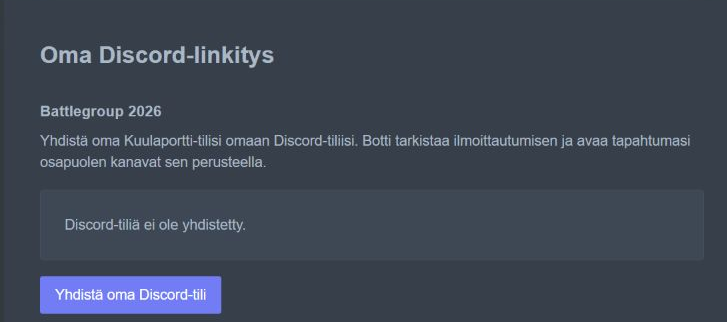
2. Connect your own Discord account
Check that the linking page shows the correct event. Select Connect my Discord account.
Join Ehasa’s Discord ↗
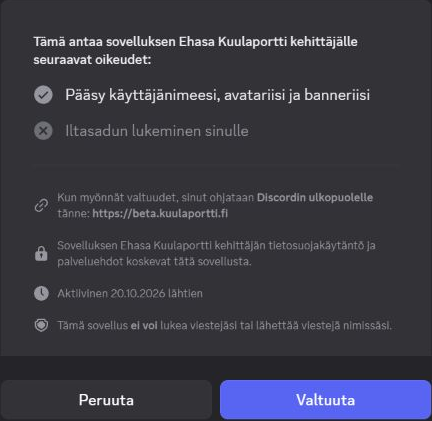
3. Confirm the connection in Discord
Check that Discord shows your own account and the application Ehasa Kuulaportti. Approve the connection by selecting Authorize (Valtuuta).
4Return to Kuulaportti and check the status
The bot checks your registration, payment and faction. Once access is confirmed, your faction’s channels appear in Discord. If needed, select Check my registration again on the linking page.