Ehasa ryBattlegroup 202721.–24.7.2027

TSTOS News

In-game news

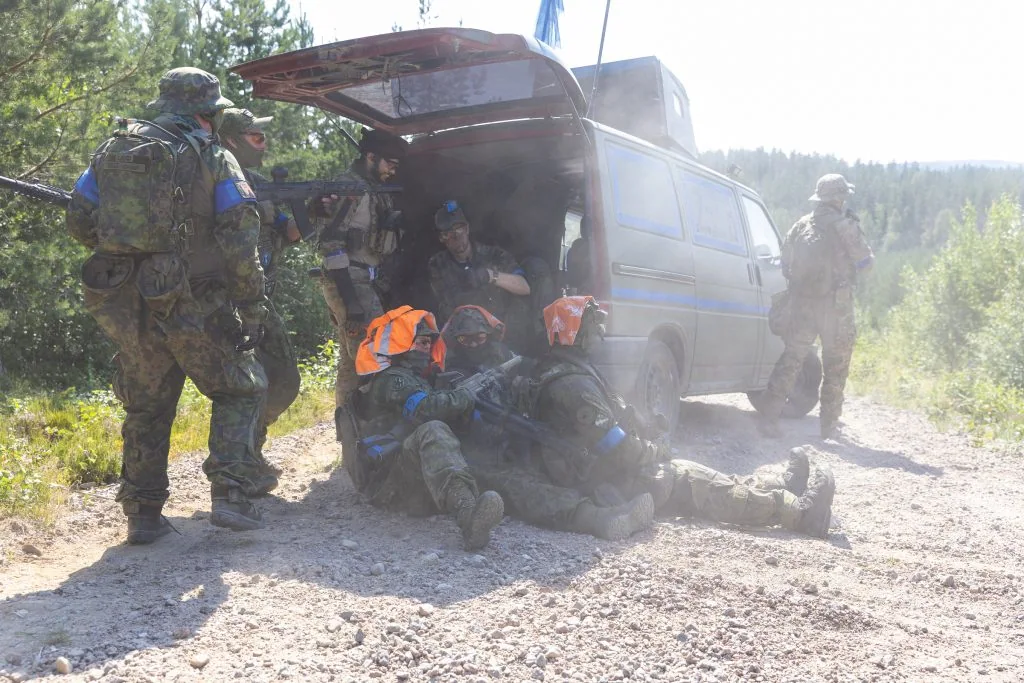
TSTOS News publishes Free Nordberg Press’s in-game reports on Nordberg’s fighting, factions and civilians.

Open TSTOS News
TSTOS News

News from Nordberg and the Uusimaa/Pirkanmaa conflict

165 posts

12 publishing accounts

Battle reports, interviews and news document the game world from year to year.

Posts by year
YearRelative countPosts
20265
202531
202450
202323
202215
202141

Join the civilian faction as a reporter

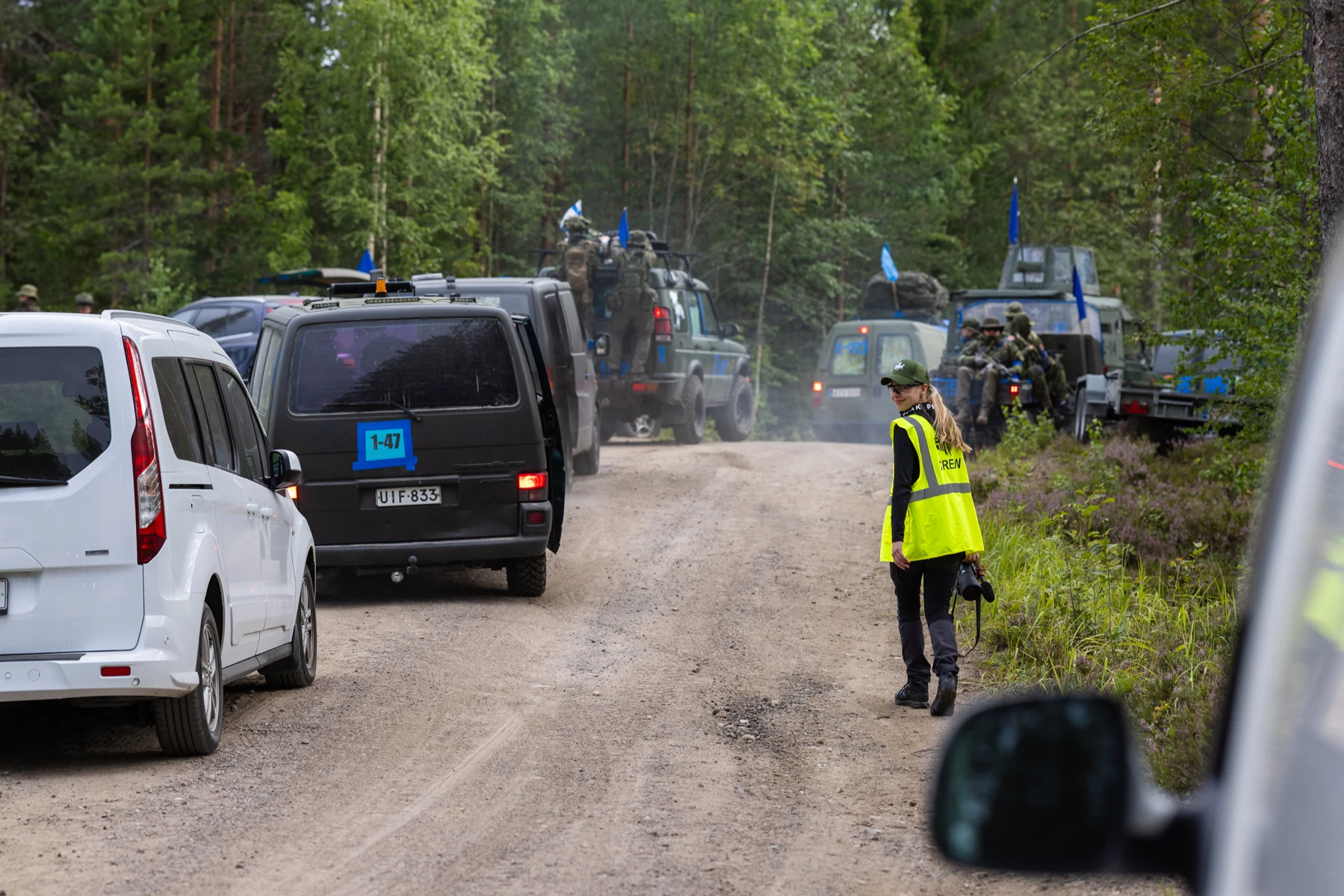
Want to explore the world of Nordberg from different perspectives? As a reporter, you can conduct interviews, produce video reports, write news stories and pursue investigative journalism. You are at the forefront of in-game events, reporting on them for others.

Explore the civilian faction

Search the website

Connect your Discord account in Kuulaportti

You need your own Kuulaportti account, a paid ticket and membership of Ehasa’s Discord server.

  1. Actual Kuulaportti event view showing Battlegroup 2026, dates and event details.

    1. Open the event details

    Sign in to Kuulaportti with the account you registered with. Open the Battlegroup event details and your own ticket. Under Event Discord access, select Manage my Discord link.

  2. The actual My Discord link page with the Connect my Discord account button, shown in Finnish.

    2. Connect your own Discord account

    Check that the linking page shows the correct event. Select Connect my Discord account.

  3. The actual Discord consent screen. Ehasa Kuulaportti requests identity access. Cancel and Authorize are at the bottom, in Finnish.

    3. Confirm the connection in Discord

    Check that Discord shows your own account and the application Ehasa Kuulaportti. Approve the connection by selecting Authorize (Valtuuta).

Return to Kuulaportti and check the status

The bot checks your registration, payment and faction. Once access is confirmed, your faction’s channels appear in Discord. If needed, select Check my registration again on the linking page.