
Halli
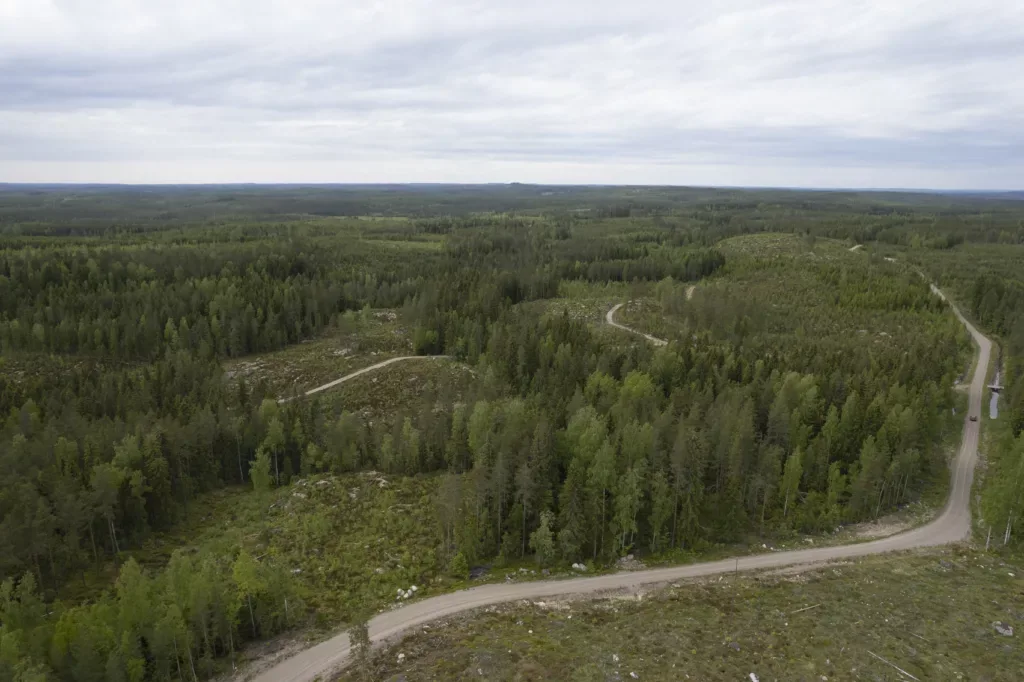
Battlegroup takes place at the former Finnish Defence Forces training area in Halli, Jämsä. The boundary on the map shown here covers approximately 22 km², or 2,200 hectares, stretching almost nine kilometres from north to south.
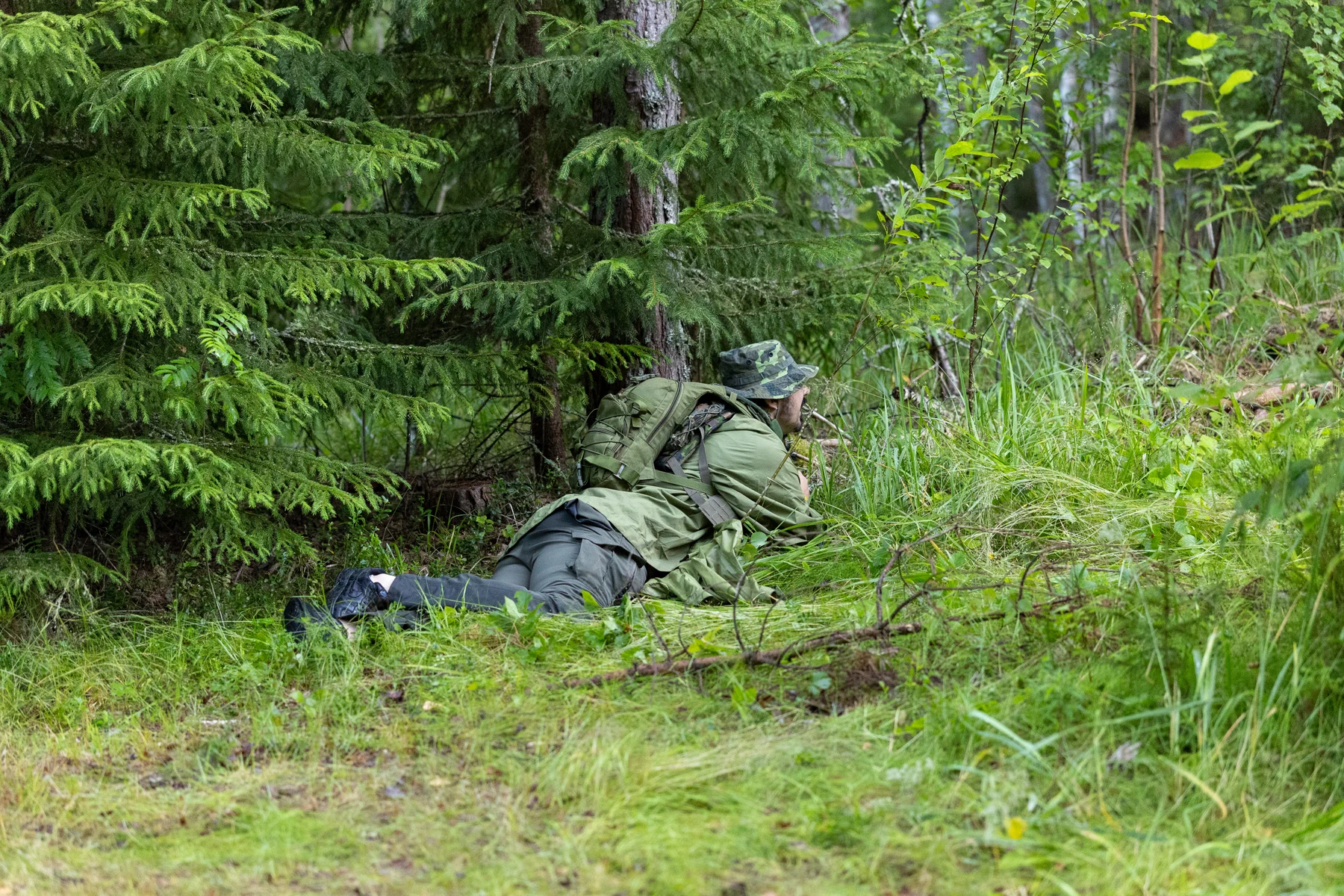
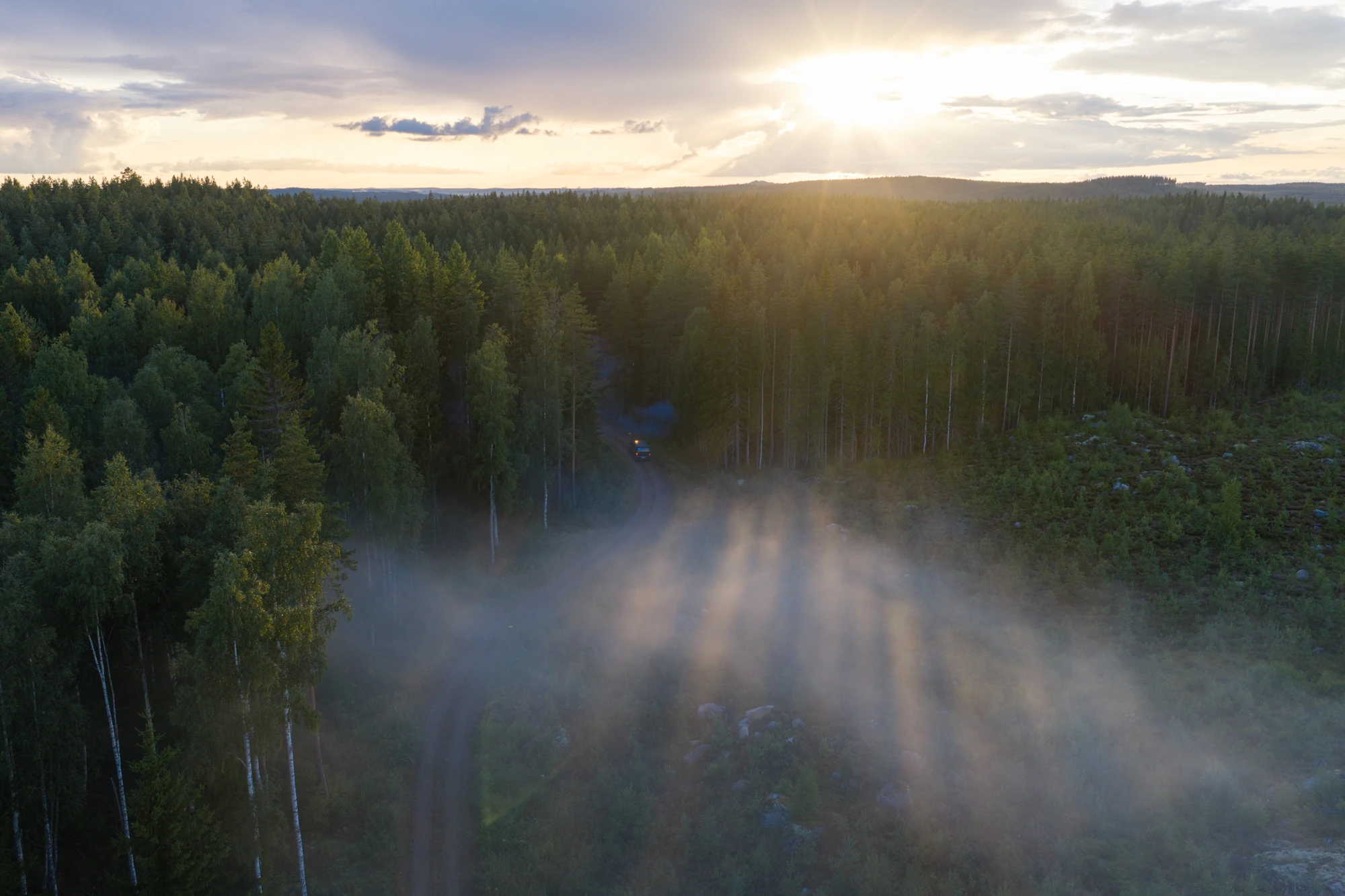
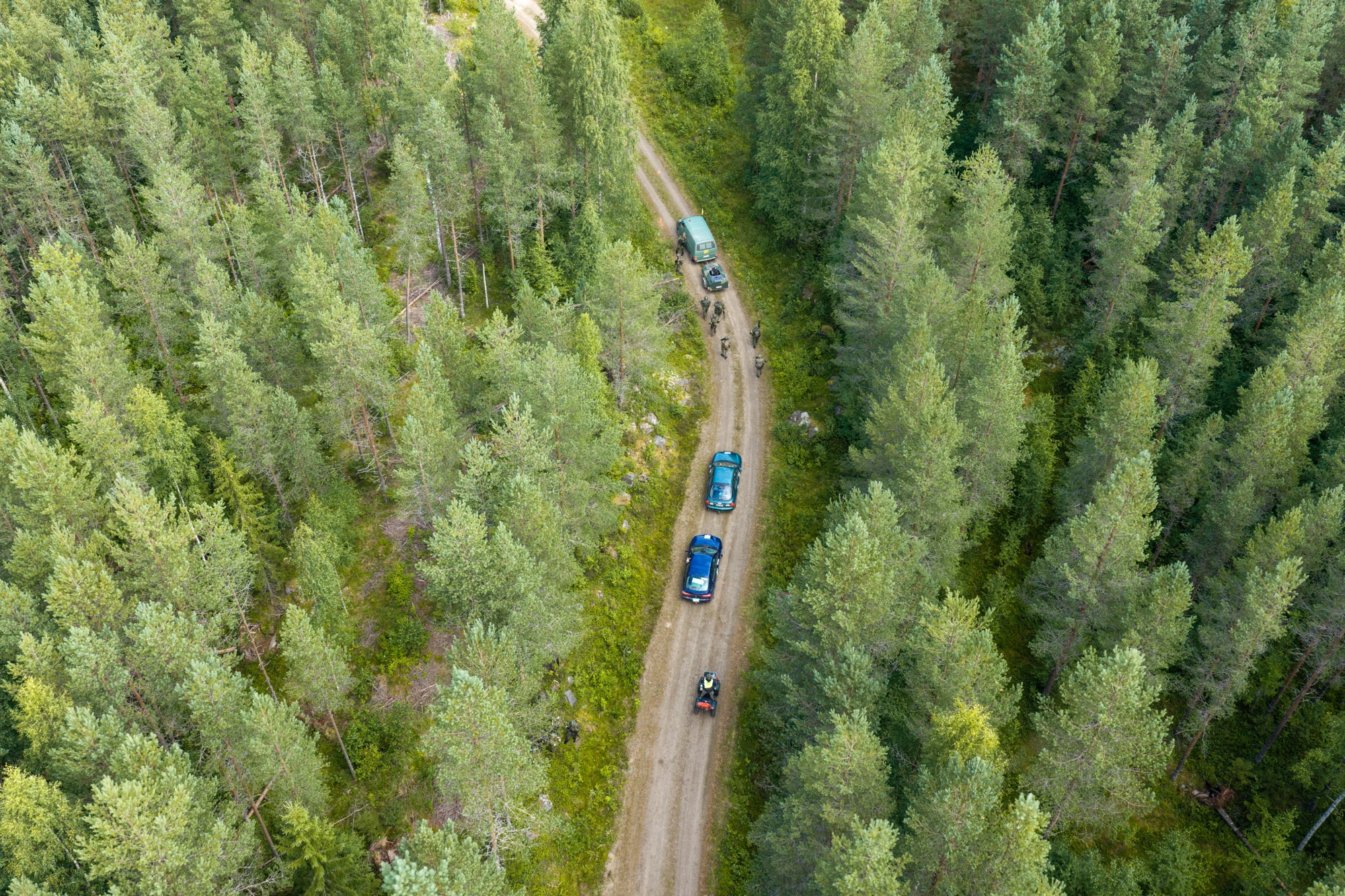
Forest roads connect woodland, rocky hills and suitable base locations. Denser vegetation, drained marshes and small lakes lie between them. The road network supports vehicles and logistics, while changes in elevation and terrain make travelling through the forest different from following a road.
Across this large area, your route, transport and supplies shape the game day. In the 2026 feedback, infantry players highlighted long distances and uncertain transport as areas for improvement. Carry the supplies you need for the day and agree on movement with your squad before heading out.
Game-area map
 Game-area map
The map shows the game-area boundary, road network, bases and event services.
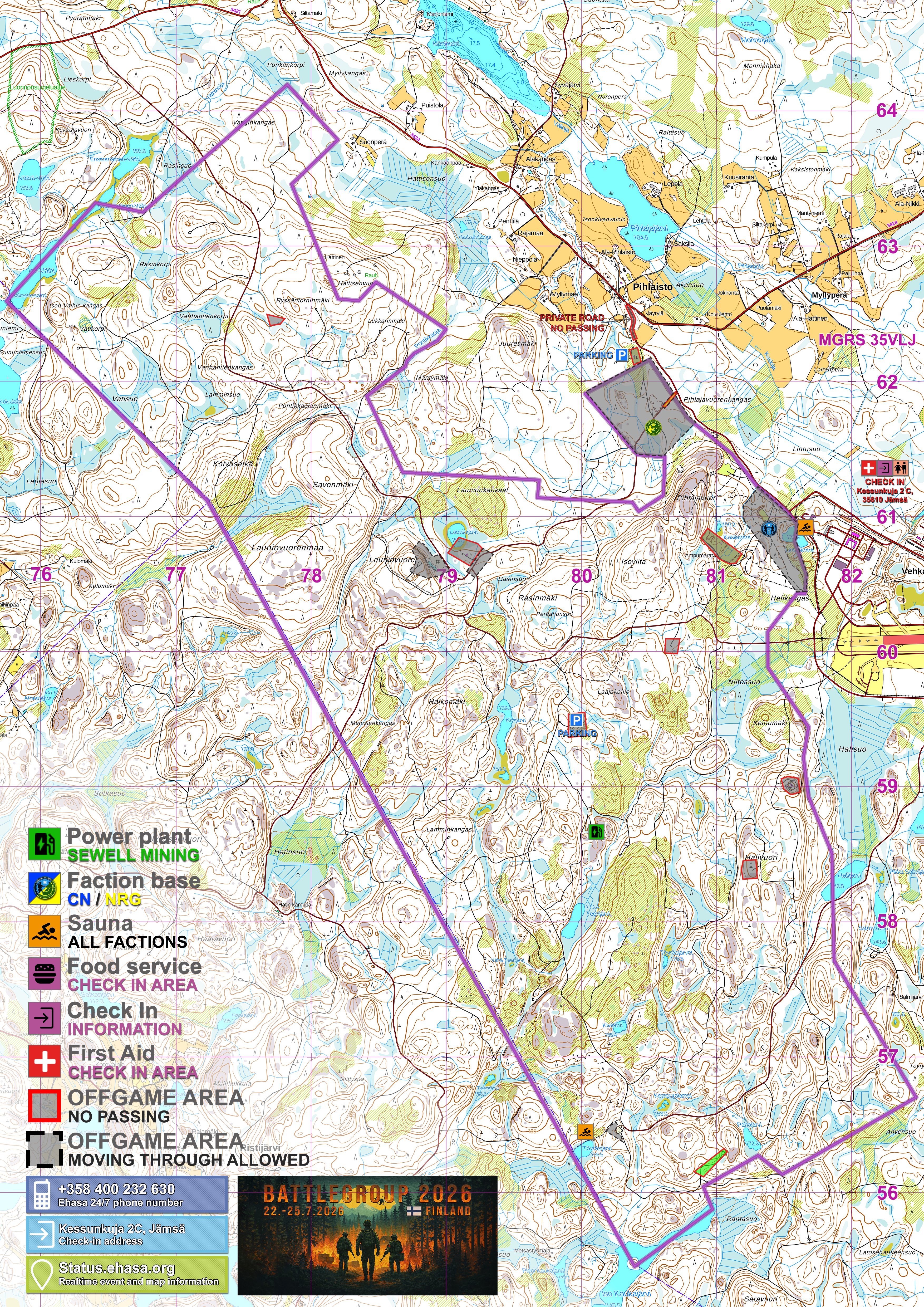
Offgame areas, parking and support facilities are also marked. The private road north of Halinkankaantie is not available for event traffic.
Events held in the Halli area
Battlegroup 2026
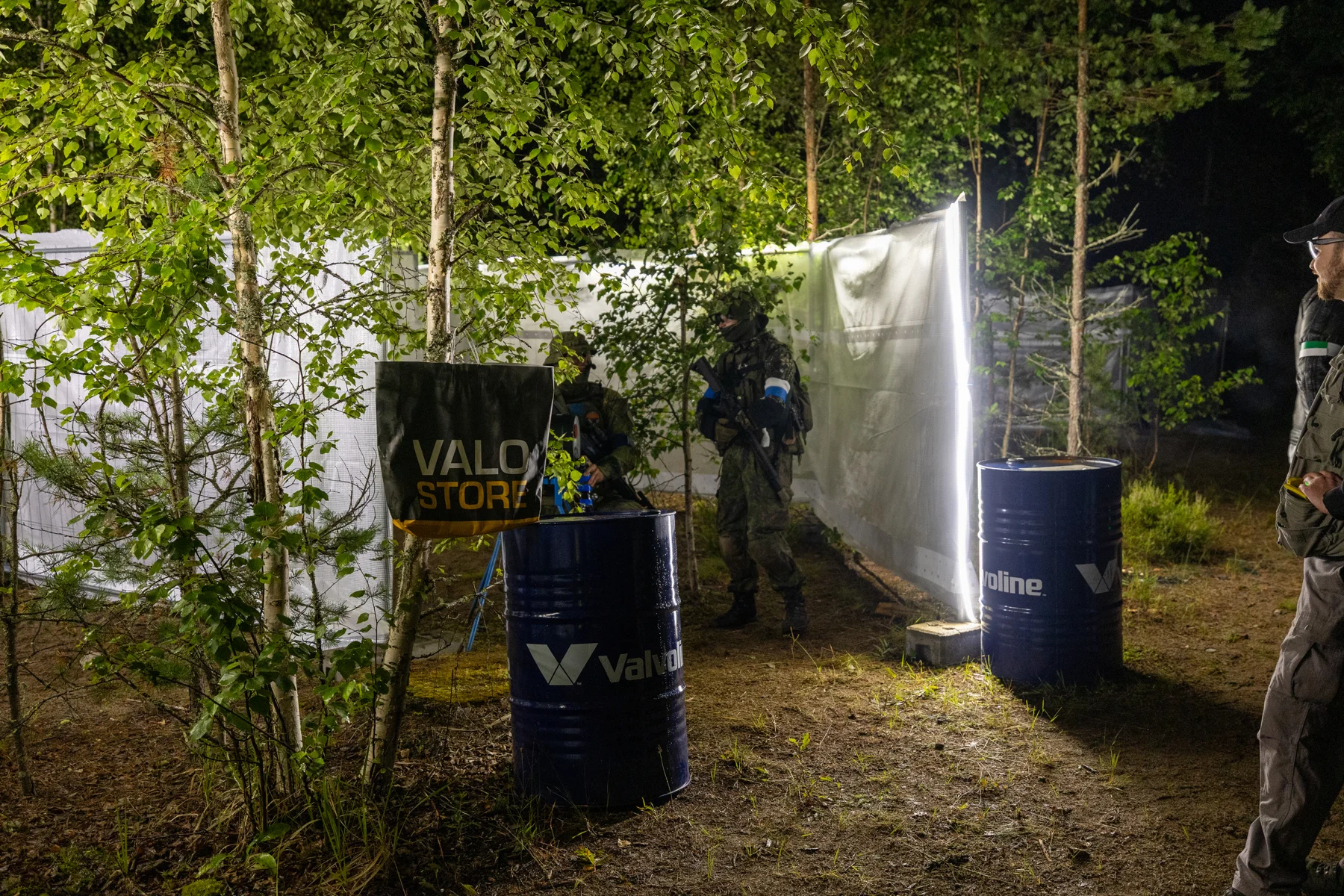
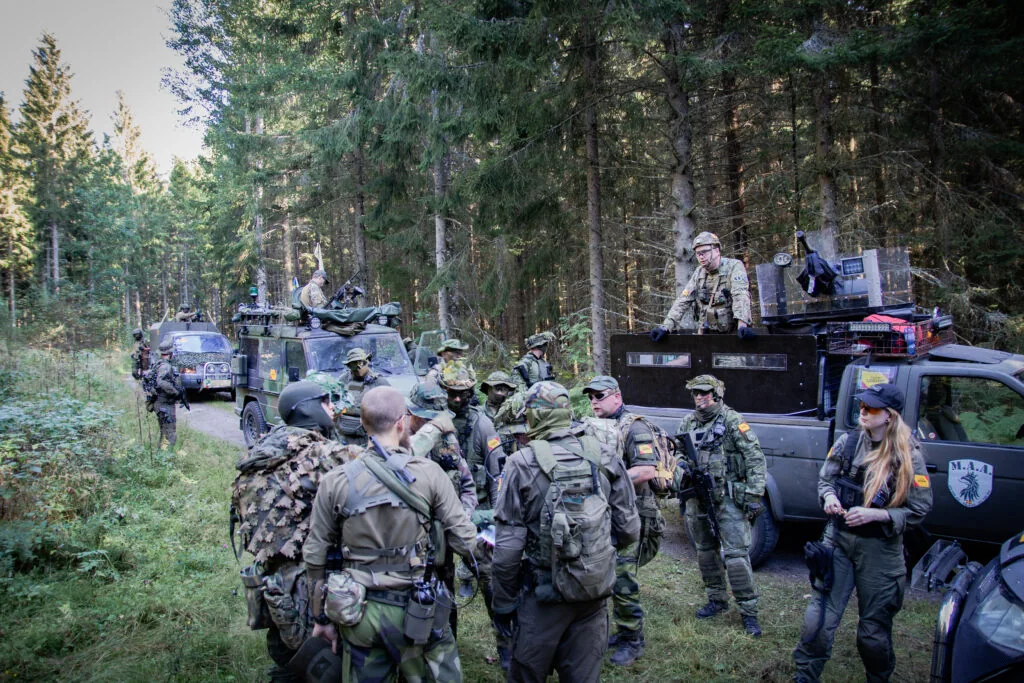
779 registrationsThe third Battlegroup in Halli featured the RSV device, night missions and the final-day convoy. The in-game TSTOS News also reported an accident at Sewell Mining’s power plant and a temporary restricted area.
Explore the event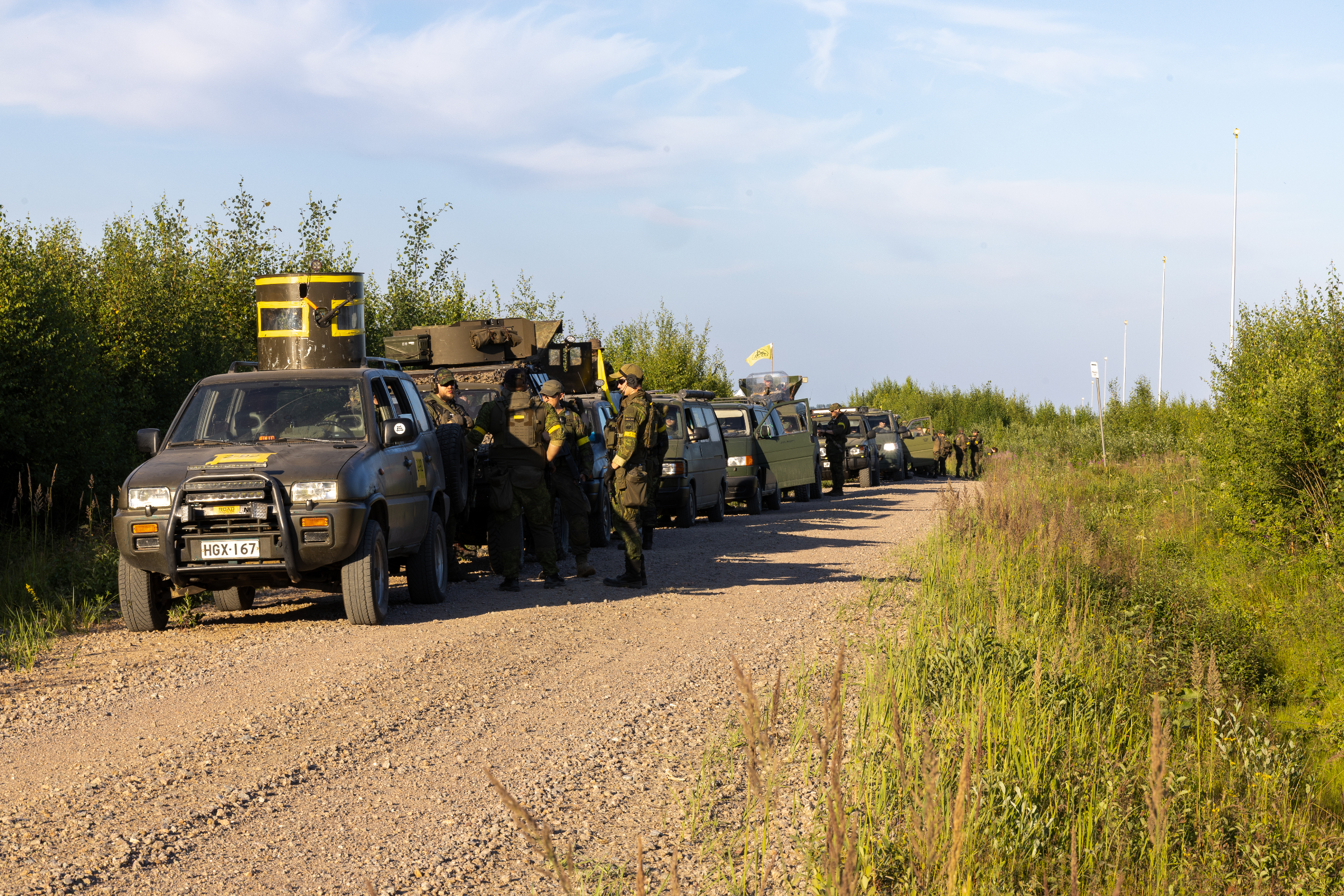
Battlegroup 2025
725 registrationsThe bases were placed closer together, leading to more encounters between the factions. Operation Clean Heaven brought fighting around Sewell Mining’s power plant, while the civilian village hosted trade, negotiations and investigations into suspected espionage.
Explore the event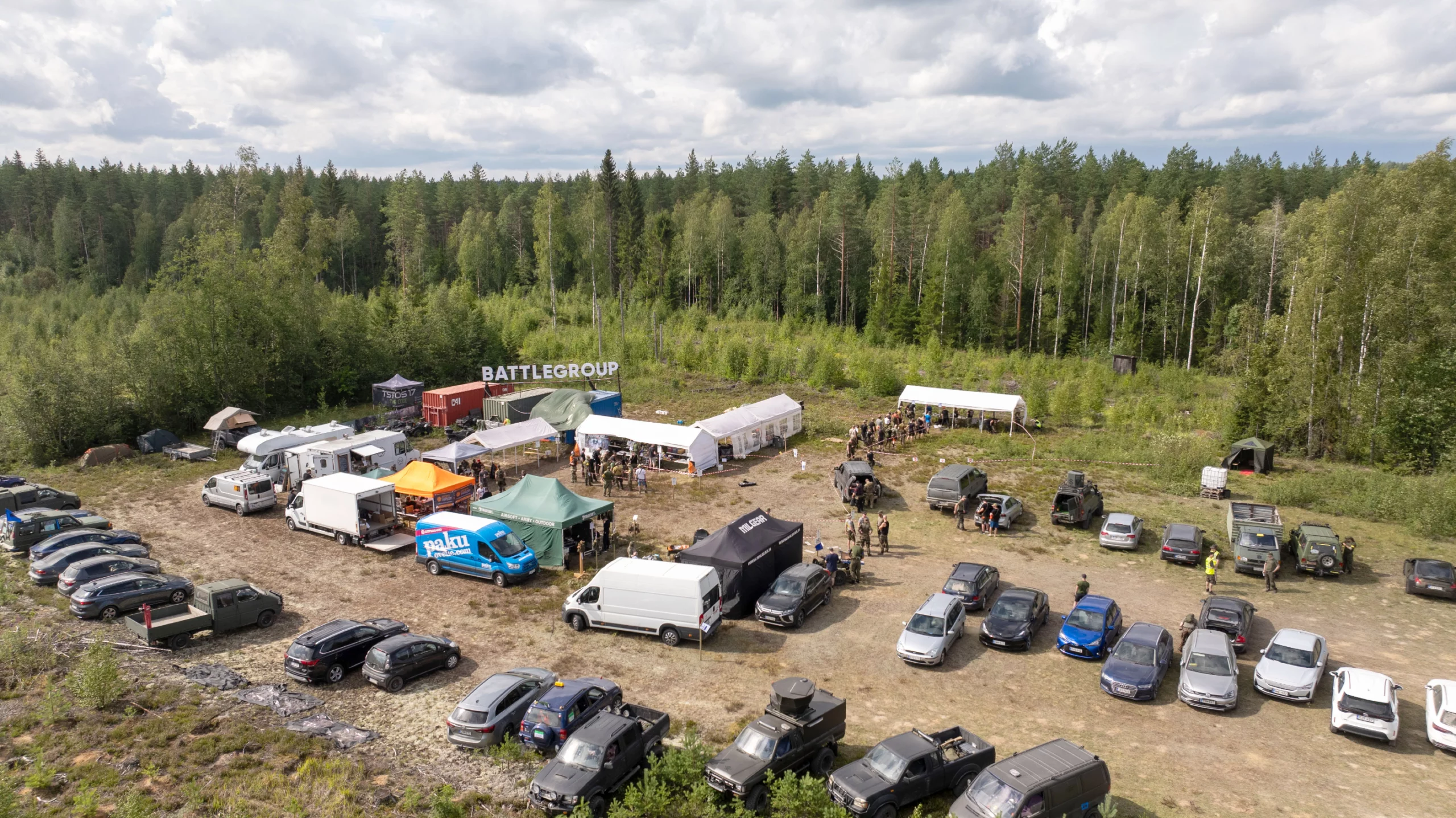
Battlegroup 2024
644 registrationsBattlegroup moved to Halli for the first time. Its extensive woodland and road network provided a new setting. In the fictional story, CN and NRG contested the resources of Halli airfield, while Jayville’s civilians tried to keep their services running and remain neutral.
Explore the event