Ehasa ryBattlegroup 202721.–24.7.2027

Welcome to Battlegroup 2026 – Arrival and Check-in Information

Welcome to Battlegroup 2026! Please read the following arrival, parking and check-in instructions before travelling to the event.

Registration and Game Control

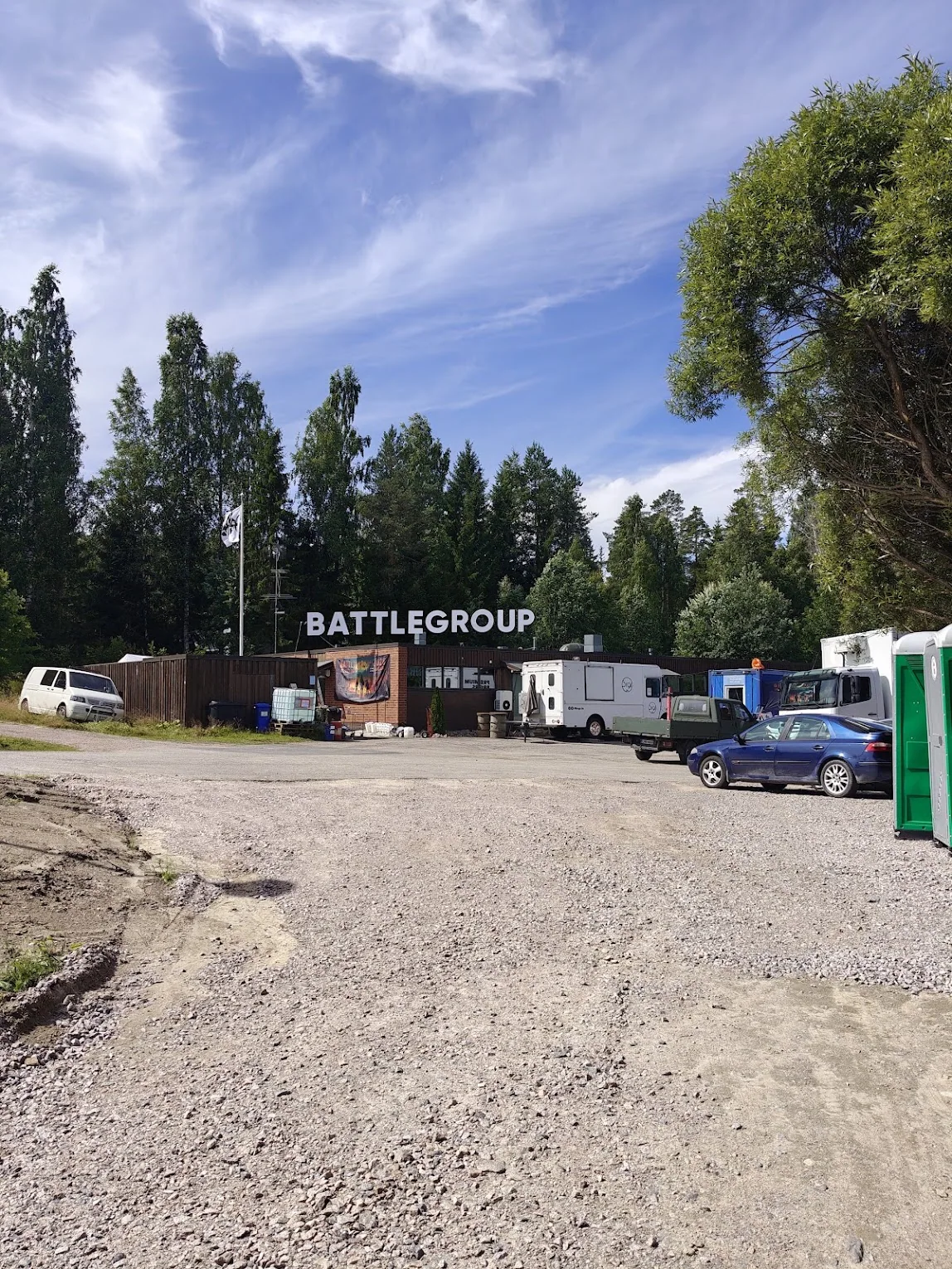
Registration and the game control area are located at Kessunkuja 2, Halli (postal address Kessunkuja 2 C, 35600 Halli). Navigation apps may direct you to the area using an unusual route, even through residential yards, so follow the event signs as you approach.

Arrival and parking

Parking space at registration is limited. A temporary parking area is located approximately 200 metres from registration; follow the instructions of traffic control personnel.

The gravel access road is one-way during arrival. Return traffic runs via the housing-company yard road. Drive slowly and carefully. The private road north of Halinkankaantie must not be used.

Before check-in

  • Complete the rules questionnaire and be ready to show the result at registration.
  • Bring an identity document, an orange dead rag and faction armbands marked with your Player ID.
  • Know your Player ID before arriving. It is available in the player service at players.ehasa.org.
  • The live map, faction bases and event status information are available at status.ehasa.org.

See you at the event!

Search the website

Connect your Discord account in Kuulaportti

You need your own Kuulaportti account, a paid ticket and membership of Ehasa’s Discord server.

  1. Actual Kuulaportti event view showing Battlegroup 2026, dates and event details.

    1. Open the event details

    Sign in to Kuulaportti with the account you registered with. Open the Battlegroup event details and your own ticket. Under Event Discord access, select Manage my Discord link.

  2. The actual My Discord link page with the Connect my Discord account button, shown in Finnish.

    2. Connect your own Discord account

    Check that the linking page shows the correct event. Select Connect my Discord account.

  3. The actual Discord consent screen. Ehasa Kuulaportti requests identity access. Cancel and Authorize are at the bottom, in Finnish.

    3. Confirm the connection in Discord

    Check that Discord shows your own account and the application Ehasa Kuulaportti. Approve the connection by selecting Authorize (Valtuuta).

Return to Kuulaportti and check the status

The bot checks your registration, payment and faction. Once access is confirmed, your faction’s channels appear in Discord. If needed, select Check my registration again on the linking page.